Server Version#: 1.21.4
Player Version#: 8.16
Hey all so Ive had a odd bug for a bit and im tried to im hoping someone else has the same issue and we can work together to figure it out.
Summary: When direct playing a x265 file. Everything works fine. If playing a whole season/shuffle once the first episode concludes, the second episode fails to play with "An error occurred while attempting to play this video. Please check connection and try again. " Hitting ok and closing out of the app works for 3 or 4 times. Then eventually the whole google tv will crash and reboot.
Research: As stated in the summary direct selection of files work fine. To verify and to set a test Ill be using s2 ep2 and s2 ep3. Both direct play perfect no issues with subtitles audio etc.
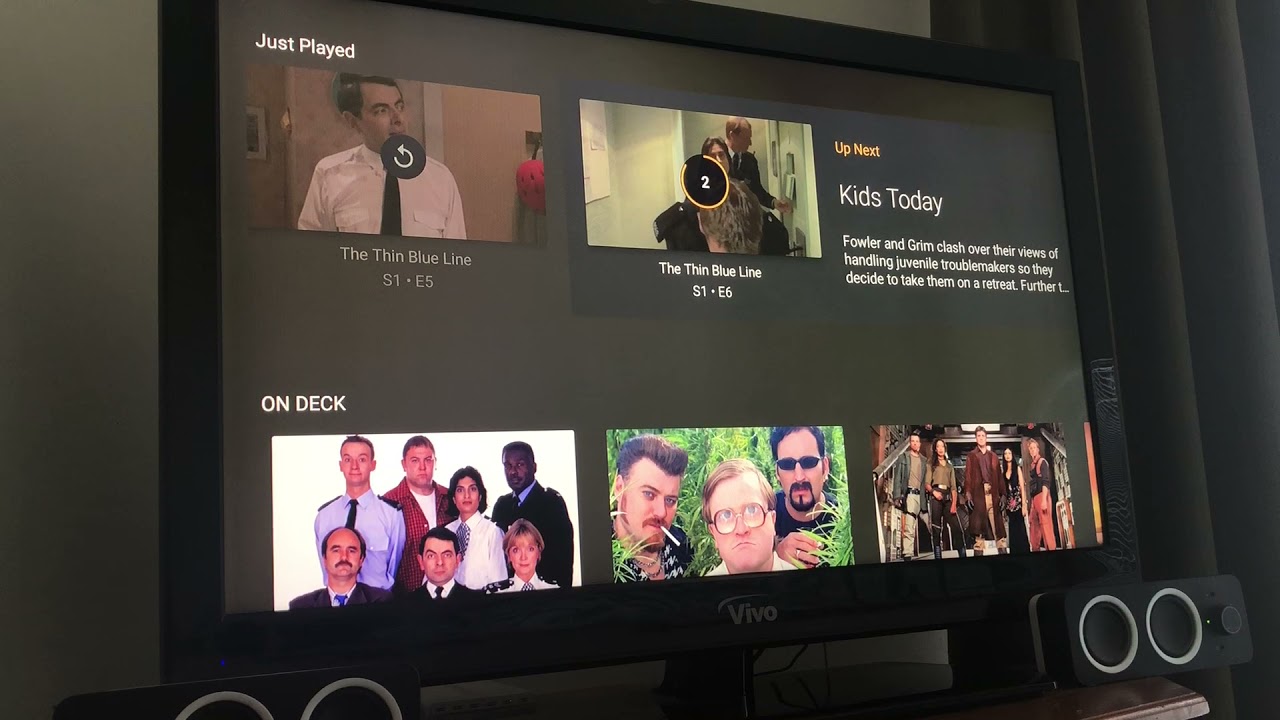
Attempting to play in order at the conclusion of ep2 the screen shows the up next countdown the dash shows ep3 with the play bar at 50% and the time 21:34/21:34. After about 10 seconds the play bar with jump to 100% then empty out and go to 0% time 0/21:34. When it jumps back to 0 the tv displays the error. However the server keeps playing the episode.
Server logs :Heres where things get really odd. Looking into the server logs there’s a debug notification that a transcode starts to build a M3U8(Im assuming this is a playlist for the countdown?)It seems like it completes correctly. It moves on to “Were going to select and audio steam, Select ID 1 Select subtitle, Add 1 session” This is where is just dumps "Failed to stream media, client probably disconnected after 1245184 bytes: 10054 An existing connection was forcibly closed by the remote host.
Being that this only happens on the google tv, Im guessing its a config on that side. Any way to pull logs from the app?
Attached the revenant log files Interesting enough on the android tv It throws a bunch of
MediaCodecAudioRenderer error and java errors related to the audio track and randomly the server side is thinking the video needs to be transcoded “no direct play video profile exists for http/mkv/hev” Something is odd happening during episode transition.
worse i would say. its gone from just not playing the next video each time and crashing every once in a while, to crashing after each episode and hard resetting the whole ccwgtv.
WHOOPS I didn’t see this thread - I think I’m having the same issue, and raised another thread about it:
In my case, often the next episode WILL play, but the video is haywire (like it’s zoomed waaay in and stretched), and when I stop and attempt to play, it might play for a second then the GGTV will hard reboot.
Just to confirm, did you also get logs about the other problem being reported, including by @Mr_Gareth above, that there’s a weird zoom issue that leads to a hard reboot as well?
personally i have had all these issues, from the next episode just erroring out, and having to start it manually, to the zoom thing, to the crashing. all of which have gotten progressively worse after the last two plex updates
Reproduced, with Network Logging turned on… around the 15:48 mark - couldn’t get the exact second as my watch isn’t close enough When it reboots it seems to think the date is “02-02” though!
Similar to before:
Started an episode of the show
FFW to the near the end of the episode (and let it finish to the end)
“next episode” screen comes on, timer counts down
next episode plays, with that weird zoomed in video
I hit “back” to return the main page again
This time I think it crashed instantly, I don’t think it even let me attempt to play the video again,
EDIT - I edited earlier to say it seemed to only happen to my 1080p TV, not the 4K one… I was wrong. I tested a fair bit and found that it would do it there, too. Also, the video I was watching (in the youtube video, and in the logs, is a 576p HVEC (from DVD), not 480p - sorry!)