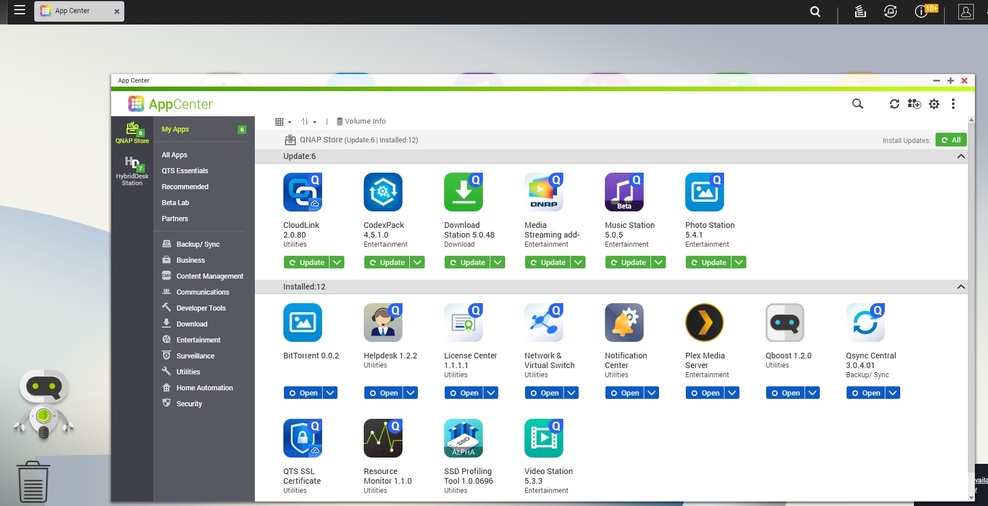
I have PLEX installed on a QNAP NAS, thats where I store all my media. I’m sure I’m missing something simple but for some reason my LAPTOP needs to be on to access PLEX.
If the LAPTOP screen is off, none of my players can see the PLEX server. As soon as I turn the LAPTOP on the server pops up for all players.
If you are running PMS from the QNAP,
have initialized that server and added it to your account,
have decommissioned the Plex version on your PC,
have opened http://ip.addr.of.qnap:32400/web on your PC,
There is nothing it will ever need from the PC.
What you seem to be describing is the situation where you have two active servers.
One on the QNAP and one on the PC. It so happens, your main / preferred server is still on your PC. Your devices are looking for that server name, not the QNAP’s name.
I havent done much with users function yet. So, my phone/tv etc are all signed into my main account. There probably was a better option than deleting and reinstalling though. Hopefully this works , even it is the hard way