Media details
- Gemini Man
<MediaContainer size="1" allowSync="1" identifier="com.plexapp.plugins.library" librarySectionID="6" librarySectionTitle="4K UHD" librarySectionUUID="53a60aa2-18e8-4cac-9f43-518cadffa52d" mediaTagPrefix="/system/bundle/media/flags/" mediaTagVersion="1597784105">
<Video ratingKey="126105" key="/library/metadata/126105" guid="plex://movie/5d776d1f96b655001fe4032e" studio="Skydance Media" type="movie" title="Gemini Man" librarySectionTitle="4K UHD" librarySectionID="6" librarySectionKey="/library/sections/6" contentRating="PG-13" summary="Henry Brogan is an elite 51-year-old assassin who's ready to call it quits after completing his 72nd job. His plans get turned upside down when he becomes the target of a mysterious operative who can seemingly predict his every move. To his horror, Brogan soon learns that the man who's trying to kill him is a younger, faster, cloned version of himself." rating="2.6" audienceRating="8.3" viewOffset="600891" lastViewedAt="1598214229" year="2019" tagline="Who will save you from yourself?" thumb="/library/metadata/126105/thumb/1595470688" art="/library/metadata/126105/art/1595470688" duration="7023050" originallyAvailableAt="2019-01-01" addedAt="1578293645" updatedAt="1595470688" audienceRatingImage="rottentomatoes://image.rating.upright" chapterSource="media" ratingImage="rottentomatoes://image.rating.rotten">
<Media id="119719" duration="7023050" bitrate="85250" width="3840" height="2160" aspectRatio="1.78" audioChannels="8" audioCodec="truehd" videoCodec="hevc" videoResolution="4k" container="mkv" videoFrameRate="60p" videoProfile="main 10">
<Part accessible="1" exists="1" id="119723" key="/library/parts/119723/1578293645/file.mkv" duration="7023050" file="/share/uhd/Gemini Man (2019)/Gemini Man (2019).mkv" size="74839053984" container="mkv" videoProfile="main 10">
<Stream id="46096" streamType="1" default="1" codec="hevc" index="0" bitrate="85250" language="English" languageCode="eng" bitDepth="10" chromaSubsampling="4:2:0" codedHeight="2160" codedWidth="3840" colorPrimaries="bt2020" colorRange="tv" colorSpace="bt2020nc" colorTrc="smpte2084" frameRate="59.940" height="2160" level="153" profile="main 10" refFrames="1" width="3840" displayTitle="4K (HEVC Main 10 HDR)" extendedDisplayTitle="4K (HEVC Main 10 HDR)"/>
<Stream id="46097" streamType="2" selected="1" default="1" codec="truehd" index="1" channels="8" language="English" languageCode="eng" audioChannelLayout="7.1" bitDepth="24" samplingRate="48000" displayTitle="English (TRUEHD 7.1)" extendedDisplayTitle="English (TRUEHD 7.1)"/>
</Part>
</Media>
- Lucy
<MediaContainer size="1" allowSync="1" identifier="com.plexapp.plugins.library" librarySectionID="5" librarySectionTitle="Movies" librarySectionUUID="140686a0-72db-4634-8f53-8a5da20f5908" mediaTagPrefix="/system/bundle/media/flags/" mediaTagVersion="1597784105">

<Video ratingKey="125257" key="/library/metadata/125257" guid="plex://movie/5d776a7e47dd6e001f6d354e" studio="EuropaCorp" type="movie" title="Lucy" librarySectionTitle="Movies" librarySectionID="5" librarySectionKey="/library/sections/5" contentRating="R" summary="A woman, accidentally caught in a dark deal, turns the tables on her captors and transforms into a merciless warrior evolved beyond human logic." rating="6.7" audienceRating="4.7" viewOffset="293441" lastViewedAt="1598214046" year="2014" tagline="The average person uses 10% of their brain capacity. Imagine what she could do with 100%." thumb="/library/metadata/125257/thumb/1595469798" art="/library/metadata/125257/art/1595469798" duration="5360406" originallyAvailableAt="2014-01-01" addedAt="1527442207" updatedAt="1595469798" audienceRatingImage="rottentomatoes://image.rating.spilled" chapterSource="media" primaryExtraKey="/library/metadata/130032" ratingImage="rottentomatoes://image.rating.ripe">
<Media id="118872" duration="5360406" bitrate="31355" width="1920" height="1080" aspectRatio="1.78" audioChannels="6" audioCodec="dca-ma" videoCodec="h264" videoResolution="1080" container="mkv" videoFrameRate="24p" audioProfile="ma" videoProfile="high">
<Part accessible="1" exists="1" id="118872" key="/library/parts/118872/1527442207/file.mkv" duration="5360406" file="/share/movies/Lucy (2014)/Lucy (2014).mkv" size="21009351103" audioProfile="ma" container="mkv" videoProfile="high">
<Stream id="44295" streamType="1" default="1" codec="h264" index="0" bitrate="29819" language="English" languageCode="eng" bitDepth="8" chromaLocation="left" chromaSubsampling="4:2:0" codedHeight="1088" codedWidth="1920" frameRate="23.976" hasScalingMatrix="0" height="1080" level="41" profile="high" refFrames="4" scanType="progressive" width="1920" displayTitle="1080p (H.264)" extendedDisplayTitle="1080p (H.264)"/>
<Stream id="44296" streamType="2" selected="1" default="1" codec="dca" index="1" channels="6" bitrate="1536" language="English" languageCode="eng" audioChannelLayout="5.1(side)" bitDepth="24" profile="ma" samplingRate="48000" displayTitle="English (DTS-HD MA 5.1)" extendedDisplayTitle=" (English DTS-HD MA 5.1)"/>
<Stream id="44297" streamType="3" selected="1" forced="1" codec="pgs" index="2" language="English" languageCode="eng" headerCompression="1" displayTitle="English Forced (PGS)" extendedDisplayTitle="English Forced (PGS)"/>
<Stream id="43440" key="/library/streams/43440" streamType="3" forced="1" codec="srt" language="English" languageCode="eng" format="srt" displayTitle="English Forced (SRT External)" extendedDisplayTitle="English Forced (SRT External)"/>
</Part>
</Media>
If requested, I can set this up on any of the NAS’s I have which can’t transcode at all and achieve the same results.
 I know the info is there, too.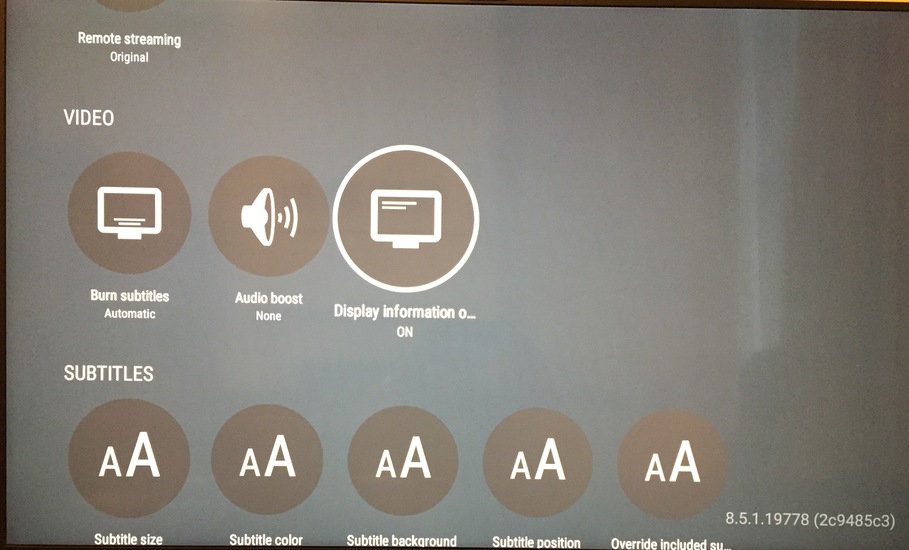

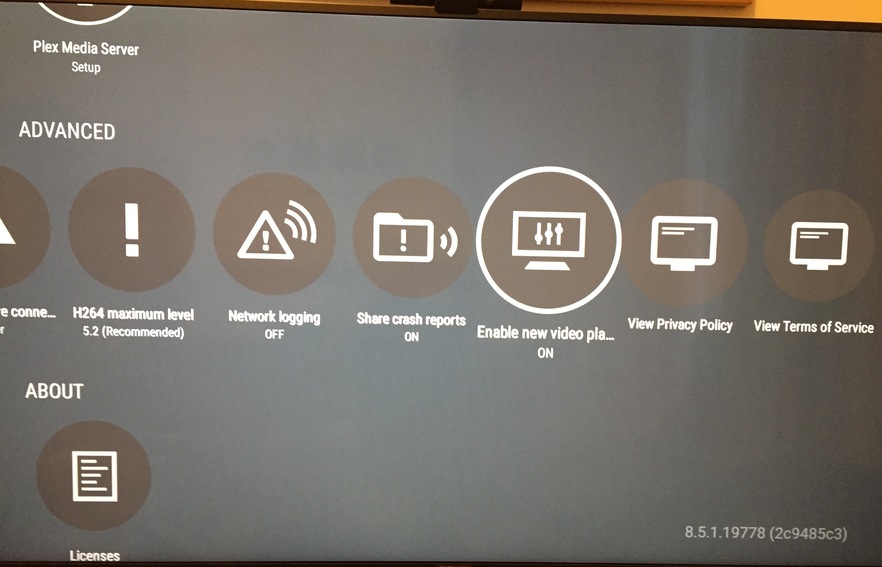


 lol
lol