But is it bad if I do it as described above? It doesn’t necessarily have to do anything, but it’s just a little easier for me.
I’m sorry.
It’s not bad as you’ve done it. I slightly misunderstood your goal.
As long as the directories you give to PMS, in the library section definition, are at the top of media files or expected structure then you’ll be fine.
I’ve seen cases where folks will have:
/nas/movies/
  A-C/
    Another Fine Day (xxxx)
  Star Wars Collection/
     etc
     etc
     etc
aka. – a complete mish-mosh of things which don’t follow any naming standard –
and they fail to understand why nothing is matching correctly – aka blame Plex.
Plex’s scanner is good but it’s not humanly intuitive

1 So first I just want the media to not be able to be mis-indexed. Since Plex doesn’t work with NFO I’ll change the title to {tmdb-id} and that should work.
2 Next, with a lot of films, it gets confusing at some point. I’m currently at about 2800 films, and I find it stupid to have all the films in the same folder. And then sometimes there is also SRT and NFO and all of them are currently under /movies with me. Therefore 001, 002 etc. with 50 film folders each and a folder for each movie.
3 With the medium itself, I just want to have the TMDB ID in case the file is no longer in the folder and I can now identify it exactly.
4 Things like quality and codec in the file are purely optional, I like it that way.
/Movies
    /001 "2"
        /Batman Begins (2005) "2" {tmdb-272} "1"
            /Batman Begins (2005) - 272 "3" - 1080p "4" - x264 "4" .mkv
            /Batman Begins (2005) - 272 - 1080p - x264.nfo
I use a plugin agent called NFOTVIMPORTER and NFO MOVIEIMPORTER. I prefer getting my tv data from Emby and then adding adding to plex. You most definitely can use Movie NFos as well. There is an NFO exporter for Plex called Lamda.
I thought plugins shouldn’t be supported anymore?
Python Plug-ins aren’t supported.
As the agents and scanner moved to C++, most things broke forever.
If the plug-in authors updated to use the new API then they will continue to work.
It’s hit or miss.
While acknowledging that you’re obviously correct on how important this is, I really do need to give you all some props on Plex’s ability to scan through directory structures. I’ve noticed myself getting lazier and adding descriptive subfolders for sorting purposes, such as a directory named “Scooby-Doo” with 20+ (properly named) animated movies underneath. I did the same with folders named “Star Trek” and even “Mel Brooks”. Plex doesn’t flinch, and everything scans perfectly. (To their credit, I also have an Emby docker instance scanning the folders, and they seem to handle it well, too)
But I promise that one day, if Plex does flinch on a scan, I won’t complain to you, I’ll just grouse quietly and fix my directory structure.
Man so many matching issues, i never have issues  . Using sonarr for my imports thanks to @OttoKerner for turning me to it.
I have another quick question. I’ve seen that Plex can also use images that you have yourself.
Now, once I have Plex installed on the SSD and the media on the HDD, does Plex retrieve the images from the HDD each time, or does it just upload them to the SSD in the Plex Directory the first time?
The latter.
Okay, and does he always take the pictures that are in my folders and or can this be forced?
If you only add them later, you’ll have to select them manually in the Edit dialog of this movie.
If they are already present when the movie is scanned for the first time, it should select these posters automatically.
Prerequisite: “Use local assets” must be activated in the properties of the library
(it might also be necessary to activate “Prefer local metadata”, but I haven’t tested that extensively. Just keep in mind that this checkbox also makes Plex prefer embedded meta tags in mp4/m4v files.)
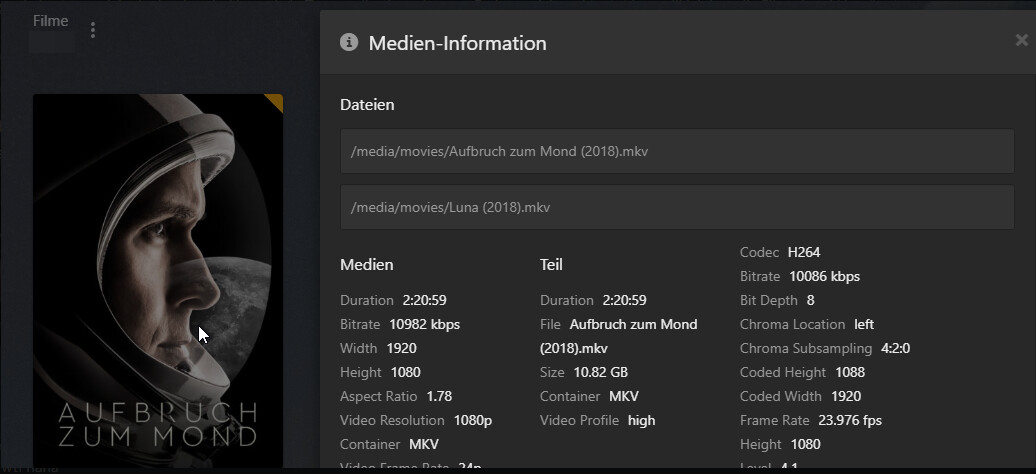
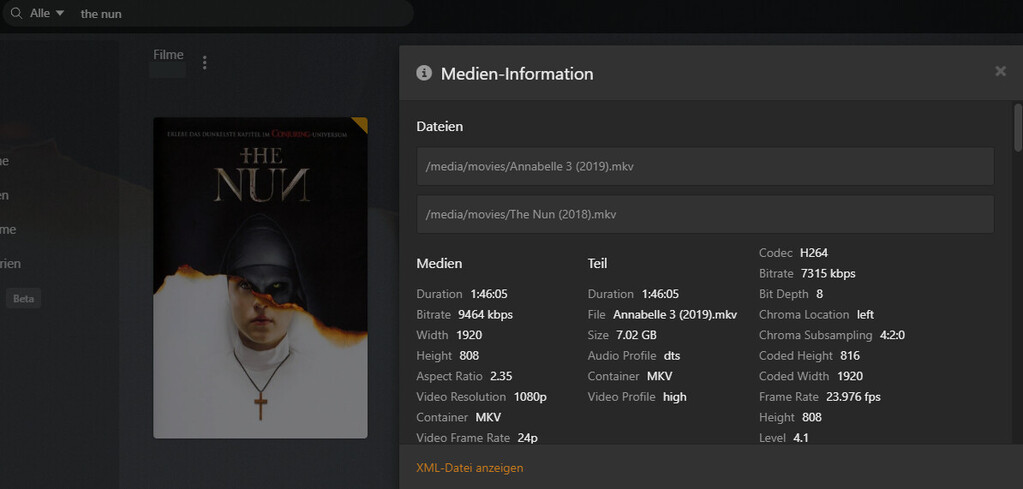
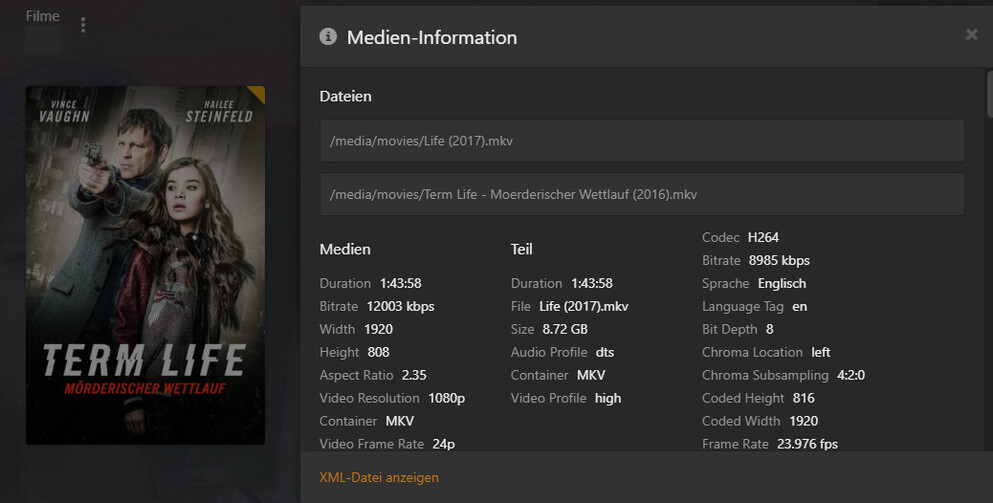
I got a little Problem when i got multiply Episode in a single file:
## Multiple Episodes in a Single File

If a single file covers more than one episode, name it as follows:

* /TV Shows/ShowName/Season 02/ShowName – s02e17-e18 – Optional_Info.ext
Emby does that:

Plex:

Episodes 1 and 2 on Plex have the same content. So you look 1 finished and with two you look exactly the same again. Is this a bug or is there no other way Plex can do it?
Star Trek The Next Generation - S01E01E02 - Encounter at Farpoint.mkv
I’ve seen a couple apps have trouble with this but when the naming is right, it’s been ok for me on the Shield.
How does it look like?

but isn’t that a bit weird. You then watch episode 1 and episode 2 is already there and then you watch episode 2 and it’s the same again.
Emby makes 1 entry out of it and says that’s episode 1 and 2…
Yes, it’s annoying.
It’ll get fixed then regress then get fixed again and …
Thats not good 
