Server Version#:
Player Version#:
<If providing server logs please do NOT turn on verbose logging, only debug logging should be enabled>
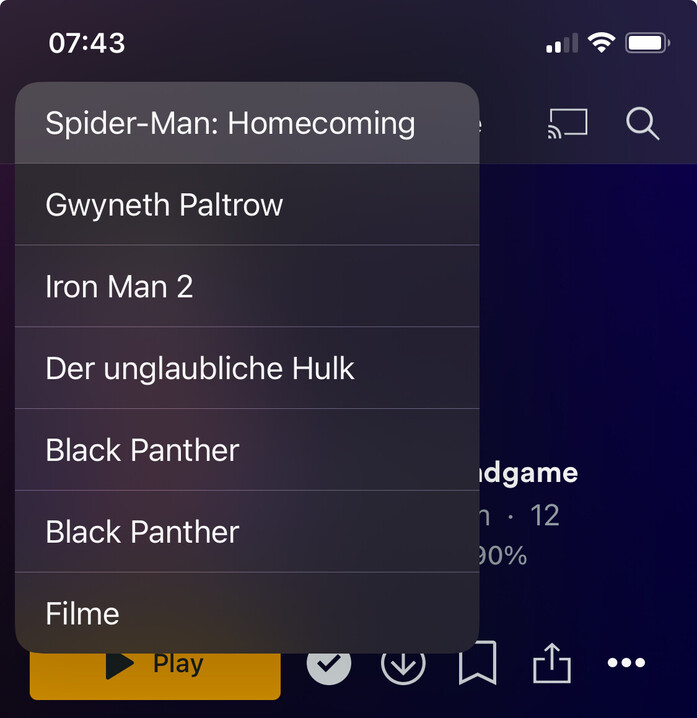
I don’t know how android players work, but the iOS players are missing a Home button. So if you’ve clicked thru a lot of things, you have to keep hitting the Back button. It’s retarded.
Thanks for the tip. It didn’t occur to me to try that. I guess it’s because the back arrow isn’t available on See All music library screens. Not complaining… please don’t add it there!
On my iPad, there is one with the artist name next to it, above the albums.
There isn’t one on my Android phone when the albums display is full – probably because the camera is in the upper left corner so there’s really no room for one there. I’d just as soon leave the Android phone as it is and just swipe to go back rather than cover up more of the first album with an arrow.
Maybe it’s under the camera and I just can’t see it on my particular phone.