It’s … complicated. (Isn’t it always? )
Recoding in Handbrake is a “lossy” operation. If you are recoding into the same codec (MPEG2>MPEG2), then it makes sense to go for a higher target bitrate, to keep those losses low.
However, AVC/H.264 is more efficient than MPEG2. So it can store the same quality within a lower bitrate. (If you give the encoder enough time to find a good encoding strategy. That is what the “speed” parameter does.)
If you are going from MPEG2 to AVC, and your target bitrate is comparable to the source bitrate, then you are already “over provisioning”.
HEVC is even more efficient than AVC, so the same applies.
if I understood you correctly and my source (DVD) is MPEG2 and if I use in HB a H.264 codec with same bitrate, I will get at least the same quality as If use MakeMKV, right?
Yes you can use makeMKV to rip all your episodes in a first step. The files you get has the exact same quality as your DVD. Then you are able to analyze things like bitrate, subtitles (For example if you want to keep only forced subs) and stuff like that to determine your handbrake settings. And in handbrake you can use the job queue so it will transcode all of them. It is a very common way.
Unfortunately I have a problem to set the right Preset. If I set –preset “H.264 MKV 576p25” it’s just show me a list of all Presets. If I remove it the encoding process starts.
Does anyone have any idea how I can set this preset?
The output was: “invalid preset name” but I’ve copied it from the list. It’s possible I put on the wrong place? In the documentation I saw: “–preset” and “-Z” does it matter which i use?
You can try also adding --preset-import-gui before --preset "H.264 MKV 576p25" to pull them from the GUI install if you also have that installed. I don’t think the presets are identical between the GUI and CLI versions (I might be wrong).
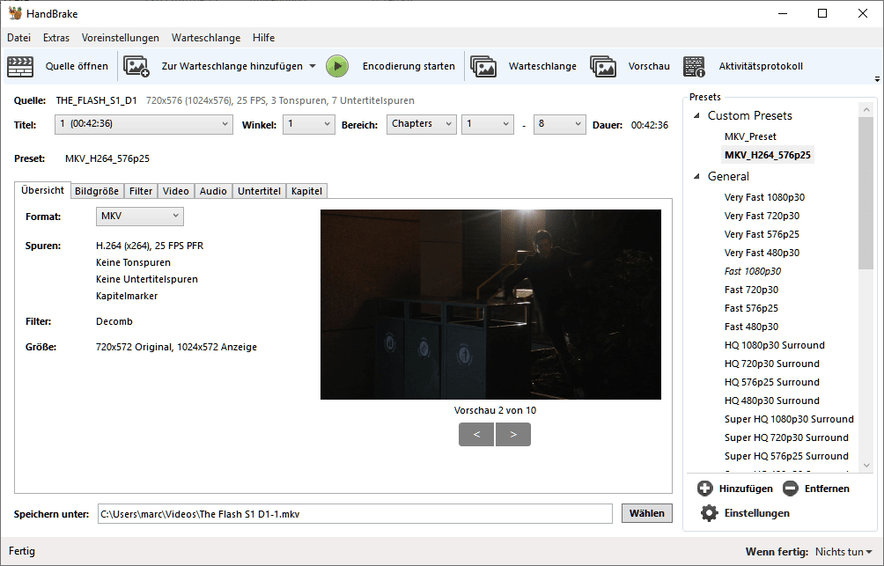
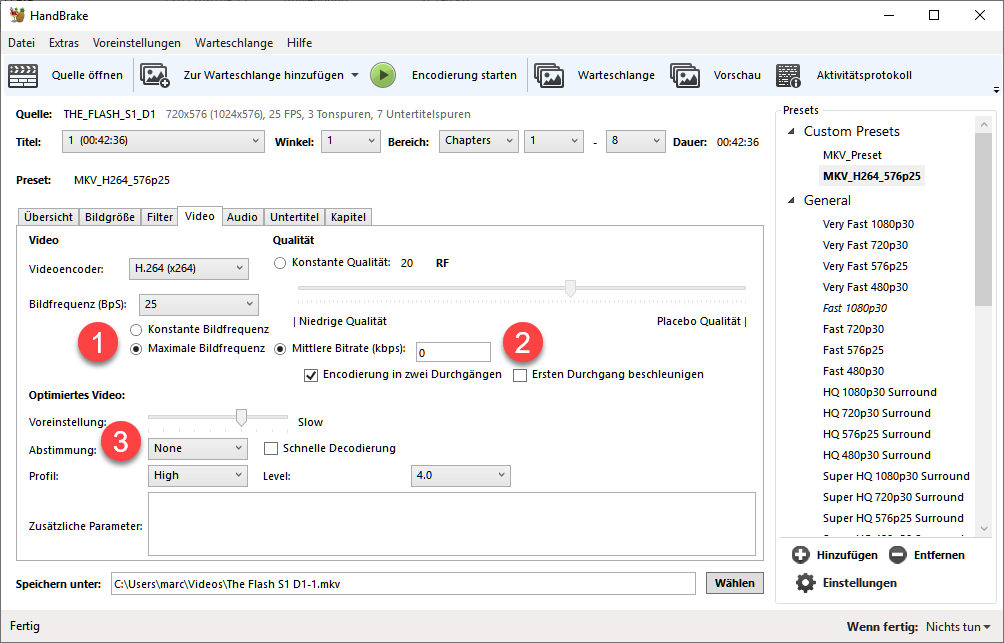
You do not have to use a preset and can absolutely do everything manually in your command, but it’s a huge pain, IMO. You can also create your own preset and use it. In fact, that’s what I do. I exported out presets that I had created in the GUI version o HandBrake and use it with the CLI version.
I’m still trying to figure out why you’re not able to use the built-in preset.
Step 4:
To use this new created preset I have to add the follow two commands to my scirpt.
HandBrakeCLI.exe --preset-import-file “PathToJsonFile” --preset “MKV_H264_576p25” -i …
What do you think? Can I use this preset like this?
 )
)