Although you will only play 1080p, I would go for a Fire Stick 4K, because it can also play x265 and due to the better hardware, the navigation between the menus is faster than the Lite version.
In the US - Amazon usually has Roku Ultra ‘Refurbs’ for about $65.
I have a half dozen of 'em locally and abroad with no issues.
The “Cheapo Option” is buy a long HDMI cable, hook the server to the TV and drag Plex For Windows (‘Apps and Devices’ link at page bottom) over there, then put a wireless mouse on the coffee table. Job done.
“Plex Media Player” is designed for HTPC Applications and will work, but you may need a keyboard as well as a mouse on the coffee table. PMP is NOT mouse friendly. Works well with Harmony Remotes and other “10 foot” remote systems.
Unfortunately the FireTV is plagued with issues AND you have to endure the worst Plex App ever developed. IMO.
Once you go Roku - you can’t go back.
You’re spoiled forever - I am.
Roku Subs are compromised a bit - I will admit.
The ‘Drop Shadow’ is pitiful making them nearly invisible at times on some backgrounds, but still… it curb stomps my FireTV App - all day every day.
Roku Ultras are the weapon of choice in Juicetown.
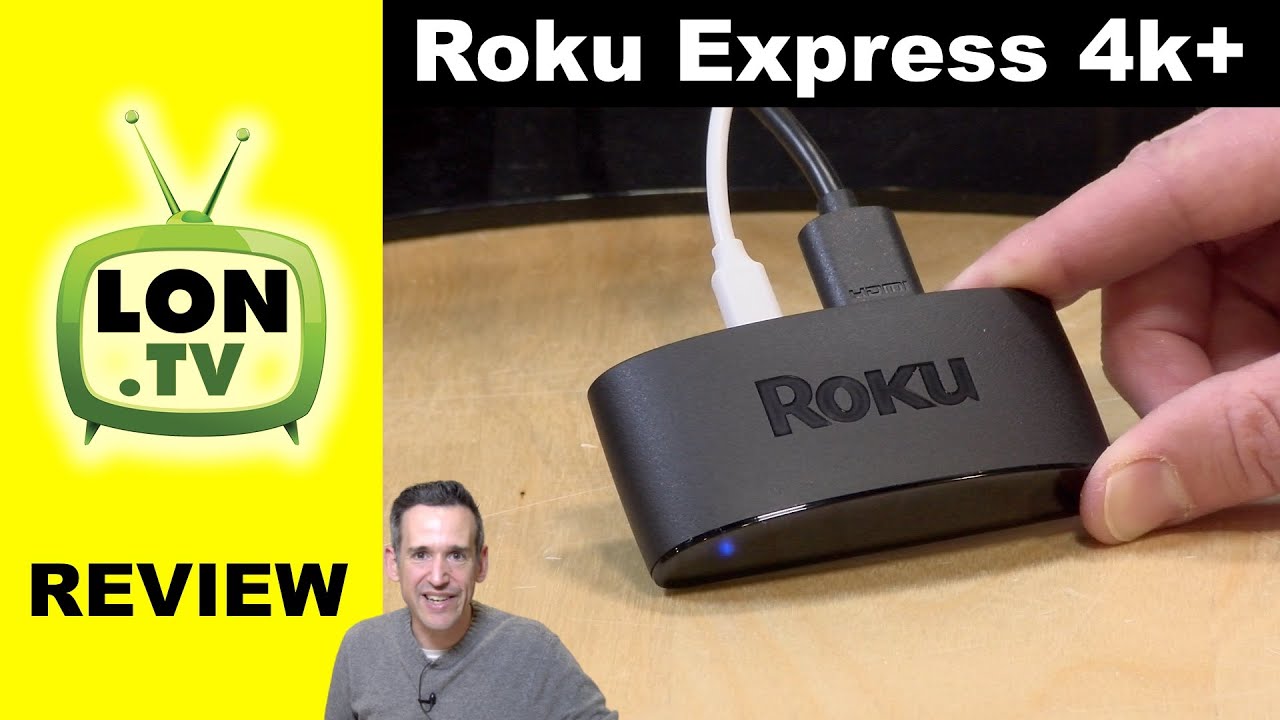
If I’m not expecting to attach it to a device with resolution higher than 1080p, is there a reason for either the Ultra or 4k express, versus the $30 express?
(Looks like perhaps there is a different remote?)
Yes - he said in the review above the thing gets hot, has compromised bandwidth, doesn’t even support some of the high-tech audio and isn’t even as good as the 4K Streaming Stick (I wouldn’t own one of those either).
For $25 more an Ultra is still the best buy.
To Have and not Need is way better than to Need and not Have. You may not ‘Need’ it right now, but give it a year - chances are you’ll need something you don’t have. In fact, Murphy’s Law Guarantees it.
Nor would I. Everything is 265.
Even stuff that shouldn’t be.
BTW:
I just ran my FireTV 4K Stick for a while on the new Amazon Build and it’s behaving much better than I ever remember. I can actually hear sounds that could be considered an audio track. Well… that’s new!
FireTV 4k Stick is cheap enough. I’ll run it for a while (until unclickable cast images beat me down).
Hot ‘Stick’ Tip (Any):
When/If you buy one also buy one of these (long enough to reach clear air):
That’ll let you get the stick out from behind the TV where your WiFi might actually make the trip. Behind your TV plugged into an HDMI port is No Man’s Land for WiFi - mostly.
I think Roku has one of the cleanest interfaces since Google started trying to redesign around “suggestions”, but if you are interested in Android I’ve been seeing random comments all around from people that are pretty happy with that new Walmart Onn Android TV box for $30. I haven’t tried one yet myself.