Hello, I’ve searched, but I’m not very fluent in English. So my problem probably already exists.
I want to filter all movies to show only those with German audio. There’s supposed to be a funnel symbol… but I can’t find it.
In the forum, for example, I see “After 5 years of waiting, finally the filter by language and subtitle language has been implemented. Thank you.”
But where, how?
Create a smart collection, then choose “audio language.” https://support.plex.tv/articles/201273953-collections/#toc-1
It’s this button in your movies folder.

You can use the audio language filter
https://support.plex.tv/articles/200392126-using-the-library-view/
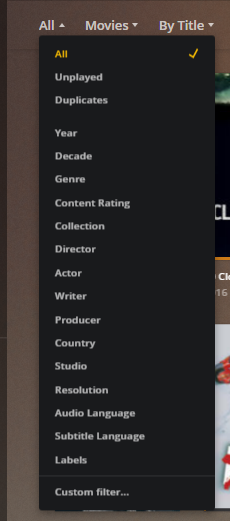
Or (as pointed out above), use the Advanced Filter to create a smart collection.
Use the hosted web app.
Select your movie library on the left.
Switch to the “Library” tab on the top.
Click on the “All” drop down to reveal the filters.
Scroll down to “Audio Track language”

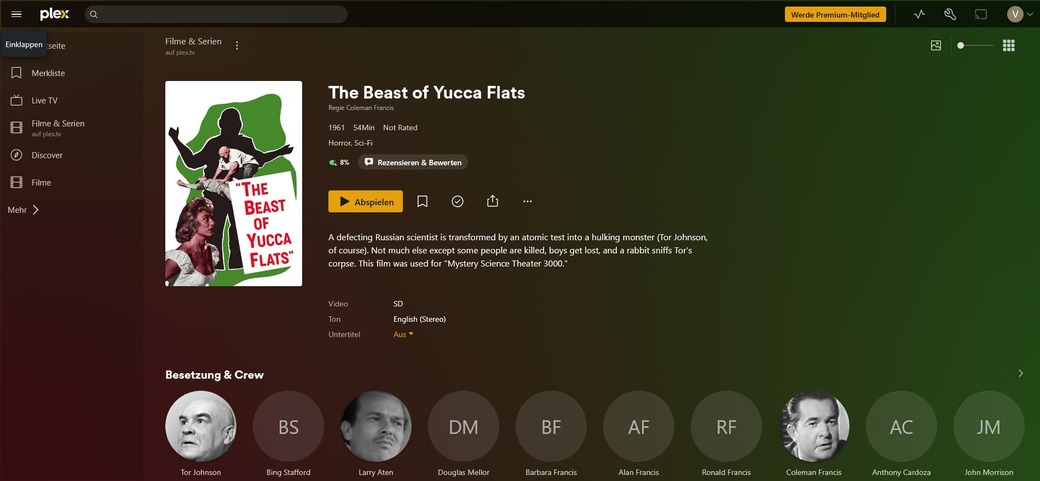
That filter is unfortunately not available in the online “Movies & TV” library.
It is only usable for libraries on personal Plex servers.
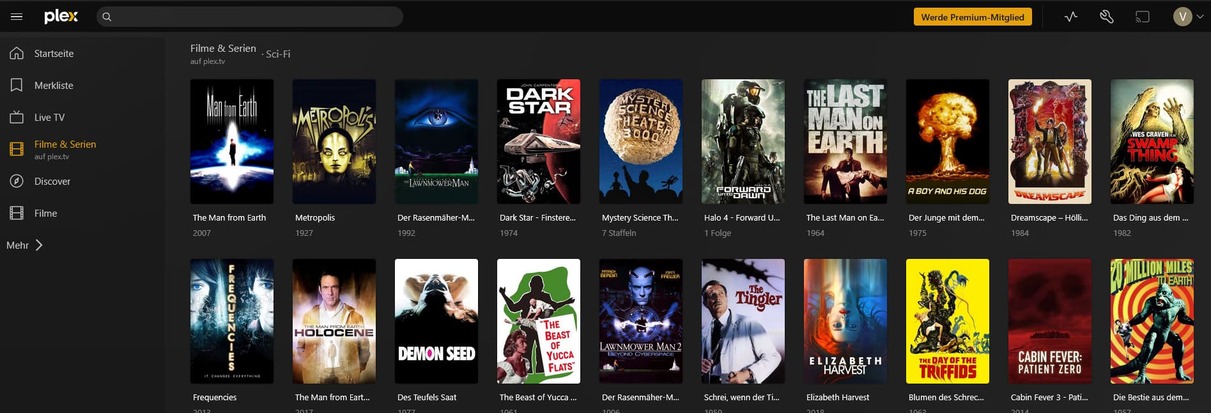
Is there anothe way for the online movies?
Unfortunately not.
Too bad, I only have German-language material in my private collection anyway. But thanks for the clarification.
