Is that from ExportTools?
No, that was from “Find Unmatched Files”. What do you mean “ExportTools”? Is this part of this tool?

On a cell right now, so limited access. Search for ExportTools and you’ll find what you need
And findumatched is dead. Look up Webtools
Then you can just open it right away and get each pathname on a new line in your excel document. Just like you need to use the above tool to create the folders for you.
Windows10 doesn’t even have Excel but I’ll try and find an alternative in Microsoft Store and play with it. And I’ll try the ExportTools program search too. Thanks
Ok, I found an old copy of Office 2000 and installed Excel.
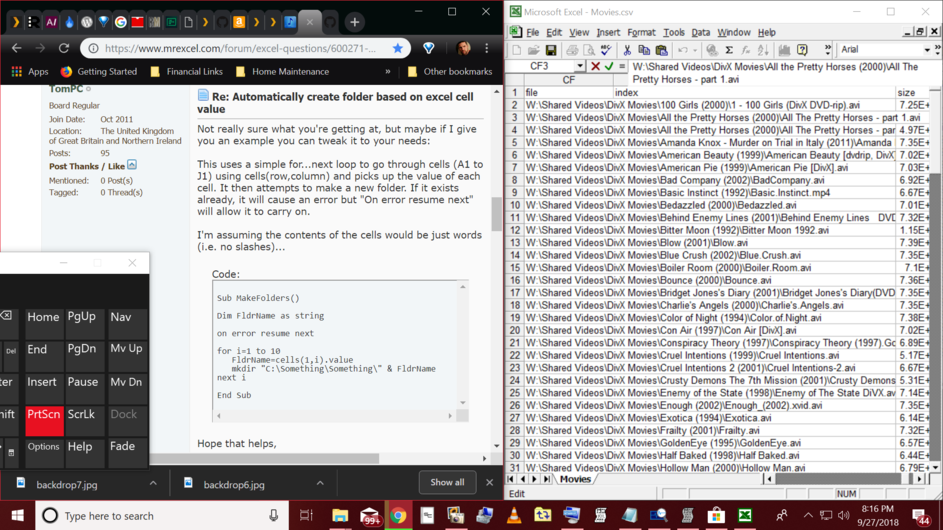
So, my movie titles are listed in column “G” and their year of release in column “AJ”. Seeing my folder name format was “Movie Title (year)” , how do I configure the macro to create the folders in this same format, using both column G & AJ? Example: Charlie’s Angels (2000). Also, what do I do with this code once It’s configured properly? Thanks
That is a Q for MS Excel forums, IMHO
Also use the column named Part File Path for the directory creation 
Update: All my lost directories have now been restored, along with their posters and fanart, thanks to MovieFan editing his tool for me! Thanks MovieFan! Your Database Tool for Plex ROCKS!
Hi, do you still have this zip file? i cant see a link my end.
1 Like
This topic was automatically closed 90 days after the last reply. New replies are no longer allowed.
