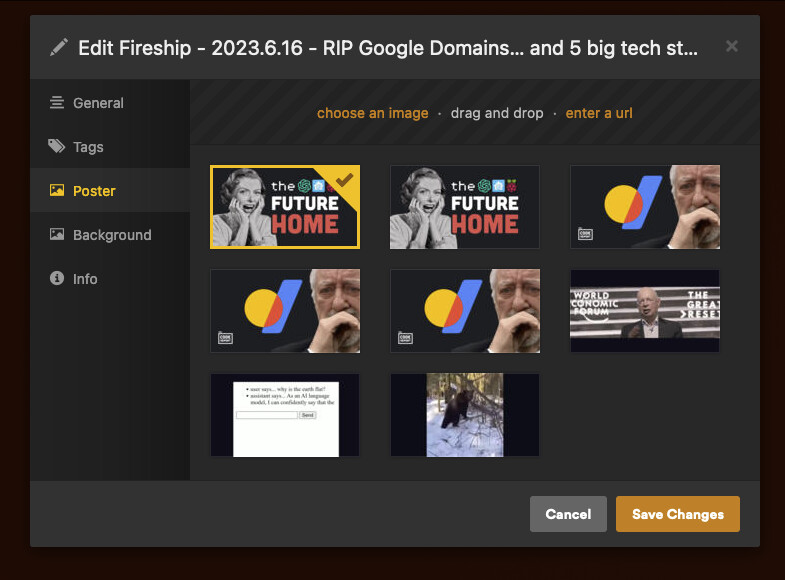
I am coding a simple tv show agent. Everything works great except i cannot reset or set the thumbnail of the episode.
My code looks currently like this. I cannot find any documentation on how to delete thumbnails via code and start over. I can see that the found thumbnail is there when i edit the episode via the ui but its not the selected one.
def update_thumbnail(self, episode, filepath):
    for extension in [".webp", ".jpg", ".jpeg", ".png", ".tiff", ".gif", ".jp2"]:
        maybeFile = filepath + extension
        if os.path.isfile(maybeFile):
            try:
                picture = Core.storage.load(maybeFile)
                media = Proxy.Media(picture, sort_order=0)
                episode.thumbs['main'] = media

            except Exception as e:
                Log(e)
The selected one is wrong. It should be the third one but my code does not set it.
I am not sure if this is the cause but if your thumbs are locked you can unlock them:
curl -X PUT "PLEX_IP_HERE:32400/library/sections/LIBRARY_ID_HERE/all?type=4&thumb.locked=0&X-Plex-Token=YOUR_TOKEN_HERE"
Where type=4 is episodes.
It took a long time for the curl request to go through. Then the sever hang like crazy. But still no success with the thumbnails. The selected one stays the selected one.
Be advised that the Python agents are a dead end. They are deprecated for years now.
Apparently your agent is not a primary agent, but a secondary one.
Which means that it merely augments the data of the primary agent.
The order of the lines under Settings - Server - Agents - [library type] - [primary agent] is what decides which agent is preferred. The top one gets first shot.
If you want the data from your agent to be in first place, move it to the top position.
What is the preferred way now to customize the data?
Like this?

There is unfortunately none, currently.
I understand there is some work being done towards that end, but nothing yet that can be released to users.
The screenshot suggests that your agent is indeed a primary agent.
But why does it then supply so many pictures, instead of exactly one?
Thats coming from the development. Because i could not find any documentation i tried a couple of things. I tried something like this.
episode.thumbs['main'] ...
episode.thumbs[0] ...
episode.thumbs[picture_path] ...
episode.thumbs[picture_hash] ...
Sorry, I am unable to give you specific advice for your code.
is there any api documentation for this? maybe ill find an endpoint where i can set the thumbnail via a put request.