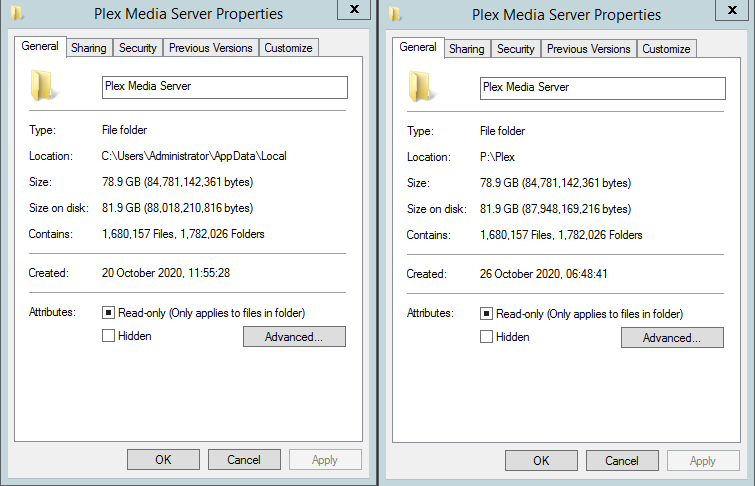
To help speed up copying of data (Windows), after some googling, I performed the following.
Add folder exceptions within your AV product to exclude both the source and destination directories. (I’m running Symantec EndPoint Protection on this server and I noticed that it started consuming CPU whilst the copy was running so I initially disabled it and then added the exclusions and re-enabled. This enable the copy to run without any on access scans running).
Open an administrative command prompt and enter the following (change paths).
robocopy “C:\Users\Administrator\AppData\Local\Plex Media Server” “P:\Plex\Plex Media Server” /E /COPYALL /NP /V /MT:128 /LOG:C:\temp\robocopy.txt