I mean the CPU can decode the H.265 and the GPU can encode to H.264, taking some load off of the transcoding process from the CPU. If I were to upgrade GPU to something with H.265 decoding support, I could handle more stream is all I meant. I wasn’t meaning to pick anything apart, just that 4K isn’t as big of a hurdle unless you are on ARM equipment or something really old. I also understand that this was written awhile ago and I get the Fight Club reference - I meant when I said that it wasn’t phrased well. The stipulation not to bother transcoding 4K really does depend on the hardware you have is all I was commenting on.
I’m also not looking for an argument or fight of some kind. Just sharing experiences so others reading through this post can get a wide variety of opinion and information. It appears the comment I was replying to was removed, which was probably good because it wasn’t exactly nice or helpful.
Very true, as some of those who already have high end like to post ‘what the big deal, my super duper xyz can handle 4 kajillion 10k transcodes of x269 in sleep mode, you are wrong!~~@#!@#@!’.
As with all things, technology marches on, and what was hard yesterday is easier now and in the future.
Me either, and I guess I missed the other comment, darn.
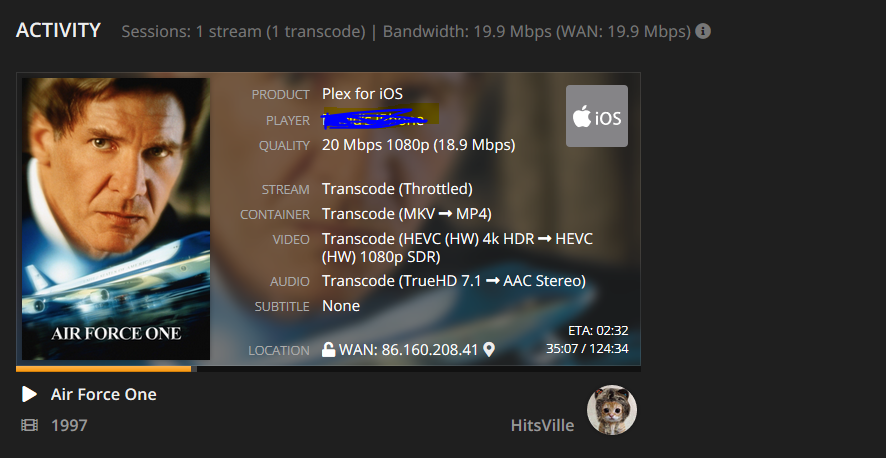
My Plex does seem to transcode TO x265 HEVC, or at least that’s what my Dashboard says. It doesn’t do a very good job though. The video freezes 10 seconds in while the audio and subtitles keep playing.
when you look at the dashboard, the first line is the from, and the 2nd is the to.
Now, you might see plex REMUX or DIRECT STREAM x265/hevc, which is not transcode, it means switching containers, like from mkv to mp4, or whatever the client needs.
direct stream is much less work than transcoding, however it still requires a lot of processing and IO, and some servers simply are not capable of it.
more likely what is also happening is the AUDIO is being transcoded, and processing truehd is not trivial either.
Personlly Im not too fussed. If tonemapping comes too then its different. But all my HEVC is also HDR so I dont imagine I will be merging my 4K remuxes into my 1080p library any time soon.
I just got curious with @m_listed screenshot.
It is looking promising for those with SDR HEVC though.
Obviously meaning for those I share with.
I don’t care about tone mapping (cause I don’t remote stream 4k), but to me this will be an awesome increase in quality because my upload is only ~10 meg.
So instead of ~4 streams of ~2 meg x264, in the future I could potentially get 4+ streams of ~2 meg hevc, or even more streams @ ~1 meg hevc.
this would be huge benefit for anyone with a restricted upload speed.
Transcoding to HEVC/x265 is awesome news. But, How would something as big as this not be mentioned in release notes? For me, This is huge… Almost choked on my coffee when I was reading these last few reply’s lol
Here’s another interesting find.
I have been trying to reproduce those finding with my iPhone 7 on the Shield.
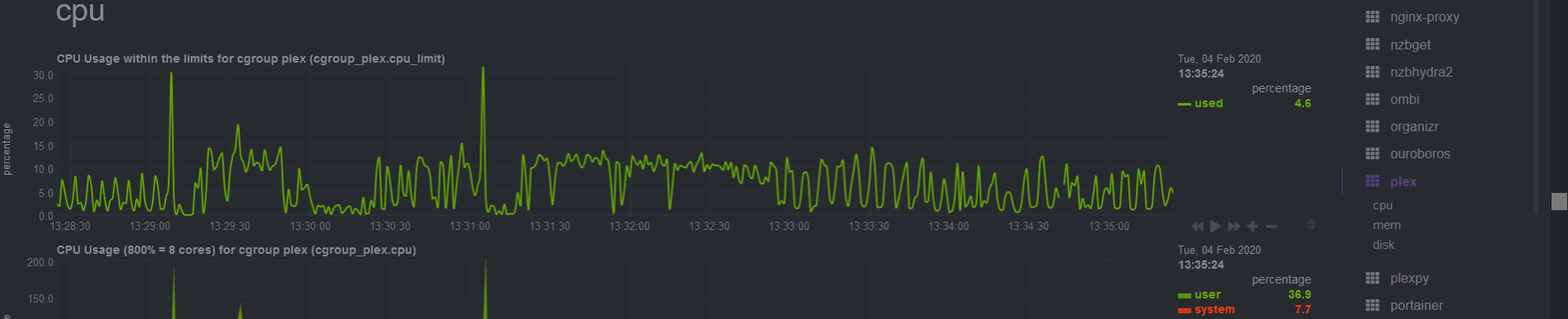
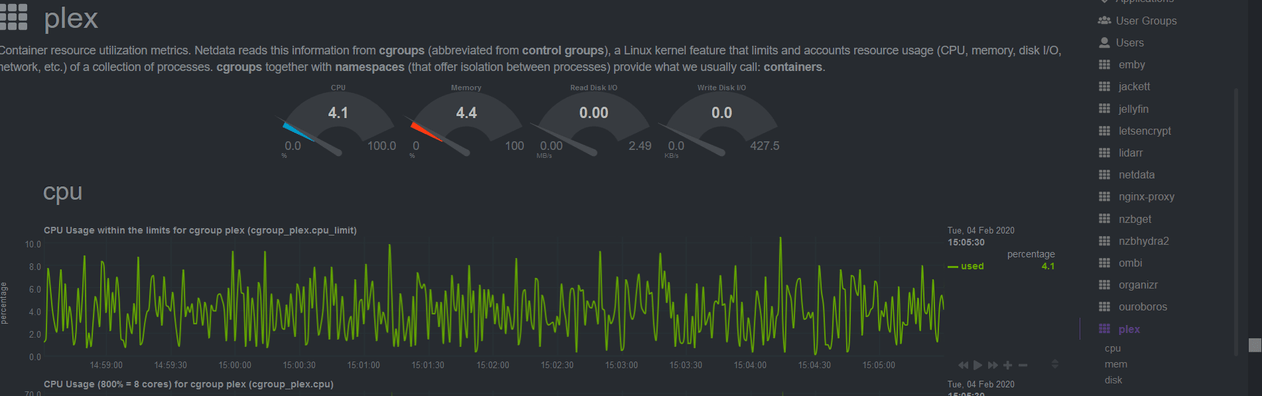
First playback it worked but now it’s transcoding to h264 instead. However even then CPU usage is still minimal.
Still it’s proven working on iPhone 7 and I guess we just need to see how it pans out on other clients.
One other thing I noticed on the Shield while testing.
I set my remote streaming bandwidth to the default 2Mbps. It seems that can now be overidden on playback too. No issues setting direct play or any other quality setting despite that crazy 2Mbps setting.
I tried mine w intel hw transcoding to IOS but everything I tried resulted in h264. Maybe its my Synology OS? I am interested to know what server version and what server OS this is possible under.