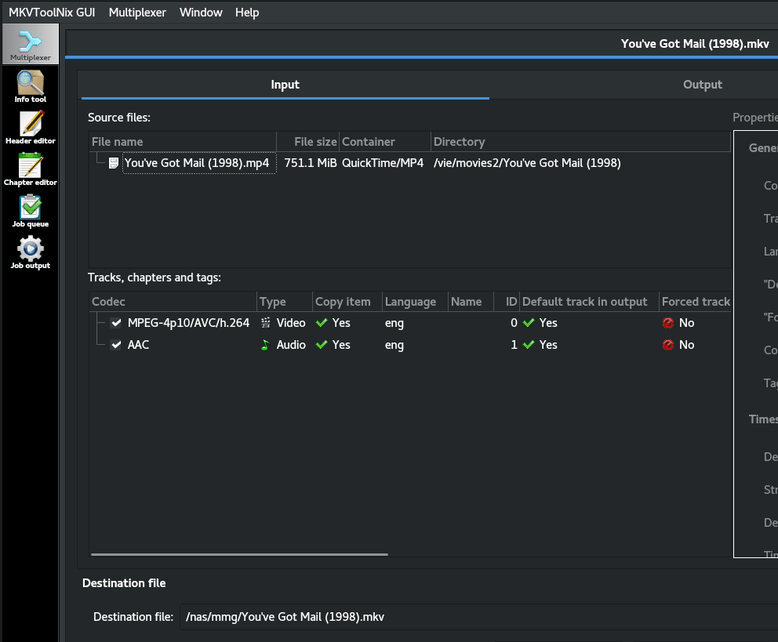
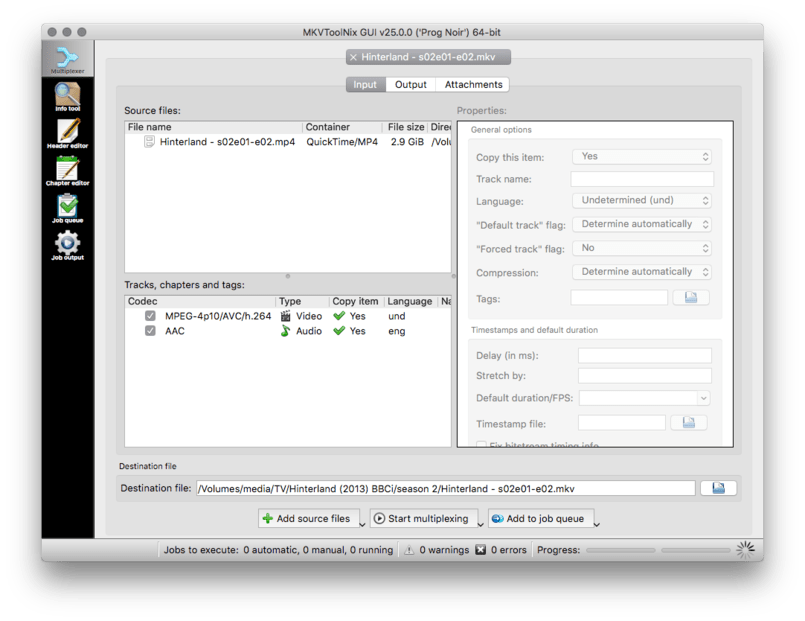
if your working with MP4 files, the filename is probably embedded in a TAG which plex reads and takes over the actual filename of the file. I use mp3tag to just strip out the mp4 tag. If its a movie in mp4 format and the chapters are in this “tag” i just remove the title part from the tag and leave the chapters bit.
I’ve always been able to get Plex to show as individual episodes, the problem is it’s actually that full episode displayed however many times there are episodes in that file, so if 3 episodes it’s that full length episode listed 3 times and named for each.
So they are listed but don’t actually reference any episode but the first, which is disappointing. At least it lists the episode but if you want to start at the appropriate place it looks like you have to split the files.
Even if Plex shows multiple episodes for a file that’s named 101-102, both entries are the full episode. I’ve had to resort to splitting up multiple episodes into individual parts using MKVToolNix.
It’s very problematic with kids shows, as there’s usually 2 episodes contained within one 23 minute block. TVDB often names them individually. It’s extremely tedious, but if Plex wanted to actually fix this, they’d give you the option to start the second entry at halfway in the file, or set the time it would cut the first one and start the second one.
I would actually prefer if Plex would know to Mark as Played for multiple episodes contained in one file. I’d rather not deal with the hassle of splitting up the episodes.
I don’t understand what marking half an episode as played would do, since it can’t distinguish between them anyway. It makes two entries if you have it named 101-102 or it just makes one entry.
It’s way harder to arbitrarily set a cut-off point for single multi-episode files. Think of all the various sources that the media could have come from (web, tv, bluray, etc). There’s no guarantee that starting the entry at halfway in the file is the correct starting position for all sources.
What about episodes that contain three or four episodes (yes, this scenario does exist)? Are you proposing to start at one-third or one-fourth of the file? That doesn’t scale well.
If you have a single multi-episode file that you are watching, Plex should mark the progress for all relevant episodes simultaneously. That way when I am watching E01-02, Plex will know to auto-play E03 afterwards, since the marker for E02 is already Played.
Plex does allow “Continue Watching” to point out which files are partially completed. They players will allow you to resume at the time index where you left off.
Ok sorry I misunderstood. In any case, what you said about having plex start at a specific point in a multipart episode is easy. TV is standardized most of the time. For example, a kids show containing 2 episodes would be cut at 12 minutes of a 24 minute show. When I cut the episodes manually, it’s easy to set the out point at that end point at 12 minutes and batch them. You just need to look at one or two multipart episodes to figure out where each episode ends.
Because everyone’s media is different, Plex would need to read the whole file and count frames.
Having counted and kept track of where each frame is, once at the end, it would then have to save the index.
It would require the transcoder to analyze the media at the frame level, decoding each as they are encountered.
Is this acceptable to have the transcoder run for analysis purposes? This is the equivalent of having an old “IDX” (Index) file which was common in the AVI file days
I second what @ChuckPa said. TV may be standardized, but there are many different rips (Web-DL, HDTV, BluRay, etc.). The cut-off point between different sources is not standardized.
Also, as I mentioned previously, your solution doesn’t scale well for multi-episode files that contain more than two episodes (Avatar being an example). If there were three or four episodes in one file, your proposed solution would cut the video at one-third, two-thirds, one-fourth, two-fourths, three-fourths? That’s entirely unnecessary.
From a consumer standpoint, I don’t care which episode of a multi-episode file I’m on. Using E01-02-03 as an example, I wouldn’t care if I’m on E01 or E02 or E03. I simply want Plex to sync the markers for all three episodes simultaneously so that they will stop and resume at the same time, no matter which one I choose.
If all three markers for E01, E02, and E03 are all in sync, then when I stop, I can continue at a later point by choosing any one of the episodes. All three episodes have the same marker, so it will simply resume where I left off previously.
Whether that’s E01 or E02 or E03, who cares? I wouldn’t watch E03 without having seen E02 or E02 without having seen E01. Just continue where I left off previously.