This application is at 192.168.1.87 and is not hosted by Plex. Continue only if you recognize this server and wish to grant access.. When I got to Settings, I don’t have any server settings and I am unable to configure my Plex server or add any libraries. I am running plex via Docker using the plexinc/pms-docker image.

It’s a first-time token exchange for the added anti-phishing security.
It doesn’t know it’s your server yet.
Letting it sync up / auth establishes those tokens
First, I appreciate the reply. To your potential solution, how do i do that? Do I just leave the server running for a certain period of time? Or it is something that I need to be doing?
When I encountered it the first time, and as I do with each of the NAS systems in our lab, Plex/Web now asks me to confirm that I know the system I’m about to use.
When I do, and sign into it from that page, I never see it again.
This is the first step of a two-factor authentication (which many have requested)
I got the screen as in the original screenshot. I signed in and I get this screenshot
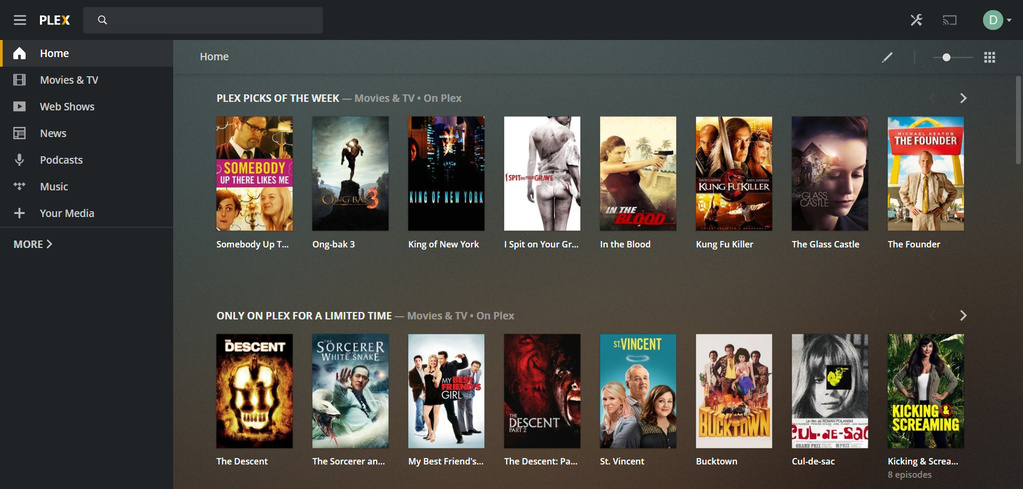
I click on Your Media and I get this screenshot
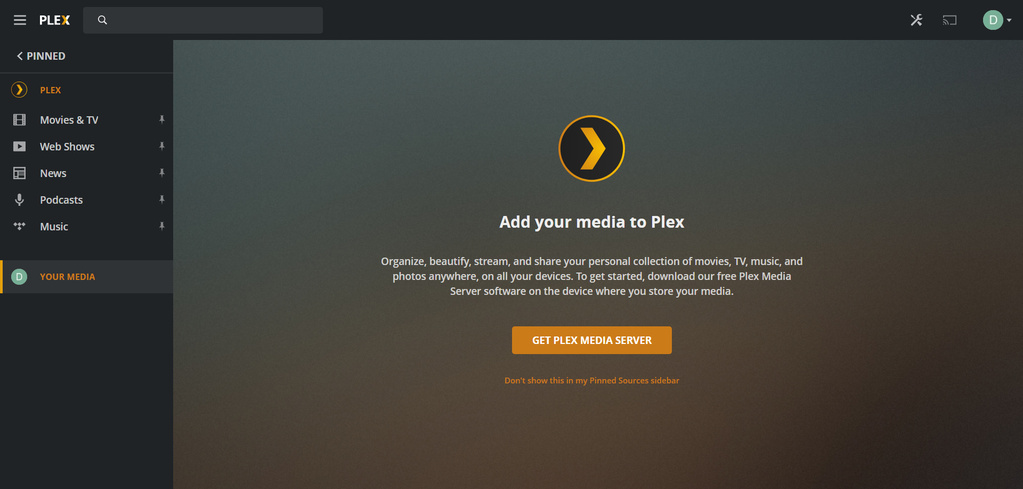
When I click on Settings, I get this screenshot with no available server settings.![Opera Snapshot_2020-07-29_115653_192.168.1.87|690x329]
(upload://4IgtwZX6PI00IrZbl9bzwcr5pf6.jpeg)
If I delete my plex container and recreate it from scratch, then I get these same issues.
Did you claim the docker container using the Docker claiming steps?
Personally, I find docker too much trouble. Some believe Docker to make their lives easier (moving and backing up). I don’t. A tar ball is more portable than Docker and systemctl stop plex is the same for me.
Is there an absolute requirement to use Docker?
Yes. I run other docker containers on this server and they run with no issues. I run Emby server as a docker container and have no issues.
I can understand that.
I use docker for those things which aren’t otherwise native apps.
Regarding Plex, and how the server interacts with the cloud (Plex.tv), which Emby does not do, this is where docker is getting in the way.
If you notice, Emby has a Premier license key. If you changed your emby subscription, you’d need a new key.
Plex does not use that particular mechanism. Everything updates with a simple server restart.
Are there pros & cons to both mechanisms, yes.
One thing I have success with when I use Docker containers, I configure them to use HOST networking.
When I do that, a great deal of the problems vanish. Each container stands up as if another host on my LAN – which is trivial to admin and access.
In Plex’s case, it means no double NAT and clunky claiming technique.
You get the Docker container but still have a flat LAN
I appreciate your willingness to work with me. You are clearly knowledge of Plex. But so far, we have yet to get to the bottom of why I cotinue to receive this screen when logging in:
Essentially, I have paid for a Lifetime Plex Pass that I really cannot utilize because Plex does not recognize a clean install of a server.
I am going to try the installation without the Docker container and see how that works
If you’re installing on Debian/Ubuntu, you’ll find the new installer is very informative and flexible about host configuration… (standard systemd override.conf file) plus more.
There is also a log file /tmp/plexinstaller.log
