I’m having an issue when I select a movie it doesn’t load the information and I have to keep pressing “retry” to get it to load. When it does load the movie plays fine but it just doesn’t always load and is intermittent but happens pretty often.
The main list of movies appear to load fine, it’s just when selecting a movie but before you play it.
I have tried the usual tidying the database features and my internet connection is solid (1Gbps fibre) so it’s not that as when the movie plays it works great.
My setup is a Linux server in Germany running Plex, sonarr, radarr, nazbget etc… which downloads and uploads everything to Google Drive where I’m really streaming it from.
I am also using an nVidia Shield Pro as my client (I don’t have another client to test) and have tried force closing all apps including plex, restarting and it still persists.
Please see below a download demonstrating the issue: the_issue.zip (19.4 MB)
Just before I do that, I’m confused and wondered why Plex would be trying to transcode before it plays? It’s when loading the menu, not the movie? Also the movies generally don’t transcode with the nVidia Shield, they normally DirectPlay?
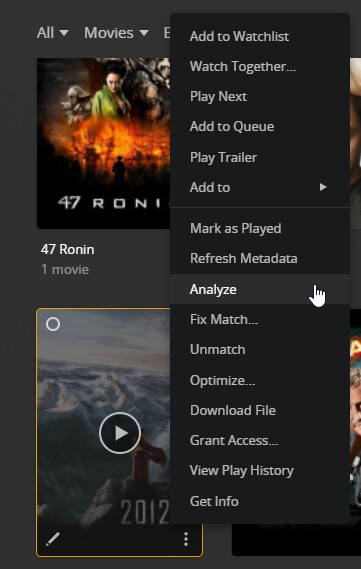
Okay, again it’s happening on the nVidia Shield when I go into a specific movie, not the list of movies. It doesn’t appear to happen on the PC and I cannot analyze from the shield.
With respect, did you download the video to take a look at the issue i’m having?
Yes only on the shield but I think I’ve found the issue now…
It’s to do with the remote quality I select. When I select for it to play at “Original” quality for remote watching in the settings then it causes issues. If I leave it at the default 2Mbps then it’s fine and loads the pages instantly.
So why would the remove quality affect the menu system? I clearly don’t want to watch an 80GB 4K movie remotely at anything less than original quality when I have the bandwidth. That also puts strain on the server having to transcode it from the original quality for the picture and sound.
Re-installing the app has certainly helped and i’ve got it working pretty well with “Original” picture quality selected in the settings for remote viewing now. However it still happens every 10th (ish) movie I try select to go into.
So even though it’s working better, there is still some underlying issue. Maybe because I have a huge library with 13,000+ movies?
Hey, I’ve already optimised the database several times.
I have managed to improve it again though. I found some settings I thought might make a difference so changed them in Plex under:
settings > network > Enable local network discovery (GDM) (Disabled it)
settings > network > Enable Relay (Disabled it)
I also saw something about bandwidth somewhere which was set to 3Mbps so changed it to unlimited.
After changing these it still does happen but FAR less. I think it mainly happens now if you open Plex and don’t give it time to load everything. If you give it a few seconds before going into anything I struggle to get it to happen again. So hopefully now it’s been resolved (fingers crossed).