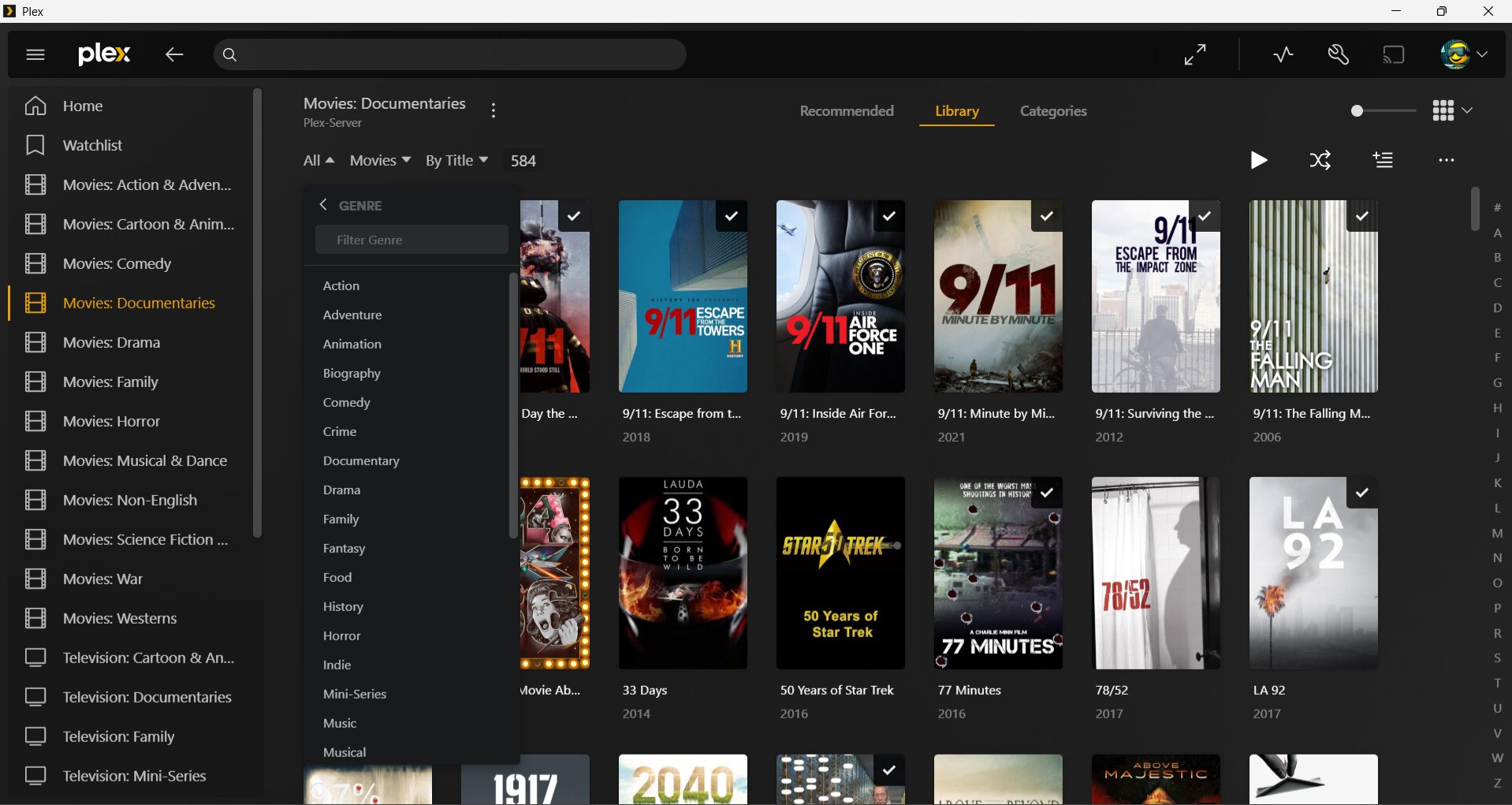
Plex Player currently displays your libraries based on your folders. I have a large library of Movies and TV Shows. To make it easier to access I have sorted them into folders (eg. Science Fiction, Action, etc) It is a little problematic when you are not sure which genre to store your media in where you have eg. Action or Comedy. I know within a folder Plex can filter by Genre Tags, but it is cumbersome if everything was to be saved in the same folder and you have to select different filter each time you want to watch something different.
Would it be possible instead of managing your libraries by folders, instead on the side menu you can manage by Tags (eg. Genre). That way all media can be stored in one folder (eg. Movies) and the side menu library can be whatever however you want to set your filters (eg. Genre, Year, etc). Plex can filter the media based on the metadata tags. This would avoid the confusion when media is of multiple genres and at the same time allow the same media to be displayed in multiple genres.
No, it doesn’t.
It only does that on your server, because you have created a separate library for each of your “genre” subfolders.
It would be more practical, if you add each of those genre subfolders to a common library.
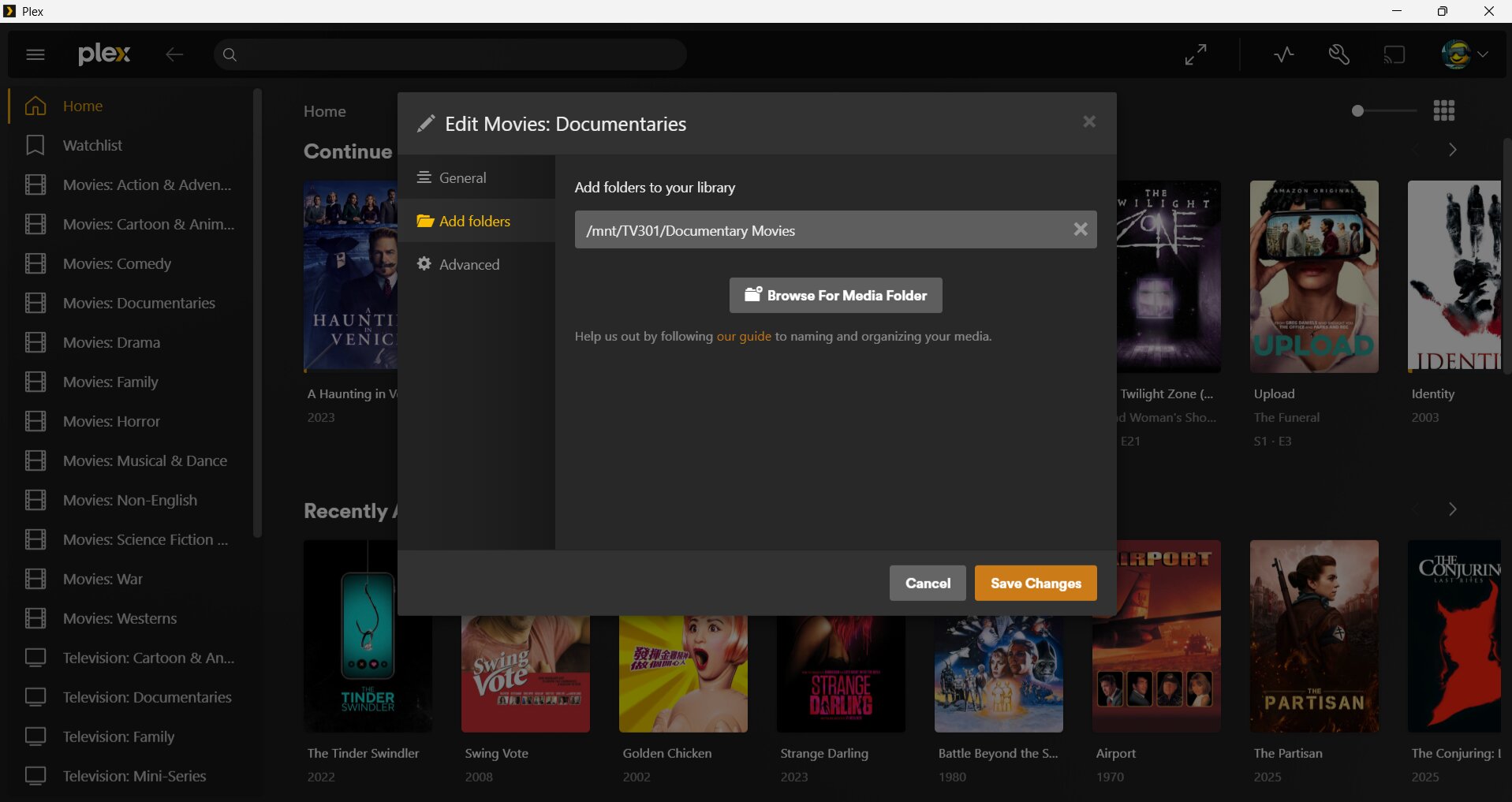
A library can point to more than one storage location/folder.
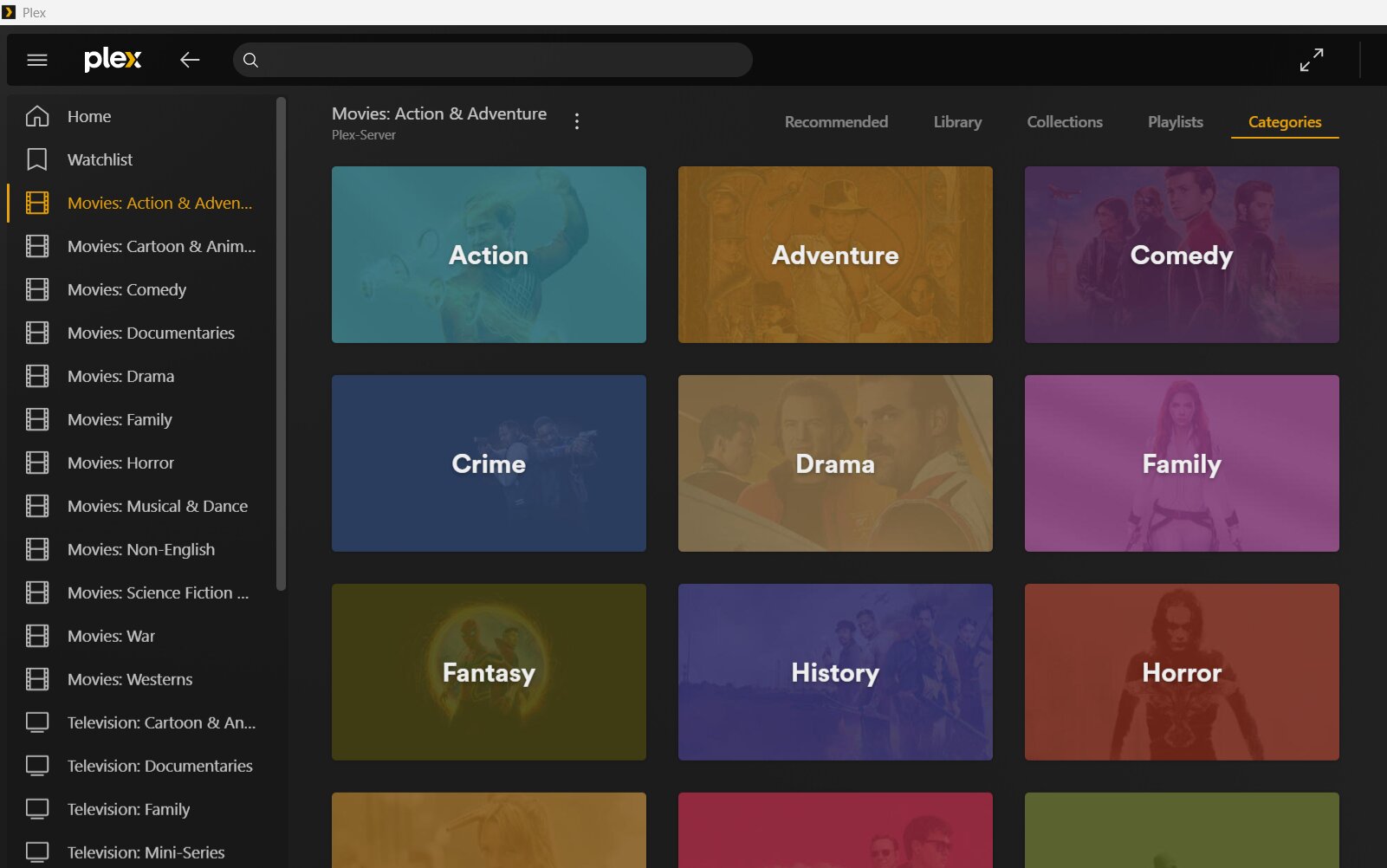
Then use the Categories tab in your library to filter for genre.
If I have all my movies in one folder, how can I have the side menu show different genres?
When I try to add a library, it only allows me to add by folder, which means if all my movies are in one folder, it would display all my movies. The only way to view by genre (or some other category) would be to filter by tag. If I could have the most common filters on the side menu, then it avoids having to go to the drop down menu in the folder and selecting a different tag each time i want to switch categories (eg. Action → Science Fiction → Drama) if I am browsing my library for something to watch.
Or have I set up my Plex completely wrong. Does other users just have everything in one folder for each library type and have some other way of setting up their UI to have quick access to whatever categories they frequently watch?
Please don’t use “folder” as term for libraries. It will only confuse things.
You can’t.
As I mentioned above, there is a special library view mode called “Categories”.
If the library creation wizard doesn’t make it apparent enough that you can add several folders, you can edit any existing library later and add or remove storage locations on the “Add Folders” tab.
Is this what you are referring to regarding category view. Is this not the same as if I used the filters. I am thinking more along the lines of having like the categories on the side menu, and when i select that category (or Tag) it would display recommended, recently added, etc like it does for the library. Maybe I am not explaining myself clearly 
Oh !
Do you mean having one library, adding it multiple times and in the filter setting it to the different genres (Tags) for each one?
I think I understand. I can have all movies in one folder (eg. Musicals) but can set up each library to be filtered by some tag (eg. Music, Musical) so it shows only the content with that tag (eg. Music.)
However it seems to only work in the Library top menu. If you go to “Recommended” It shows everything in the folder.
Anyway, it was just a thought the side menu can add libraries by whatever tags you want instead of by folder(s)
It is. But it is easier to access, than to fumble with the filters.
And if you add all your genre folders to the same library, you will get all movies at once which has a certain genre applied.