Hello everyone,
I’m having trouble finding duplicates in my media libraries. Previously, when multiple files with the same metadata were available, a number was displayed in the upper left corner of the poster. This allowed me to quickly see if there were duplicates for a movie or episode of a series.
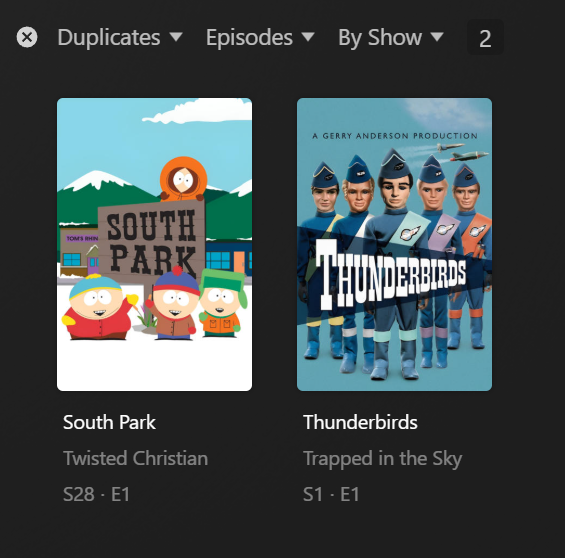
Unfortunately, this number is no longer displayed in the upper left corner. However, Plex recognizes and sorts the duplicates correctly. It just doesn’t display them as it used to! This results in significantly more work, especially with series. Even when I search for “duplicate episodes” in my series database under Media Library using the “advanced filters,” only entire series are displayed, but not the affected episodes.
How can I find the exact duplicates, i.e., the individual files with the same metadata? I don’t want to search through all 100+ episodes of a series individually for the one episode with duplicates! Currently, I have to check each episode individually for the availability of “Play version” or “show metadata.”