Anyone else having issues with Plexamp in Sequoia? I have the setting toggled to show the play queue next to the player but it stopped working once I upgraded.
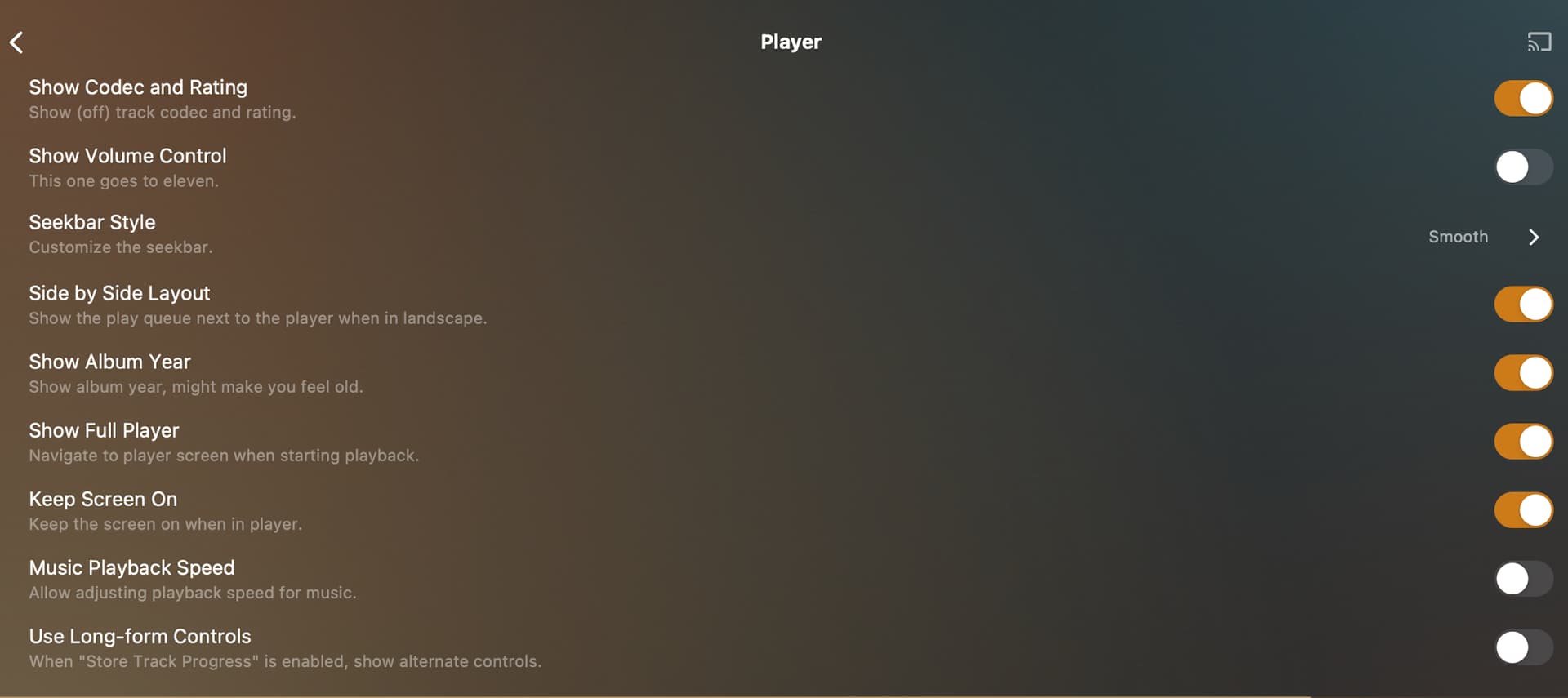
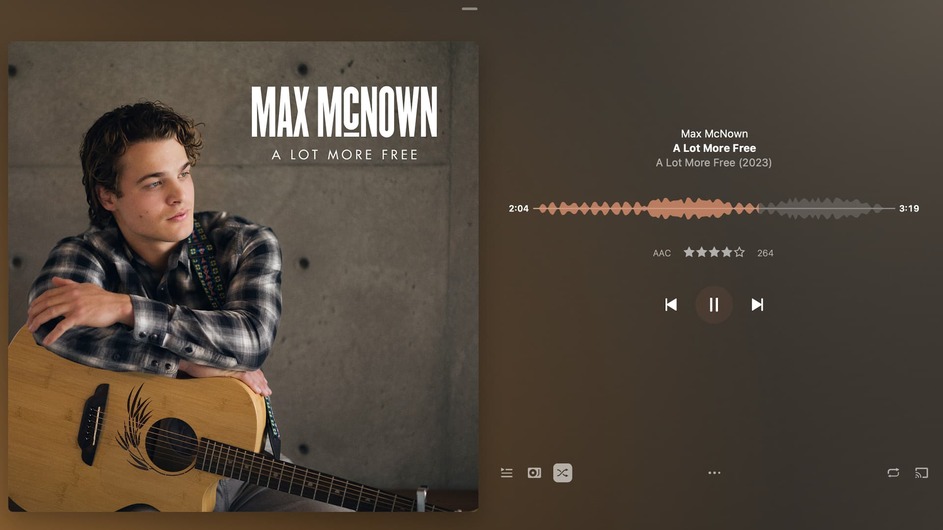
See attached. queue is no longer next to player…
yep… and the queue comes up from the bottom. Based on the settings I have, it should be visible on the right side of the screen, the track info should be beneath the album artwork on the left. It was like that until I upgraded to Sequoia… My other devices (including my car deck) have all the elements on the same screen. That’s what Side by Side should be doing. It’s like it doesn’t work anymore?
Hmm, it works over here on latest MacOS.
Make the window taller.
Just enabled the setting and it’s working as expected.
Do you get the same result if you disable and re-enable Settings > Experience > Player > Side by Side Layout?
I’m just wondering if it makes a difference… it appears you’ve installed the iOS version of the app (unless I’m mistaken). Do you get the same result with the regular macOS app?
https://www.plex.tv/media-server-downloads/?cat=computer&plat=macos#plex-plexamp
It was the version I had installed. @tom80H You were correct, it was the IOS version that I got through the App Store after I upgraded. Never realized there was a difference between the versions from the Plex site vs. the App Store. Problem solved!
Thanks!

