Plexconnect stop working after "El Capitan" update

3 TV shows in and flawless playback so far. It’s even picked up perfectly and “resumed” with shows that I started to watch and either stopped or plex “crashed”. It’s certainly looking like my problems are over and I can breathe a huge sigh of relief!! So chuffed as it’s looking like Plex is working even better than before so I don’t think its an El Capitan issue at all.

I’d advise installing a proper version of Python since that might have a lot to do with it.

How much faster is the brew python when entering the hijack, instantly or a few seconds?

It’s pretty much instant. I can’t give a precise answer as I wasn’t paying a lot of attention when I launched it, but I can say that it was definitely faster than it used to be, so much so that I especially noticed it. I’m not a power user of OSX but have spent the afternoon reading up on Python, and it does seem that the brew version is a lot more stable than the built in OSX Python. It’s early days for me with this but I’ll keep a close eye on it over the next few days but I can say that it’s been faultless this evening with 3 hours of viewing whereas last night I was having to reboot MAC, restart Plexconnect and restart aTV after only 30 mins (much to the wife’s frustration!!).

@finepiks said:
It’s pretty much instant. I can’t give a precise answer as I wasn’t paying a lot of attention when I launched it, but I can say that it was definitely faster than it used to be, so much so that I especially noticed it. I’m not a power user of OSX but have spent the afternoon reading up on Python, and it does seem that the brew version is a lot more stable than the built in OSX Python. It’s early days for me with this but I’ll keep a close eye on it over the next few days but I can say that it’s been faultless this evening with 3 hours of viewing whereas last night I was having to reboot MAC, restart Plexconnect and restart aTV after only 30 mins (much to the wife’s frustration!!).

Ok could you please tell me how to do proceed with the install ?
Best regards

Ok Guys
This is my update on this problem
I tell you all that i do today

With Plexconnect
Remove the app
Download the app from githhub
Create the certificate again
Upload the certificate to the appleTV with the Ethernet method (via URL), first remove the old one on the appleTv and then upload the new profile

I follow this steps to download and install the same version of python : https://wolfpaulus.com/journal/mac/installing_python_osx/
The python version 2.7.10 download from here: https://www.python.org/downloads/

I follow the steps on :http://osxdaily.com/2014/10/25/fix-wi-fi-problems-os-x-yosemite/
I know this is for 10.10 but the point is re create all the network preferences

I rollback my sysctl.conf to this
kern.ipc.maxsockbuf=4194304
kern.ipc.somaxconn=2048
kern.ipc.nmbclusters=2048
net.inet.tcp.rfc1323=0
net.inet.tcp.win_scale_factor=4
net.inet.tcp.sockthreshold=16
net.inet.tcp.sendspace=1042560
net.inet.tcp.recvspace=1042560
net.inet.tcp.mssdflt=1448
net.inet.tcp.v6mssdflt=1428
net.inet.tcp.msl=15000
net.inet.tcp.always_keepalive=0
net.inet.tcp.delayed_ack=0
net.inet.tcp.slowstart_flightsize=20
net.inet.tcp.local_slowstart_flightsize=20
net.inet.tcp.blackhole=2
net.inet.udp.blackhole=1
net.inet.icmp.icmplim=50

The previous config file have this
net.inet.tcp.delayed_ack=0
net.inet.tcp.sendspace=1042560
net.inet.tcp.recvspace=1042560

in both cases the result was the same

I run the aloft diskwarrior with a pen drive to optimise all my drives including the boot drive on the PMS

Kill all process and programs on the PMS except the PMS and plexconnect
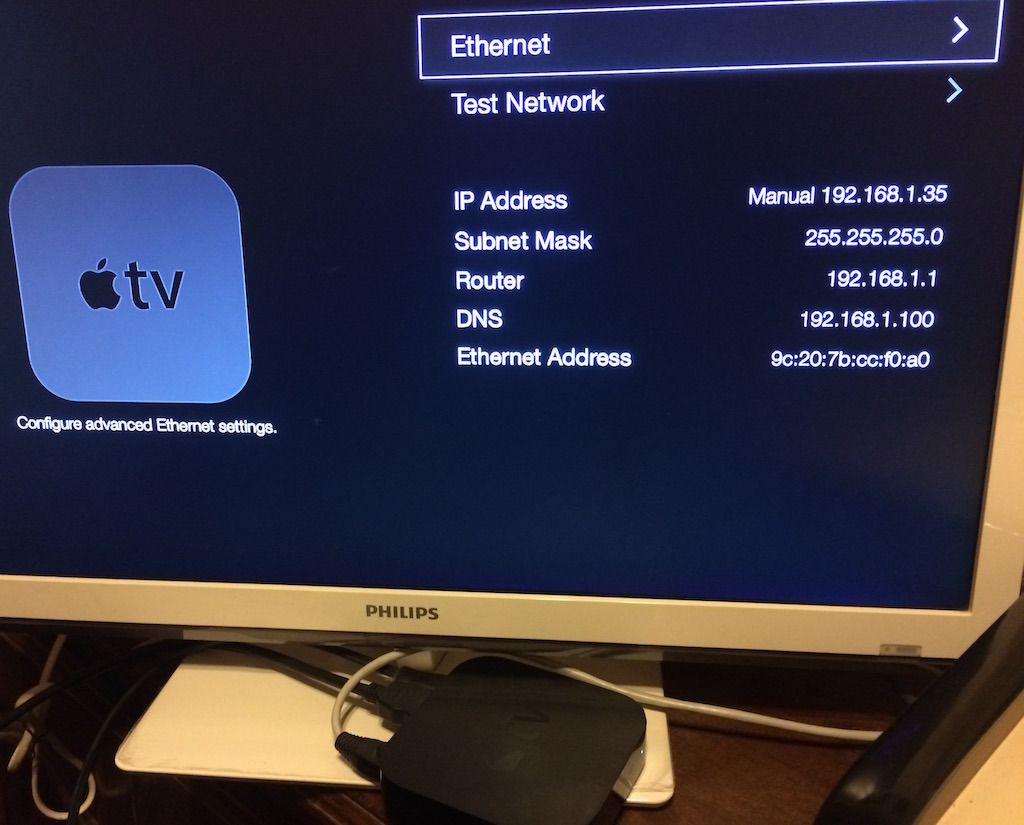
Connect the AppleTV3 with a network cable and wi-fi all test with both connections

On the network side:
I have and Time Capsule and a router cisco E900 because the PMS is one floor above the apple TV the E900 is in a Bridge mode with the Time Capsule

So i think that even when i have this network setup for more than 3 years now, i try just to plug the network cable from the Time Capsule to the PMS Mac instead to the E900.
I get the time capsule connect to the PMS a 1GB network, and to the Apple TV with Wi fi N network
same error and result that in the other test

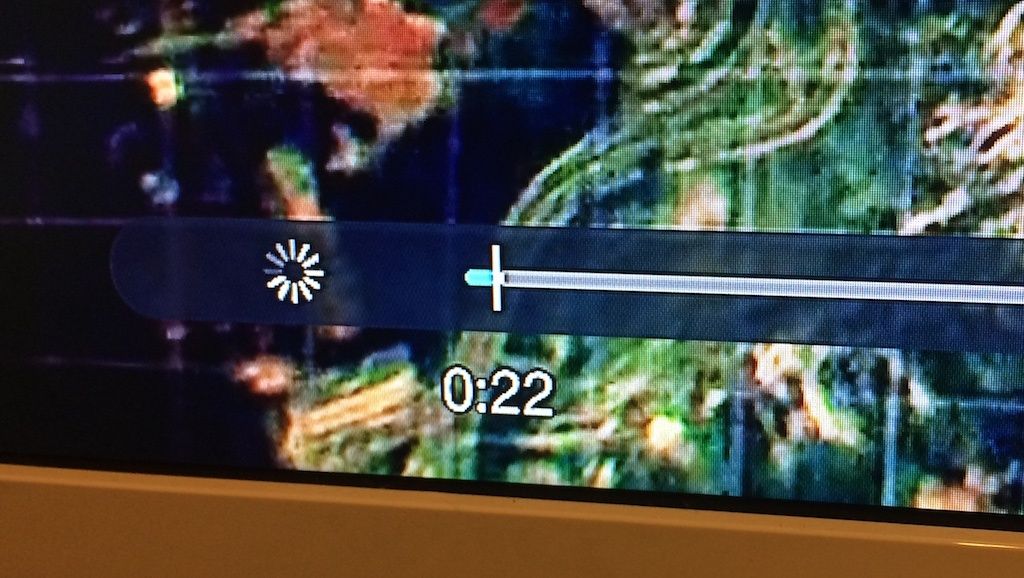
I send to you some pics of the Apple TV running so you can see the effect the apple TV start to play 20sec and freeze
i can play video from vimeo or youtube with the apple TV with the plexconnect enable.
I’m lost with this i don’t know what else to try


I can play with the web browser the same show on the iMac so i can stream content from PMS to a web browser, even when the iMac have a wifi connection

Any ideas ???

Please ?
Regards
Here’s the website where I followed the instruction to install Python properly. Don’t copy and paste the terminal command he’s posted as it’s out of date, so click the link to go to the Homebrew page as well.

http://blog.manbolo.com/2014/09/27/use-python-effectively-on-os-x

@finepiks said:
Here’s the website where I followed the instruction to install Python properly. Don’t copy and paste the terminal command he’s posted as it’s out of date, so click the link to go to the Homebrew page as well.

http://blog.manbolo.com/2014/09/27/use-python-effectively-on-os-x

Ok finepiks, but what is your current version of python right know ?
i try to understand this, you use brew to download python version X.XX.XX
and as say in http://blog.manbolo.com/2014/09/27/use-python-effectively-on-os-x change your path to point to the new download version of python instead of use the python framework ??
Do you download any third-party libraries ??
Do you follow until what step in the use-python-effectively-on-os-x blog ??
Thanks
Regards

Hi guys
I decide to rollback to OS X 10.10.5 and wait until El capitan became more stable, so i’m doing some backups and start fresh
Thanks a lot for your input and help really
:slight_smile:

Best regards !!

El capitan works fine here since day 1. Personally I would try to make a new partition with a test El capitan to rule out the OS as a possible culprit if you desire to debug further. Good luck…

Does the bug(s) look similar to this post:

https://forums.plex.tv/discussion/145463/atv-enters-perpetual-buffering-during-video#latest

The version of Python I have from Brew is 2.7.10 which is the latest version and is higher than the 2.7.01 that is preinstalled with OSX (although I see there is also a Pyton 3.0 but I’ve not installed that). I didn’t need to assign the brew version as in the Manbolo blog since Brew now seems to do that automatically. The Manobolo blog is a little out of date (sorry if it’s confused the issue) and when you follow the initial Terminal install procedure (using the first line of code on the Homebrew page) Brew creates reports within terminal showing what commands to enter to verify and update certain parts of the installation. I didn’t install any additional packages beyond the basic install.

I happily watched 3 hours of flawless play the other night, and Plex even picked up and resumed playing certain programs that had either stopped playing previously or I had purposely stopped a long time ago. All I can say is this seems to have totally cured my issues, and vastly improved the whole experience from when it was working perfectly well prior to these problems.

Python 3.0 doesn’t work with PlexConnect yet:

https://github.com/iBaa/PlexConnect/wiki/Roadmap

Thanks guys, i will try in a near future to upgrade again to El Capitan after apple release the version 10.11.1 o even .2.
I just complete to re install my computer, i will scan all again i found a lot of problems when try to copy the metadata, so i decided to nuke my mac :), and start fresh.
I also found one of my drives became corrupted, now is connected to another mac with disk drill in an attempt to save the data.

I will put in my new plex one or to tv shows and i will try to see if the problem is solved
keep you posted

Well it’s several days now of flawless and much quicker performance. A massive thanks to Wahlman.J for your help, and to Baa for making this even possible in the first place. Living an expat life in a foreign country I don’t know what I’d do without the convenience of this!

Just to give a progress report - it’s now the 29th Oct so more than a couple of weeks since my last post and all I can say is I’ve had continuous flawless performance ever since. No spinning wheels, no other faults whatsoever. Absolutely perfect now.