I have had plex on a the same pc for several years. I bought a new pc (windows 11) and need to set it up on it and will no longer be using the old pc.
I installed plex media server on the new pc. I looked at plex articles and it talks about finding the data directory in this article: https://support.plex.tv/articles/202915258-where-is-the-plex-media-server-data-directory-located/
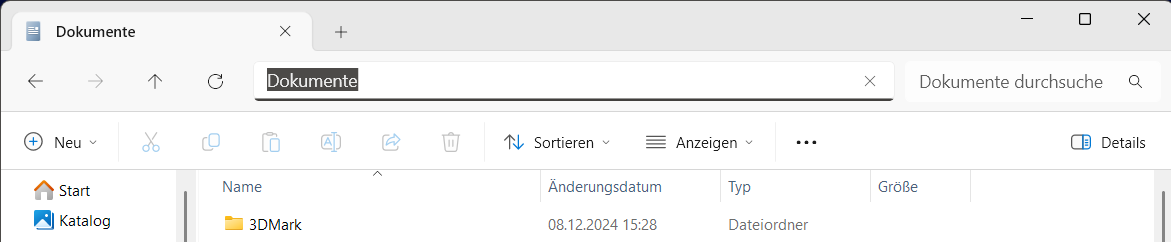
I feel like I’m losing my mind because nowhere on my old pc can I find this folder:
On Windows, the content is located inside of the user directory.
%LOCALAPPDATA%\Plex Media Server
I can find it on my new one just fine. I don’t seem to have appdata or localappdata or anything near that. I’ve manually searched and searched using the search function.
How can I find it? Plex is still running on my old windows 10 pc just fine. I want to make sure I get my custom metdata (genres and play history, etc) when I reset up plex.