Video preview thumbnails still yet to be processed

Server Version#:
Player Version#:

I have just added tons of videos to my library and I see the video preview thumbnails are being generated overnight as a scheduled task. Is there a way to know which files are queued up for processing and which have already been processed? I know I could start playing a file and hover over the playback time to see if the thumbnails have been generated or not. But is there a simpler way? Maybe a list of files?

Thanks

No, there really isn’t. Plex queues up that type of work internally, and you can see the currently active task, but not the queue of outstanding tasks.

Somebody else just requested this over here: Update to how Plex scan works - #4 by Volts.

1 Like

Thanks! I hope the plex team enable this feature soon!

You can inspect the server logs after activating debug logging.
The order for generating video previews is: most recently added = first processed

1 Like

I’m pretty sure there is an element in WebTools-NG that will tell you the ones that are already processed if you have anything that can open csv files.

Also if you go to the media info for any episode or movie
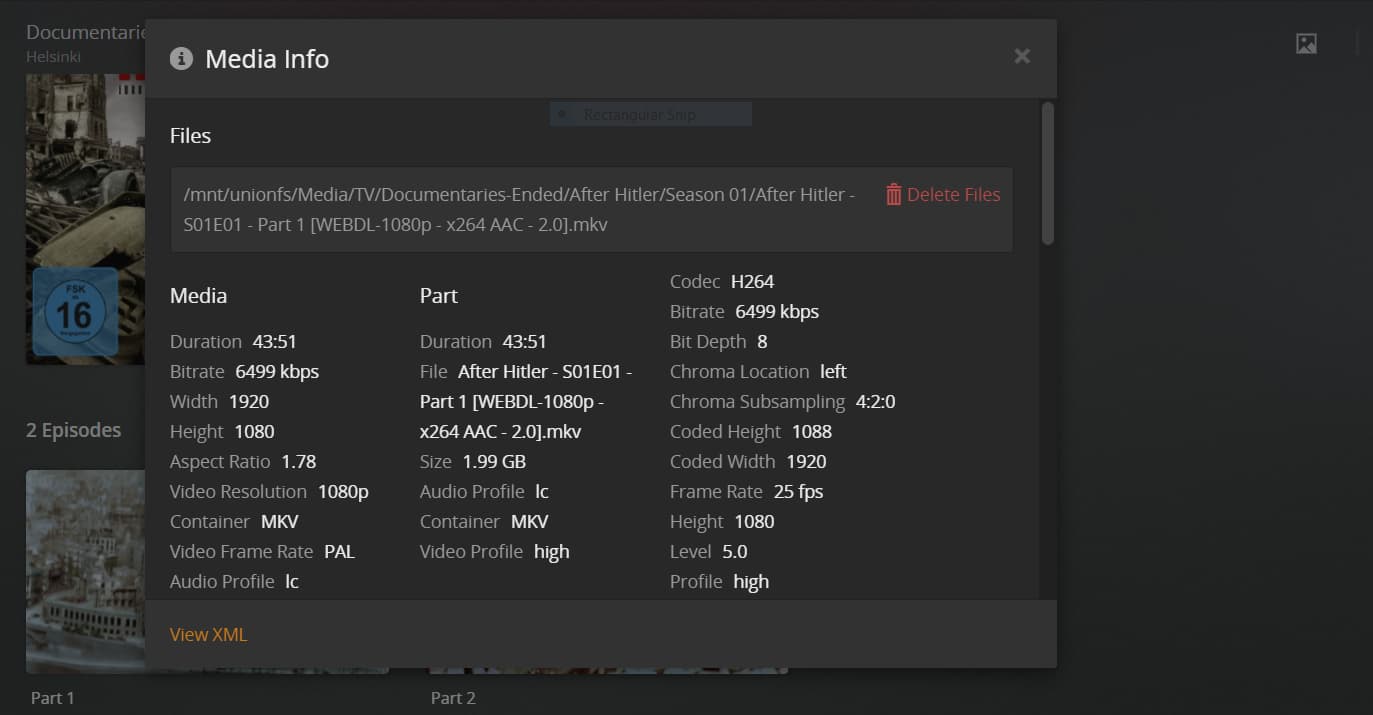

in that middle section called “part” there will be a further entry (called indexes I think) and the result will say “sd”
that means theyr’e generated.

Plus of course if there is anything you particularly want to generate them for immediately you can click analyse.

1 Like

It’s called “Part Indexed” and is avail in a custom level

2 Likes

This topic was automatically closed 90 days after the last reply. New replies are no longer allowed.
