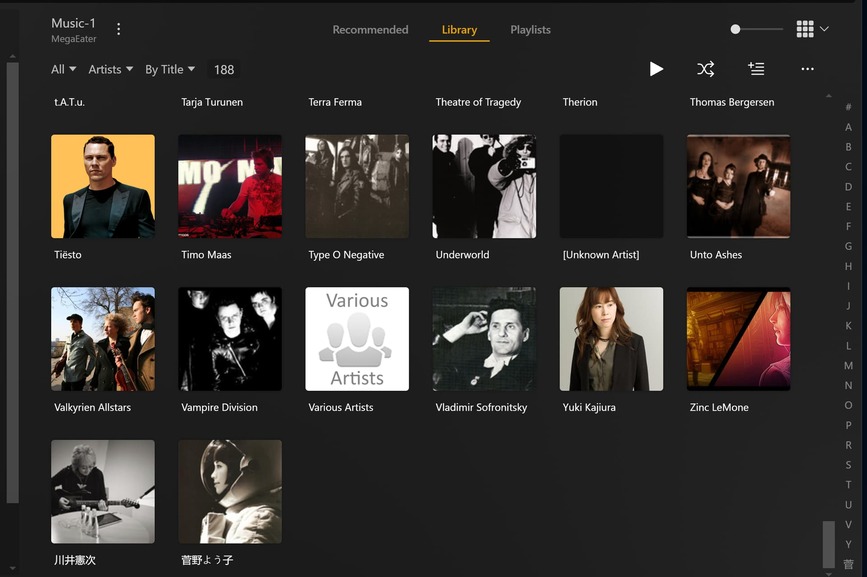
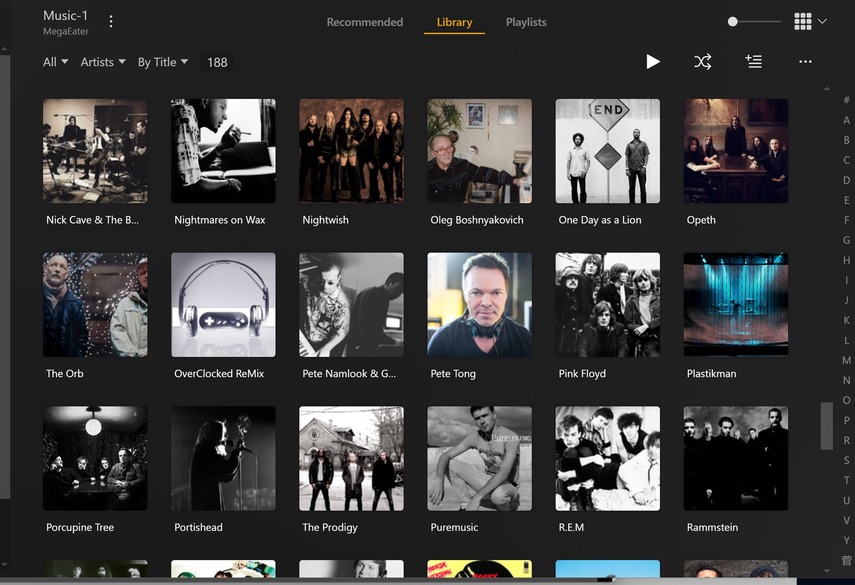
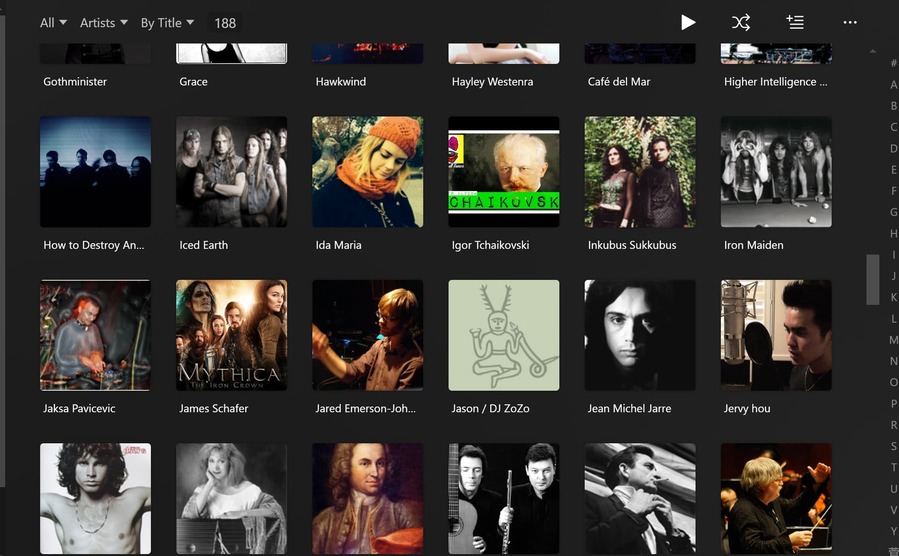
Looking at the first image you posted above, I can see that some of your files are incorrectly named/tagged.
For example, Unknown Artist is the result of your file names/tags not containing the correct artist name, therefore no match can be found at Musicbrainz and/or you are not allowing Plex to use your tags/metadata.
Edit your Music library and on the Advanced tab, make sure you enable Prefer Local Metadata and click on Save Changes.
The same applies to Various Artists, your Artist tag contains Various Artists when it should contain the actual artist for that/those track/s. Only the Album Artist tag should contain Various Artists. The Artist tag should contain the actual Artist.
Here is an example of how to name and tag a compilation album:
Notice, this is Disc 01 of that two CD Album. You can tell by looking at the Disc # tag.
Also be aware, that this album will appear in an album named Various Artists within your Plex music library along with all of your other correctly named and tagged compilation albums.
For single artist albums you should name/tag them like so:
And keep a look out for misspellings, spaces that are NOT spaces, dashes that are NOT dashes etc., within your names and tags.
Also, do NOT add extraneous information to your file names or tags. Things such as format (mp3, wav) etc. or bitrates. That information can be found in Plex by accessing a track and then clicking on the vertical ellipsis and selecting Get Info.
It will even tell you if Plex has added Lyrics to the track.
If you must keep that type of information handy, then copy the information into a text file and store it as Album Name.info or similar, then use a .plexignore file to stop Plex from trying to access those files and slowing down your scans.
Don’t use .txt or .lrc, Plex will interpret those as lyrics files.
See this link for naming your folders/files etc.: Your Media
Plex can be very particular when it comes to naming and tagging and the new agents are much more strict than the previous agents, but if you follow the rules as set out above, you will have very few issues with Plex at all.
I recommend using mp3Tag (free) for all your tagging needs. You can even use it to modify/remove tags from .mp4 video files.