Server Version#: 1.30.0.6486, official Plex Docker with Intel iGPU /dev/dri
Player Version#: 9.13.1.37459, any Android Device (many tested)
While playing a 1080p movie through the Plex Android App and selecting a transcoding level of 1080p (8, 12 or 20 Mbit/s), the playback stops and shows the “already played” screen as after you finish the movie:
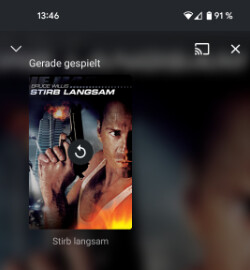
If you click on the cover to restart the movie, the screen stays black:
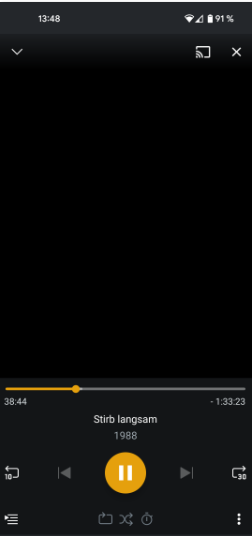
but the server is transcoding the content:
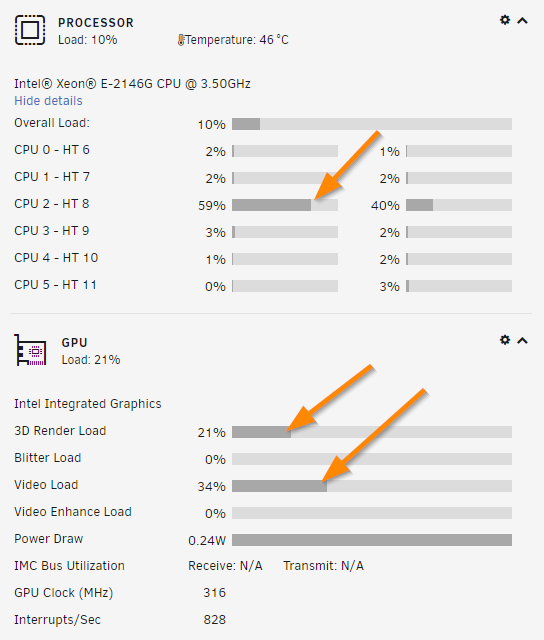
So it seems the server is doing its job, but the app is not displaying the content. After changing the 1080p bitrate or the audio track, the playback works, until you change the bitrate or audio track again (as long you are transcoding to 1080p, audio codec is irrelevant).
Example:
- playing 1080p movie with direct play
- enable transcoding and choose 1080p 8 Mbit/s
- video stops
- click on the cover to restart the movie
- video stays black
- choose 1080p 12 Mbit/s
- video starts
- choose 1080p 20 Mbit/s
- video stops
- click on the cover to restart the movie
- choose 1080p 8 Mbit/s
- video starts
- choose 1080p 12 Mbit/s
- video stops
As you can see its not directly connected to specific bitrates, but if it happens, only if the source and target resolution is 1080p (does not happen for 4K content and not if you transcode to 720p).
This does not happen on a Samsung TV or Plex Web, so I think it’s releated to the Android App.
At first I thought it is only present for me, but two other users confirmed the bug.
As a side-effect if you have selected 1080p 8 Mbit/s as the default for playback, it does not transcode at all. Then it falls back to direct play.
This happens with hardware-accelerated transcoding (Intel iGPU) AND software-transcoding (CPU only).
