It doesn’t actually matter that that you didn’t make any changes in MKVToolNix, as long as it successfully outputted a new file without error, then it would have essentially remuxed it, giving you a clean copy, or at least “a known clean copy”
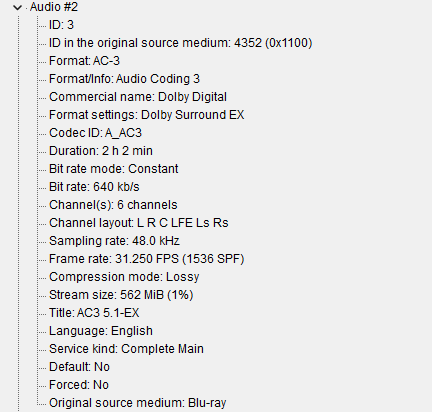
You can prove this when you check the MediaInfo of some files and they might now show the correct language against the various tracks.
When that happens, you can remux with MKVToolNix and correct the language selection at the same time.
Obviously if you share this with external users, you are going to have to ensure you have adequate upload internet bandwidth to ensure that other users can Direct Play the file, AND they have to have adequate download bandwidth as well… If either of those are not true, then you are now into Transcoding 4K territory, and your server will need to be pretty lethal do be able to do that.
And with the bandwidth, although the “Overall bit rate” is 78.6 Mbps, it will very likely have been encoded using VBR (Variable Bit Rate) and because of that, I can guarantee that parts of the movie will likely peak well over 100Mbps. These will be the very busy scenes where the entire screen is changing with every frame. Scenes with smoke are like this, or a scene where the entire screen is panning from one direction to another, say left to right.
In regards to HDR10 fallback, that “should” work on clients that don’t support Dovi, as long as the video track is also HDR10 compatible, which your example appears to be.
However Plex doesn’t “fallback” audio… If the client cannot support the currently selected audio track, it will trigger a transcode, although if the end user was to manually select the additional NON Atmos track, then that should be OK, so long as all other parameters are OK, such as bandwidth etc.