In a Photo library, in Photos view mode, the poster size slider’s settings don’t mean the same thing at different levels of the library.
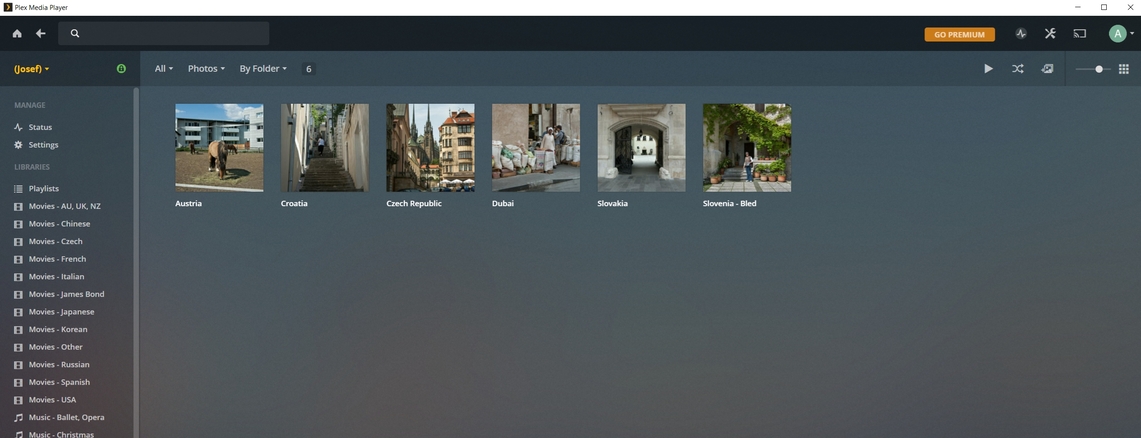
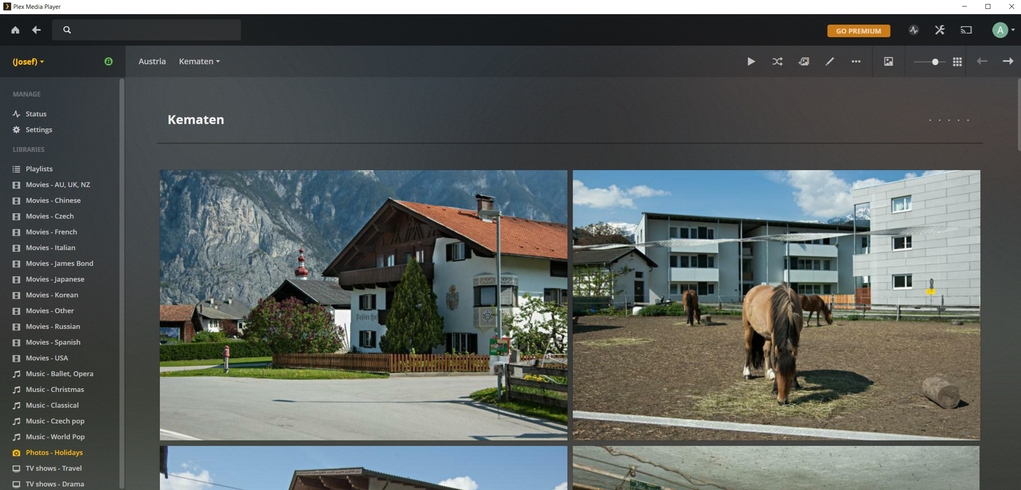
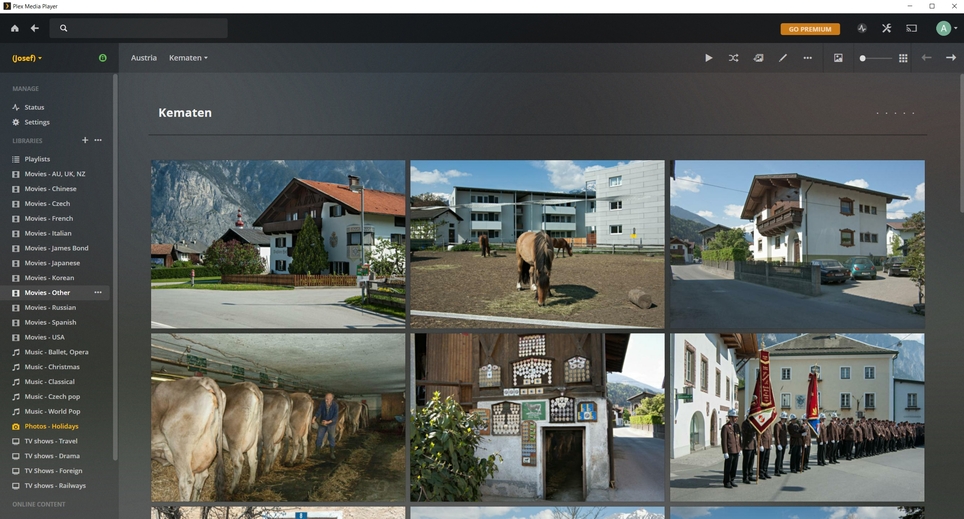
At the top level, with the slider at the smallest setting, posters are 130x130, which is smaller than I would like. Open any top-level folder that has sub-folders, and the posters for sub-folders are 304x304, which is larger than I would like. Open a folder containing photos, and the posters for individual photos are 409x269 or 240x361, depending on orientation - also larger than I would like.
Since the settings don’t mean the same at each level, it would be helpful if the settings could be set on a per-view basis, so I could have it set at position 3 for the top level, position 2 for sub-folders, and position 1 for photo level.
Currently the poster size adjustment applies to every library and page, no matter in what library or what page it is made.
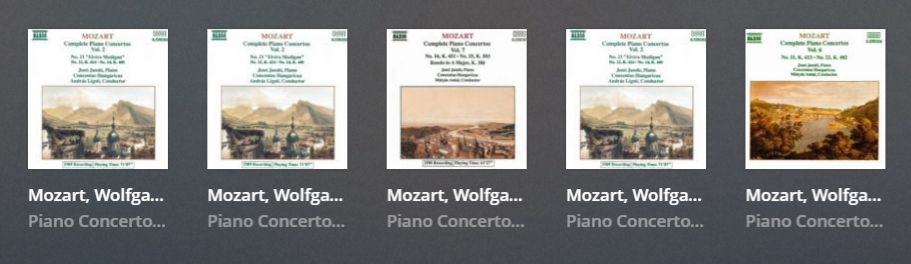
I like to have posters as large as possible in order to see them properly, but mainly to have enough space underneath them for full album names, which can sometimes be long, and cutting it short is problematic. This is more applicable to music albums - movies have mostly short names. If the poster is too small, I don’t know which concerto is which -
But if I make the poster size optimal for music albums, it creates problems in the Photo libraries.
I have my pictures in nested folders. Every step down the chain, the poster is larger, and when I get down to the actual pictures, only two pictures fit across the page -
If the poster size adjustment was working individually for every library, or for every level of nested folders (like Kodi), everything would be OK.
I suppose some may say why not adjust every page individually, every time it is viewed. I don’t consider that to be a smart solution - the setting should stay put in memory, like Kodi.
thanks
Yes, yours is basically the same as mine, without the screen shots. I did not see it - the Plex forum is so complex - I haven’t mastered it as yet.
I can’t give you any vote because I don’t have the pass, and the single vote I had I gave to somebody else. I will not buy a pass for half-baked product.
But this is a major flaw - it should not matter how many votes it has - they should fix it ASAP… In the promotional documentation they brack that the PMP is their flagship, and when it comes to photo library it is not good at all for photos organised in folders.
I think this is it - folders. They don’t care about folders much. Novadays people take thousands of pics on their smartphones and when they run out of memory, download it somewhere in one big lump and need these timelines, recognition, albums etc.
I do my sorting and organising after downloading from my DSLR and post-processing, and as far as Plex is concerned, I only want esthetic presentation of the folders. For me, one folder is one album.
I don’t need any other feature for photos at all.
The setting of the thumbnail size slider should be library-specific, or at least library type-specific.
Thumbnails for movies are generally larger than thumbnails for music or photos, so the setting of the thumbnail size slider shouldn’t be applied globally. I may want my music album posters to be on the 3rd position, but that makes movie posters too large.