Server Version#: 1.23.5.4841
Player Version#: 4.59.2
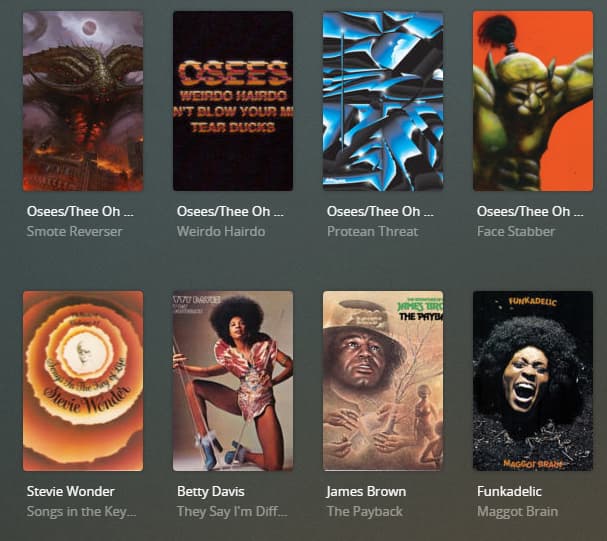
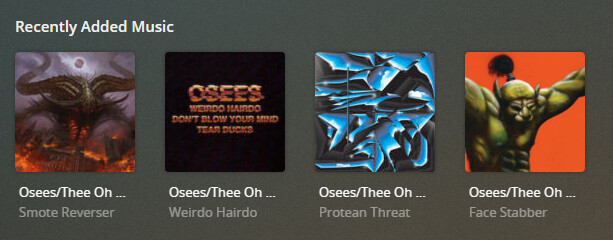
Since the new update the cover art for music appears in the incorrectly only in Recently Added Music. The covers look fine (Square) in all other sections that have music on the Plex Web interface it’s using the movie poster aspect ratio which makes the covers look all out of whack. To be clear, it’s only showing incorrectly when you click INTO the Recently Added Music section, not the main page. I assume this is a known issue?
My builds are newer than yours, but I’ve never seen the issue you describe. Clicking into the ‘Recently Added’ section seems to only be opening the Library, sorted by Date Added. It looks normal for me.