When adding a movie that doesn’t get matched to the Internet metadata DBs, Plex extracts at least one still image from the file using some unknown algorithm.
When this works, it’s fine, but often its choice of image is poor. I’ve seen out-of-focus images from the middle of a camera move, blurry messes from an artistic transition between scenes, and simply unfortunate grabs where the on-screen action isn’t a good representation of the movie content.
I’ve noticed that there are sometimes several choices to pick from, even though I did not add the alternatives manually. I infer from this that it must be possible to cause Plex to generate more choices for me to pick from.
I’ve looked in the settings and found similar options for extracting chapter thumbnails and such from the files, but these files have no chapters. I’d therefore like an option to go grab something like 4-10 stills from each movie so I have a reasonable chance that one of the automatically extracted images will be a reasonably good option.
The only way to acquire metadata is to name your files so that Plex can match them with an online database, and pull those images in.
When no match can be made Plex makes a last ditch effort to give you something, at least. That’s about the best you can do automatically.
You can, however, edit everything, including those backgrounds. Create or gather as required - drag and drop in the editor, or use image files with varying degrees of difficulty:
… and yes… it’s easier to just name your files properly.
I’m talking about movies that will never ever not once ever match an Internet metadata DB. (Turns out, not all movies come from major commercial studios.)
And no, grabbing a single still is not “the best you can do automatically.” I am speaking from experience, having written software that extracts multiple thumbnails from a single movie for this very purpose.
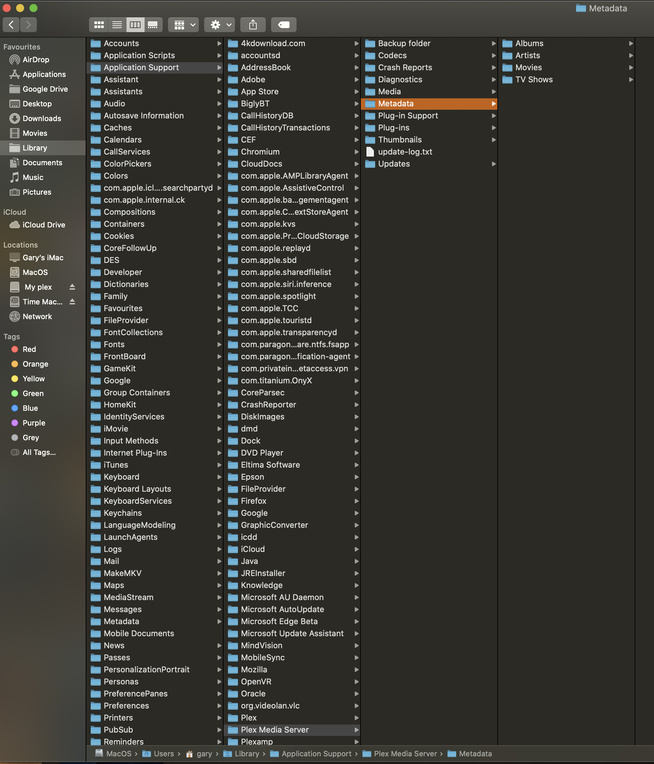
…Which brings us to Plan B: Can you guide me to info on the Plex DB that would let me run a script over the library to extract a few more images per movie and drop them somewhere that Plex can find them? I could figure it out on my own, but if you can save me the time to reverse-engineer the DB, it’d help.
I use a Mac Server and I’m not having issue with Movie Posters, as mentioned by Juice, Naming, Agents order and Local Media assets are required to be correct.