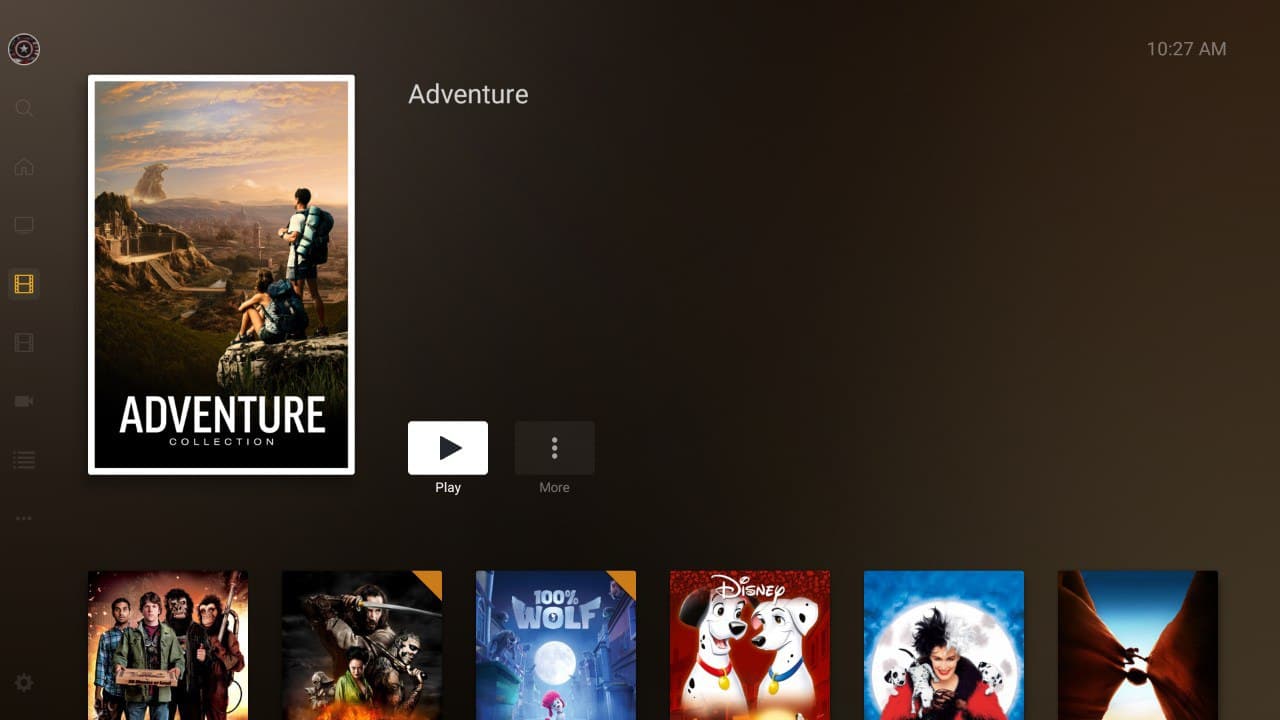
I am having a problem on all Android devices when viewing collections (normal and smart).
After viewing a media item to view the details, clicking the back button forces the collection to reload and the first item in the collection is selected.
This causes quite a frustrating experience when the collection has more than a few rows as I am forced to scroll down to where I left off every time.
I have asked around and this is not happening for iOS users so I do not believe the behaviour is intended.
Navigate to a large collection.
Select a movie.
Hit the back button.
The collection will completely re-load and you will be at the top of the collection. That is the issue we are talking about.
Ok then, it actually goes back two steps instead of staying in a particular Collection.
Say for example a Collection in a movie Library, Marvel. Select Ant-Man, return to collection actually takes you back to your Movie Library instead of your intended Collection.
Interesting, that isn’t even the issue we are talking about…
I have a large library and it is easier to split up into large collections - action, comedy, etc… So these collections have thousands of movies in them. So I’ll be browsing and maybe I’ll look at “Back to the Future” in the Action collection.
Then I decide not to watch it and hit the back button, it brings me back out to the collection but at the top of it - instead of in the “B’s” section of the collection.
Compared to when you are browsing the library… You obviously don’t get kicked out to the top of the library every time you hit the back button from a movie.
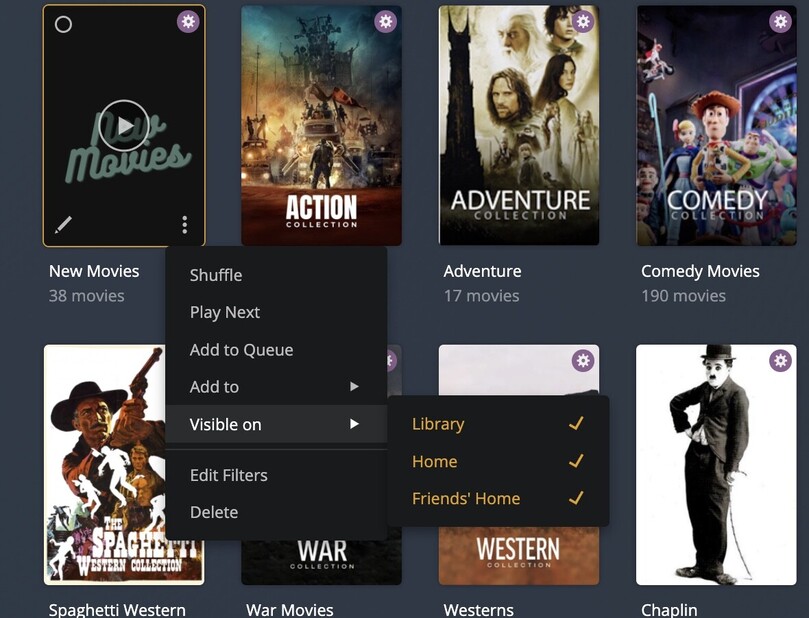
Yes, I too have Genre Collections, Actor Collections, New Movies, plus all my auto generated Movie Collections
So if I understand correctly, I’m watching Deadpool say, part of my Smart Marvel Collection. I close the Movie with (X), it brings me back to Deadpool Metadata display. Then if I use the back button it returns me to the Top of my Movies Library. Not necessarily to the last Collection of Marvel.
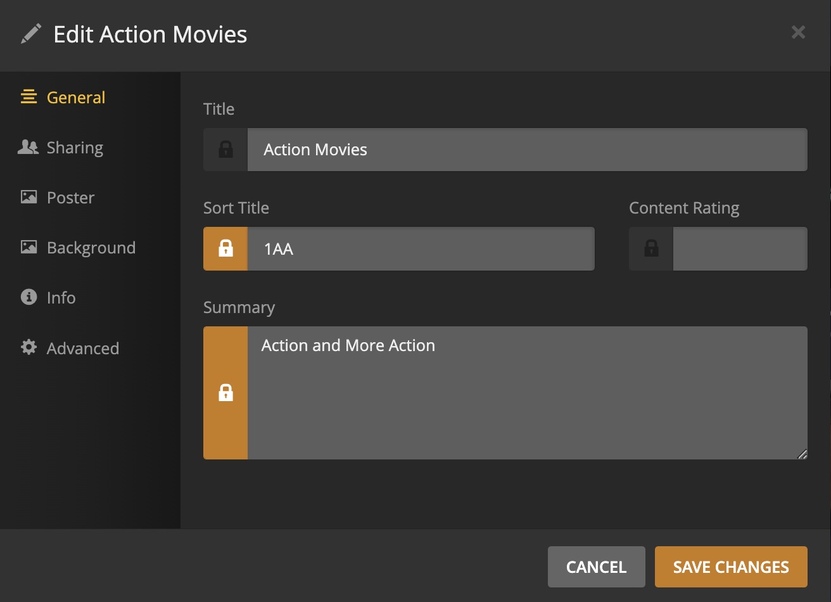
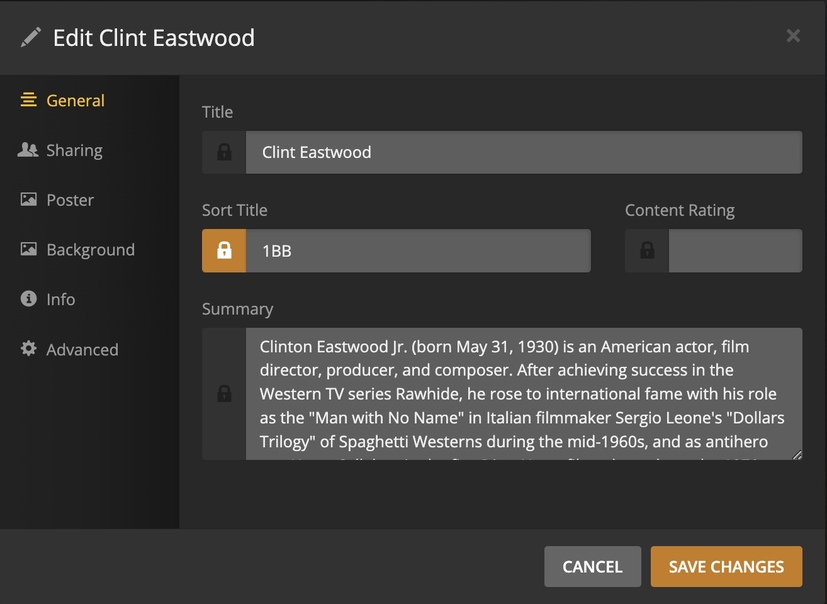
In my case I have ranked my most used collections, using sort Title with an array Numerals and Letters. For example: 1A, 1AA, 1AAA, 1B,1BB.
Yes, I have my Library view setup that way as well, but that isn’t the issue we are describing.
I’ll include some screenshots to illustrate my point.
When browsing on app.plex.tv, I am inside my Adventure collection, at the top:
Then I scroll down about halfway, maybe to the letter H.
I have a look at one of the Harry Potter movies and decide against it, hitting the back button on my browser.
It kicks me out to the same spot in the collection.
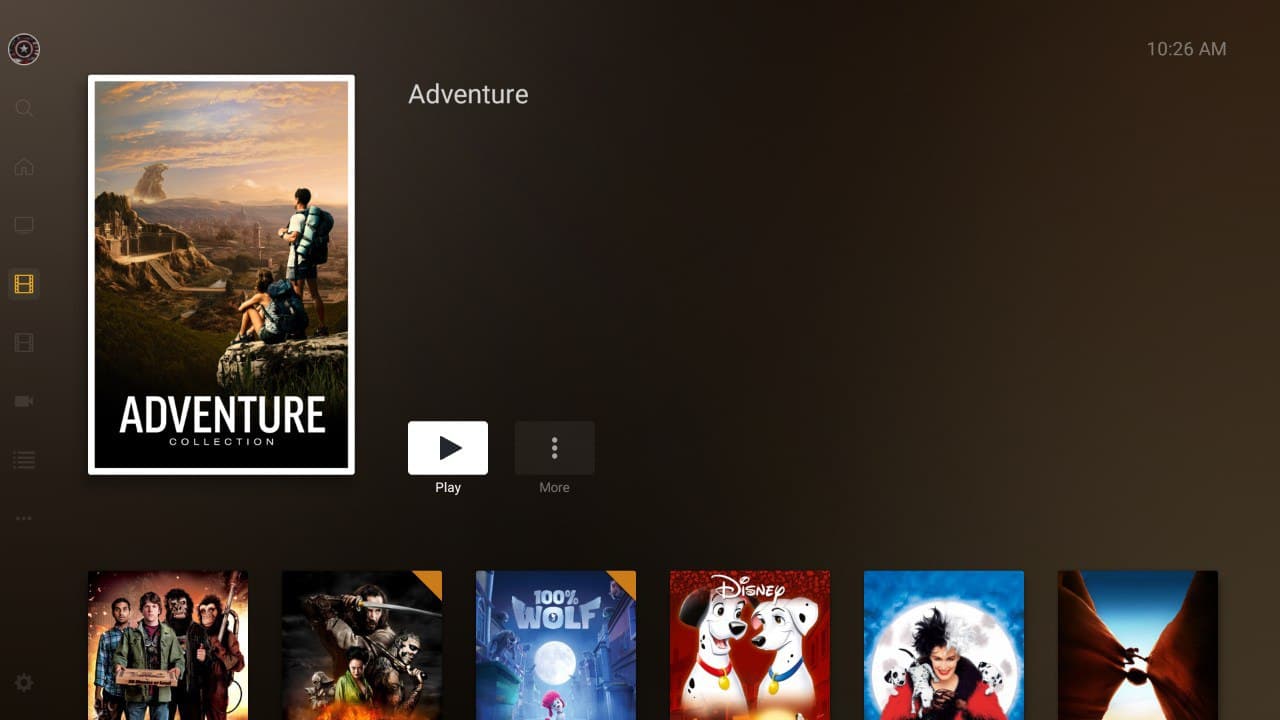
Meanwhile on Android TV and Android in general… If you follow the same steps as outlined above, on the last step, when you are kicked out to the collection, you are kicked out the TOP of the collection, forcing you to go all the way back down to the letter “H” to continue browsing that genre collection.
Ok, I understand. Yet on both my Android Samsung phones it does not return me to my collection. Example: Adventure, but my Library or Collections View. Yes at the top.