Server Version#: N/A
Player Version#: N/A
<If providing server logs please do NOT turn on verbose logging, only debug logging should be enabled>
Hello,
From time to time I’d like to force stop a stream that for example one of my kids are playing. Can this be done?
I’ve read that one possibility is to click stop under the username playing in the Dashboard. But no such stop button appears when hovering over the username.
There should be a way for the server admin to force stop a stream, should it not?
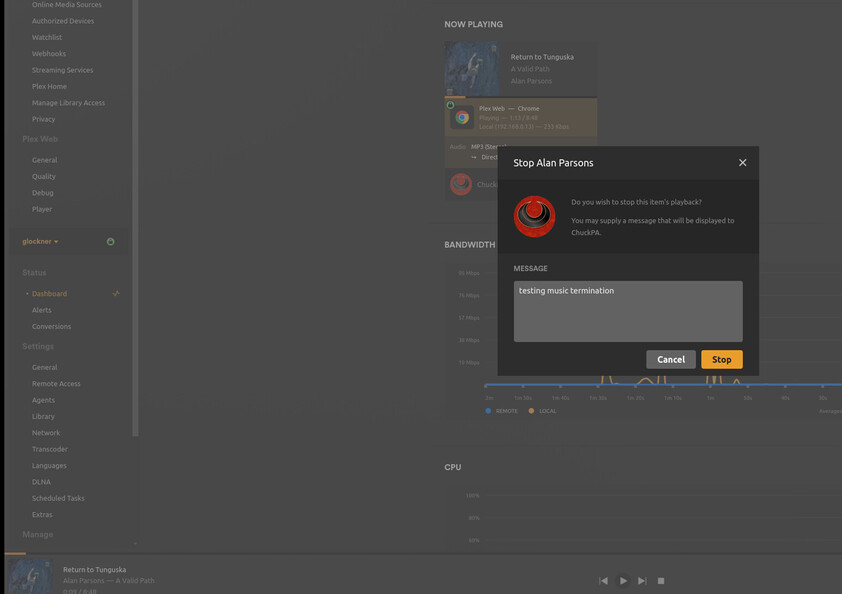
Do you have Plex dash? Easiest way to do it. While on the now playing tab, click hamburger menu (3 dots next to playback media) and choose stop playback.
Unfortunately, for some reason, Stop Playback is not available for some content.
For now it seems like the possibility to stop music files does not exist.
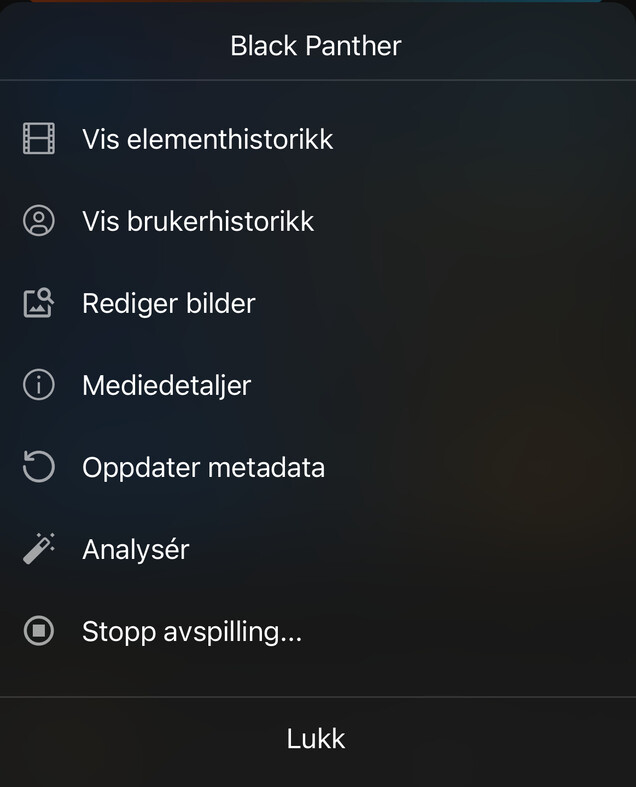
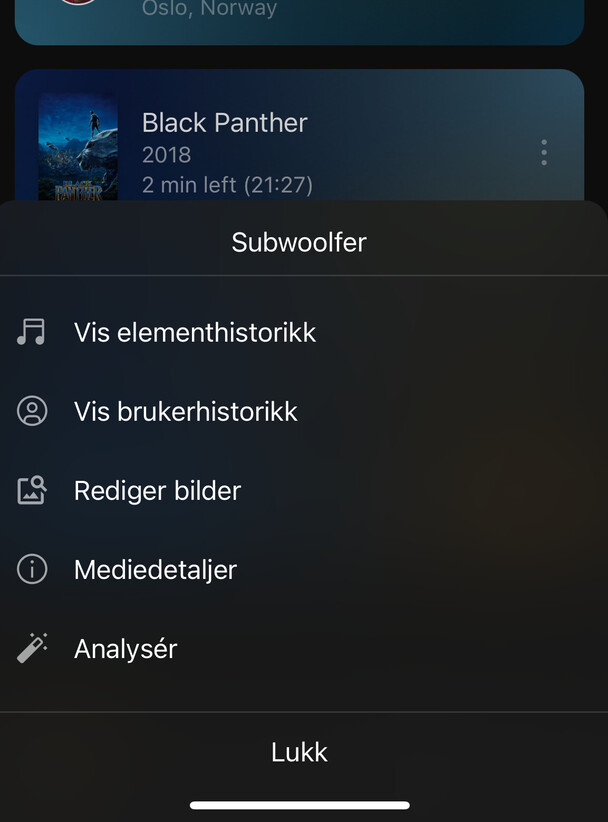
Please see the following two screenshots. Although in Norwegian (I tried changing the app language to english) you might recognize that “Stopp avspilling” (Stop playback) is not available on the music file - only on the movie.
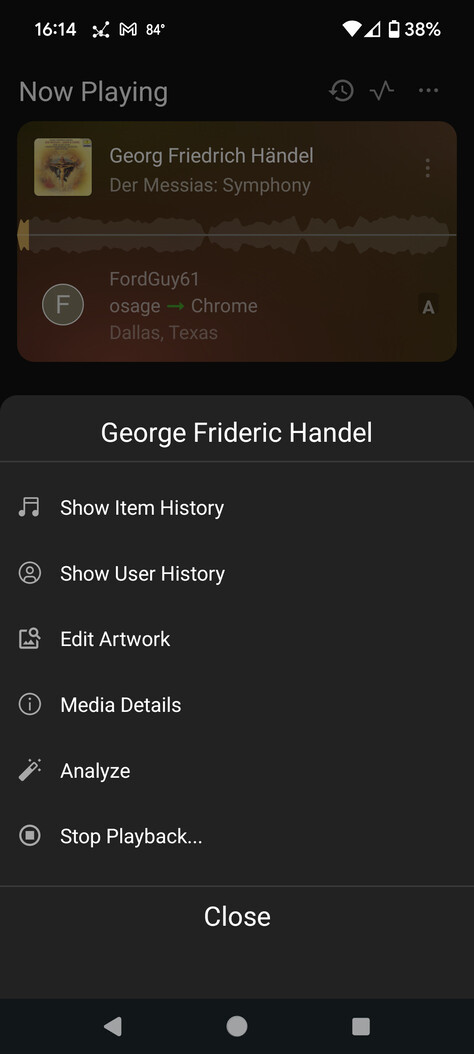
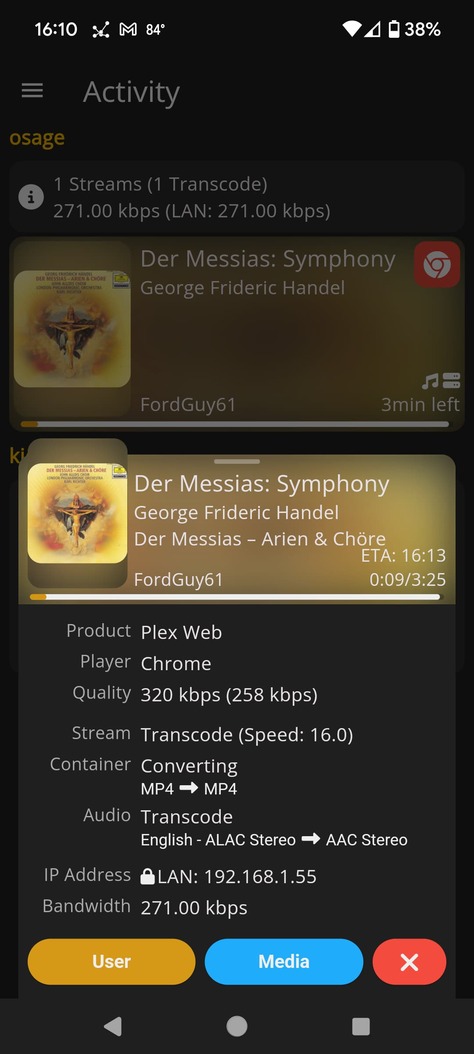
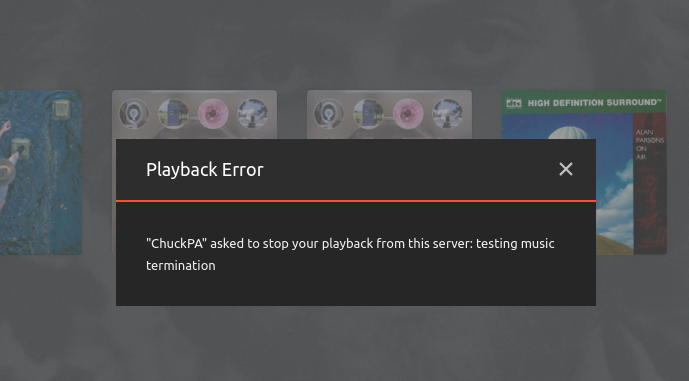
It seems to depend on the client. When I saw this come up last year, I was able to stop music streams that were playing via the web/desktop app, but not PlexAmp or the Android mobile app. Just tested again, and saw the same behavior.
Plexamp works different from all other Plex clients. It pre-caches the files during playback and plays them locally in the app so there is technically no “session” on the server to be stopped.
Can’t be terminated on Android TV either. Will test Apple TV, my guess is it’s the same performance. I could be wrong, but all media is subject to some level of caching isn’t it? Music just happens to have smaller file sizes and greater compatibility with players than video. Willing to learn here.