Server Version#: 1.40.1.8227
Player Version#: 1.90.1.118-a4bc1429
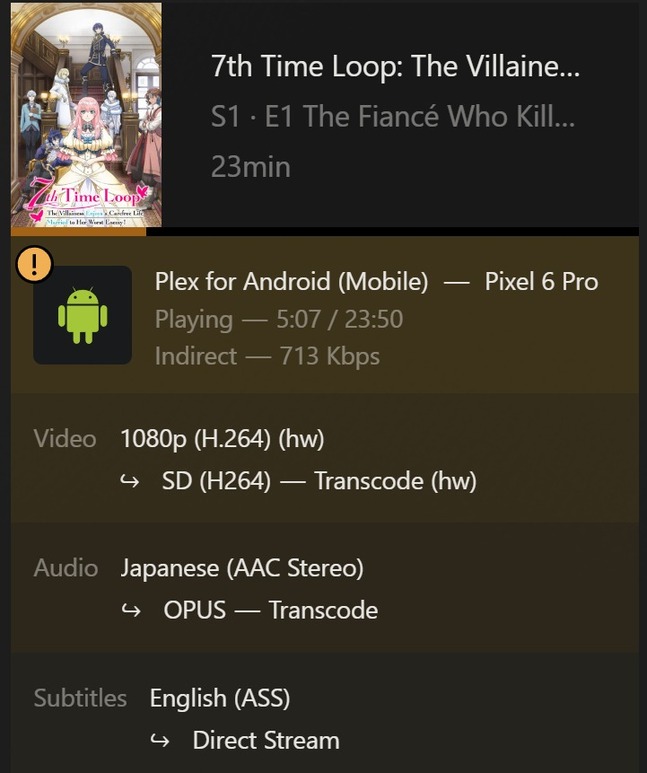
So I signed up for plex pass hoping to get higher remote streaming speeds and it seem to be stuck at 720p. I have a friend who showed me his settings and he is able to stream 1080p with no prob so I am at a loss as what to do. I recently upgraded my bandwidth to 1000/125 but now I seem to be stuck behind a CGNAT and I am unable to get a static IP because my ISP is a joke, my friend is in the same boat as me but he is still able to stream 1080p so I don’t know if there is an issue with my account or what at this point.
Plex Pass does not affect streaming speeds of remote access, except via plex relay (which kicks in when remote access is not working properly). A Plex Pass makes relay do 2mb/s for PP subscribers (instead of 1mb/s for non subscribers (2mbps will get you 720p if file is being transcoded down to that bitrate)
CGNAT would be the reason remote access is failing. What ISP do you have? maybe other folks here have the same and might have figured out a way around it.
I obviously don’t know anything about your friends files but if they have a 1080p file which has a bitrate of or below 2mbps (and does not need transcoding for any other reason) it would explain it.
I’m in Jamaica and my ISP is called FLOW. Customer service seems to have conflicting info on the static ip which I am more than willing to pay for, one min they say yes I can get it the next min they say its not available for residential customers.
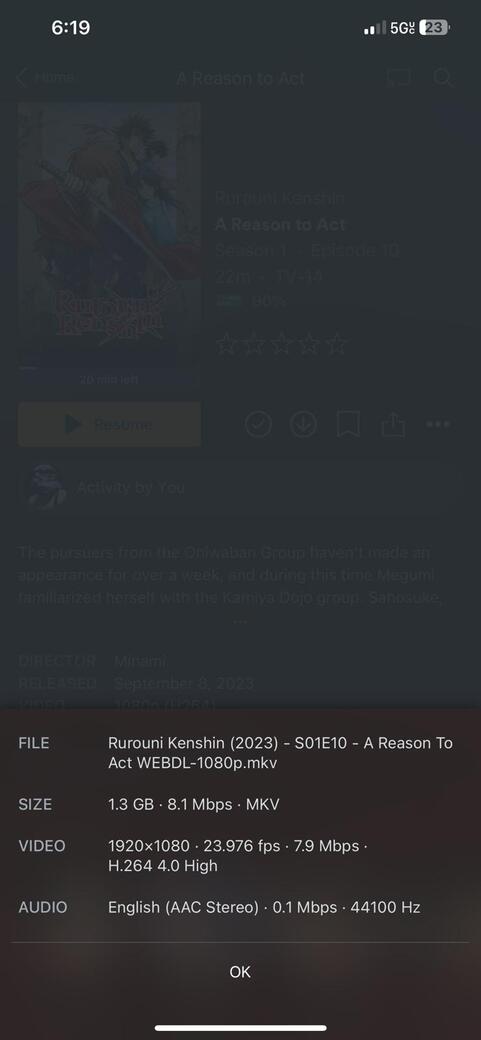
This is an example of my friend’s connection he might not be behind CGNAT but he is behind comcast business in an apartment complex but he does not have any port forwarding done
That info on the bottom of the screen of that file from your friends server is just the details of the original file. It is not the current live active stream information
If you want to look at how fast something is playing from your friends server, during playback tap the screen to bring up the player controls and on the right side click the three dots menu an choose “playback info”
To be more accurate, CGNAT enforces a NAT connection that the end user cannot configure for port forwarding. Double NAT, itself, is not an issue, just a complication if you have control of both.
We are just saying a CGNAT basically has the same effect as a DoubleNAT. the main difference in that the first “router” is controlled by the ISP.
So you cannot put the first in bridge mode nor manually forward the first router to the second one then the second on to the server machine. Which would be ways to solve for a doubleNAT