Collections not Showing on Web UI

Okay,

I AM ON WEB UI, at the https://app.plex.tv

I have no idea why my servers don’t show the Collections options on the top menu:

I can visit other friends Servers on my Web UI and I can see they have their Collections option showing. Why I am not?

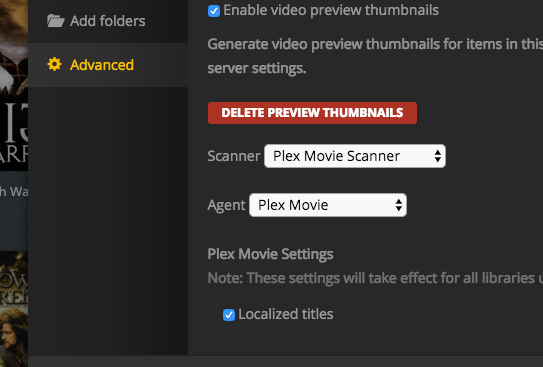
By the way, on my Libraries there is no options for show or hide collections:

And as last info, I am premium pass and my web server is version is:

Please, help?

best

You probably need to update your server. What version is your server? https://support.plex.tv/articles/201273953-collections/

1.10.1.4062, says Up to Date:

It requires at least 1.11.0.4666 mentioned in article I linked.

collections is only available in beta version of server right now. If you want to update to a beta version you need to change the update channel to beta on the bottom of that screen you are on with version number. ( or download it manually)

if you do not want to use a beta version of server you will need to wait til next public version is released. (i do not have an ETA)

Perfect.
Working nicely now. Yes, had to download the Beta version from the website and update the server.

Thanks man, you’re the best.

Ok I have this problem but running Version 1.11.3.4803

I can see my collections if go to the movie lib, but if I use all and then try to just see collections like the first pic all I see is movie and folder as options

what version of web app are you using? use https://app.plex.tv/desktop

Version 3.31.1

Doesn’t that update auto? Is there a newer version. I just checked with the actual player and and they work there.

Ok that has to be it if I go to the hosted version via https://app.plex.tv/desktop it works… How do you update the local version of the web ui?

You can’t manually. It will be updated with a version of the server. I think it will be the next one but don’t want to make promises

Thanks - makes sense now… Thought I was going crazy :wink:
