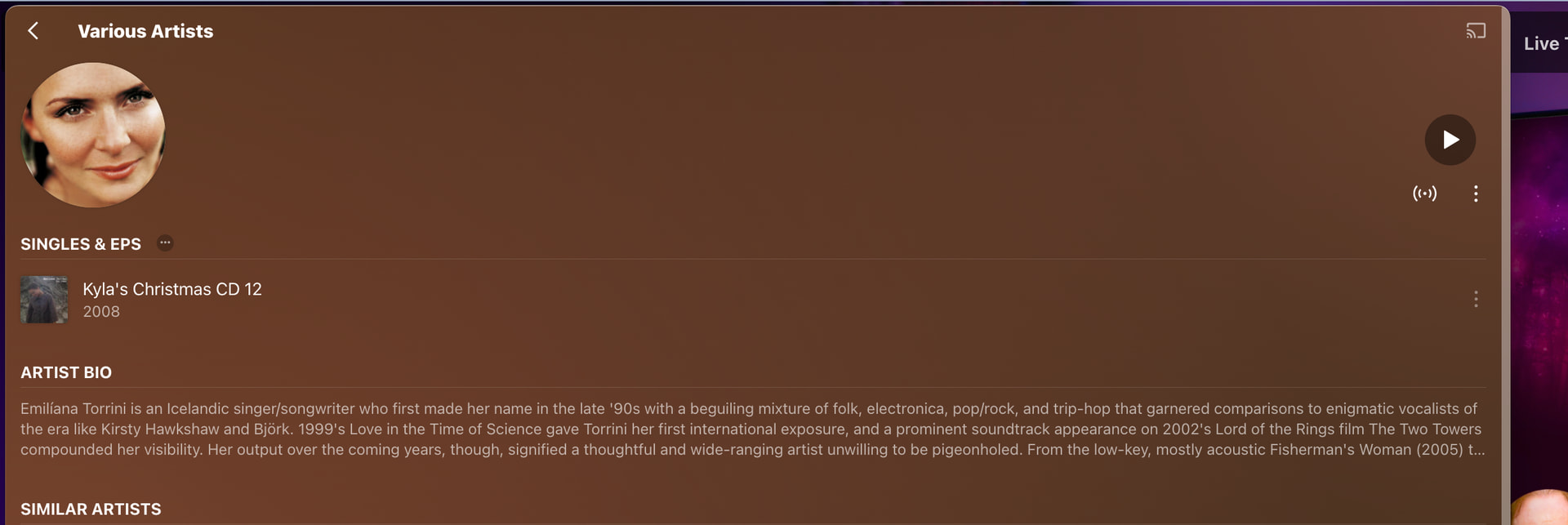
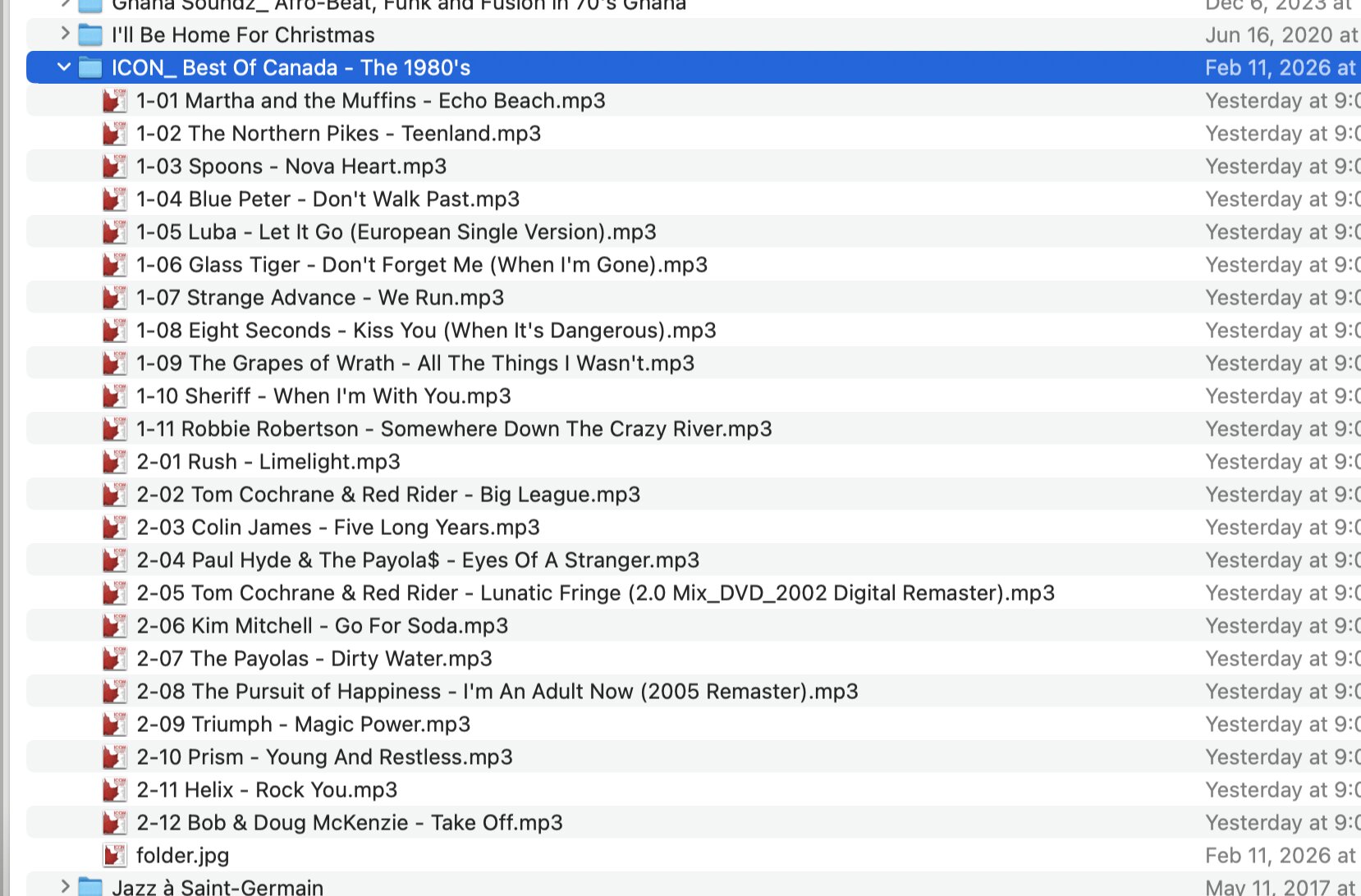
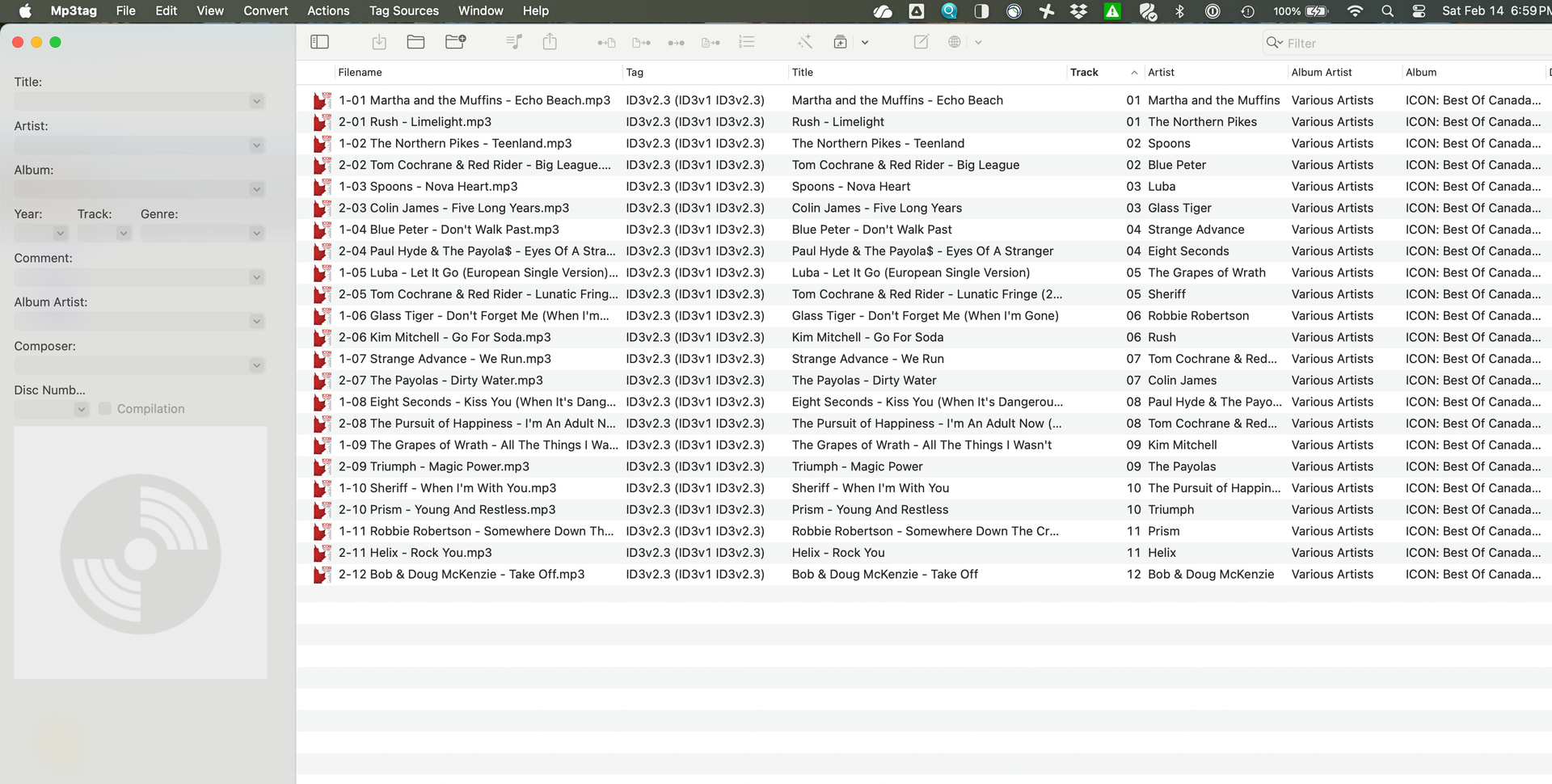
I have a well organized folder of music on a QNAP NAS. Plex Media server details are below. My plex collection is not seeing 99% of my compilations, either as compilations or in the Various Artists folder.
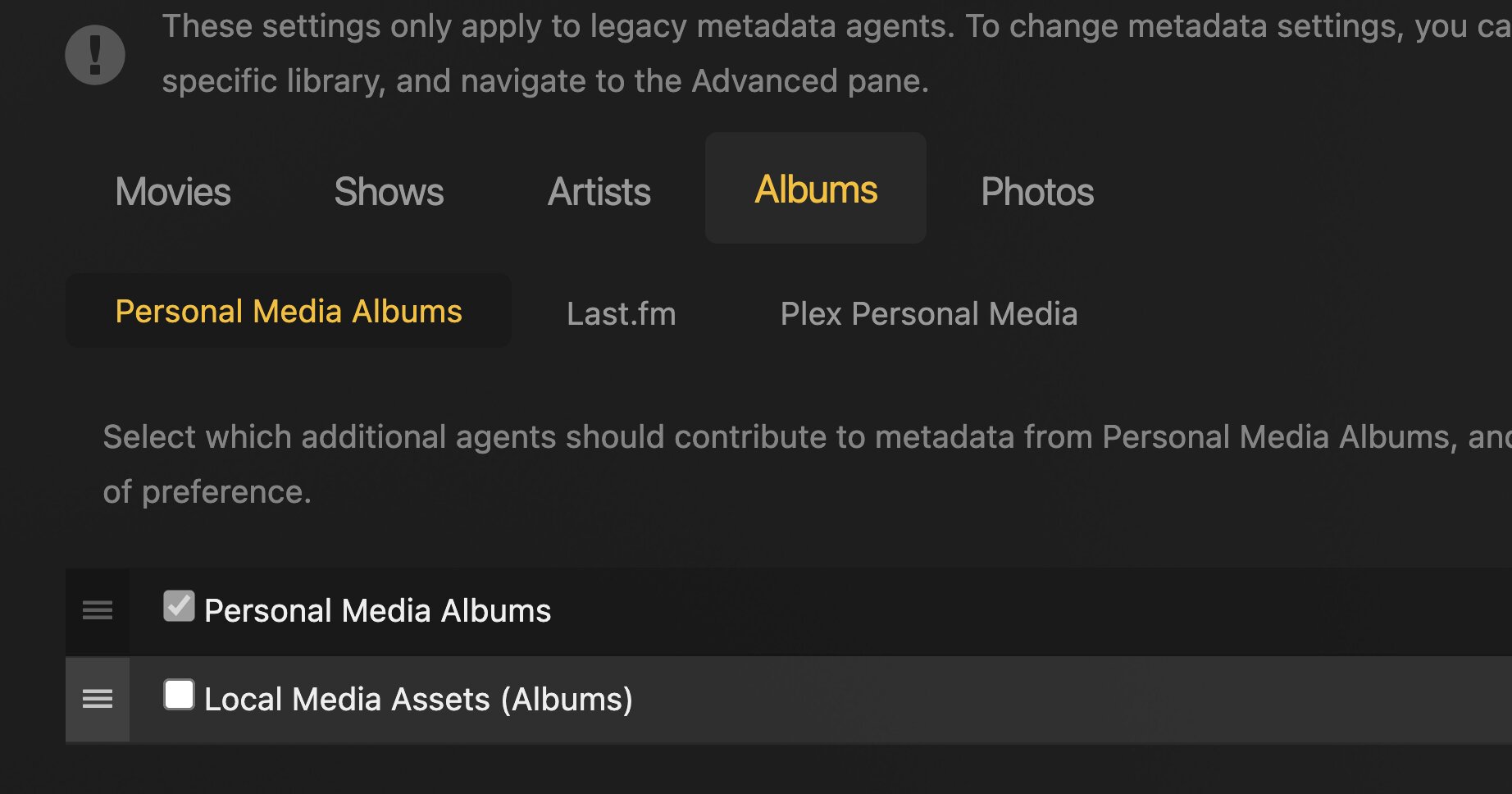
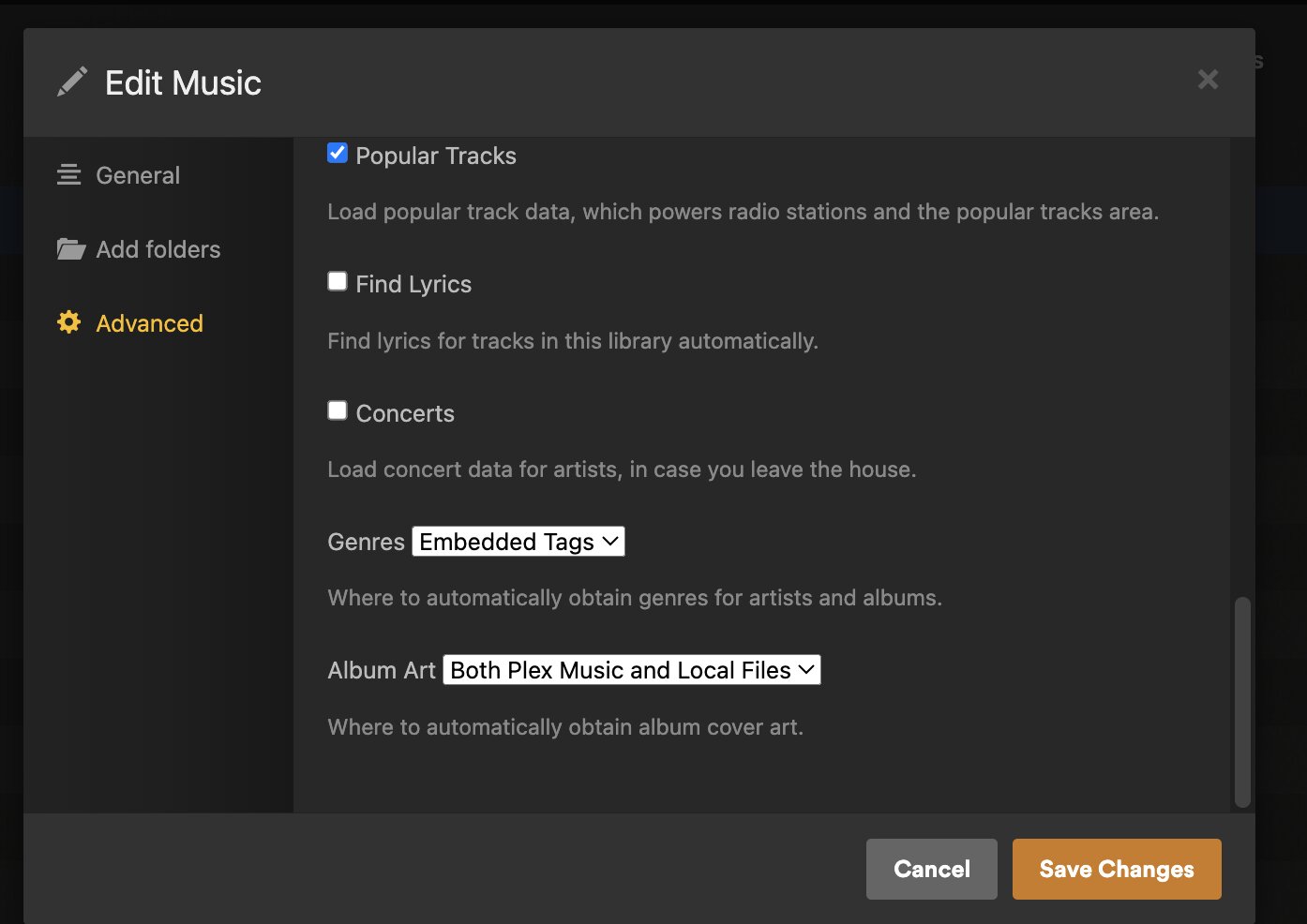
I have attached a variety of screenshots that illustrate what I do see in Plexamp and Plex Web Player as well as screenshots that show the extended tags attached to one compilation album (ICON Best of Canada the 1980s). It is tagged with Musicbrainz metadata, but still is not recognized by Plex. I have also attached screenshots that show the current settings of my metadata agents.
No. Edit the music library in Plex. You should find the setting on the Advanced tab.
If it’s not there, you are still using one of the deprecated agents which are no longer supported.
Everything I’ve said above is for the current default agent “Plex Music”.
It merely points your way toward the solution.
I’ve actually linked it already above.
The key is in the embedded meta tags. Plex requires you to use the Album Artist tag (which is a separate tag than the regular Artist tag)
It must not contain more than one name. Which means with collaboration-type albums, you must decide which artist shall be the “main” one. Then tag only this name. For traditional sampler-style albums, there is the special artist name “Various Artists” that you can use.
All tracks of one particular album must have the same Album Artist tagged (each track can have a different Artist tag)
You must use the folder structure “Album Artist” > “Album Title” > [Tracks]
All albums which are stored inside one particular “Album Artist” folder must have identical content in their Album Artist meta tags.
Use a dedicated meta tagger app to set the Album Artist tag. The file properties tab of the Windows file explorer is inadequate.
I recommend mp3tag. It can help you with turning folder names into tags, or vice versa, generating folder structures and file names from meta tags.
Depending on how much editing you’ve performed already, it might be easier to scrap the whole music library and create it afresh – after you’ve gone through and changed the folder structure and embedded meta tags acording to the rules I laid out above.
If you’ve only edited a few albums/artists, perform the Plex Dance with just these.
If you are using mp3 files, set your meta data editor to use ID3v2.4 tags.
After making all these changes, you rather should perform the Plex Dance with all Various Artists albums. Plus all albums of the artists which “grabbed” all your VA albums.
I use Mp3tag. I will check about ID3v2.4.
One question: I tag my compilation tracks with “artist - track_title” so that the artist appears in my HEOS app which I use to play on my home steroes. Otherwise the structure is perfect: “Artist/Album/track” with all compilations in Various Artists.
Please advise if that exception is likely to make things break.
What do you mean with “tag”? Are you writing both the track name and the artist into the same metatag? That is problematic.
There are distinct metatags for Tracktitle and [Track]artist. Use them.
The AlbumArtist tag is what makes an album appear under the right Artist name in Plex.
And the AlbumArtist of a real compilation album is usually filled with “Various Artists”.
However, if this is a compilation of tracks all from the same artist, then you should rather use this artist’s name in the AlbumArtist metatag.
But that also means that this album should then not be stored inside the Various Artists folder. – in other words, all albums inside the Various Artists folder should have their AlbumArtist meta tags filled with “Various Artists”. If there is even one single track deviating from this, the faeces will hit the fan.
OK, that’s great. Except it’s not working. I have cleaned my various artists compilations 10 times. Everyone is tagged perfectly. And I have done the Plex dance multiple times and the artist is still “Soundtrack”. It’s ridiculous.
Even after manually changing the Artist to all my compilation albums from Soundtrack to Various Artists, Various Artists still don’t actually appear as “Artists”. My compilations are completely unreachable.