Server Version#:
Player Version#:
<If providing server logs please do NOT turn on verbose logging, only debug logging should be enabled>
Hey all - really hoping someone might be able to help me with this as it’s driving me up the wall.
So I’ve been using Plexamp as my main music player really successfully for around 6 months. I run a raspberry pi 3 server hooked up with a 1TB SSD. Absolutely love using it and filling up my server with random purchases, mix tapes, bandcamp downloads and vinyl rips. Have not looked back to Spotify since I moved.
My phone (Moto g62 5g) forced an update to android 13 which has introduced crackling and popping audio to plexamp whenever I try and listen to it. For all intents and purposes this has broken plexamp and I cannot find a fix for this anywhere. I’ve tried/can confirm:
problem is only with Plex or plexamp. Other audio sources work fine (e.g. Spotify or chrome)
server streams fine to the same phone via chrome. So no issue with the server that I can tell.
issue is not related to bluetooth as I can hear it on Bluetooth and wired headphones.
have already hard reset the phone and fully wiped it to no avail.
server and Plex are up to date.
issue is present regardless what audio interface is used.
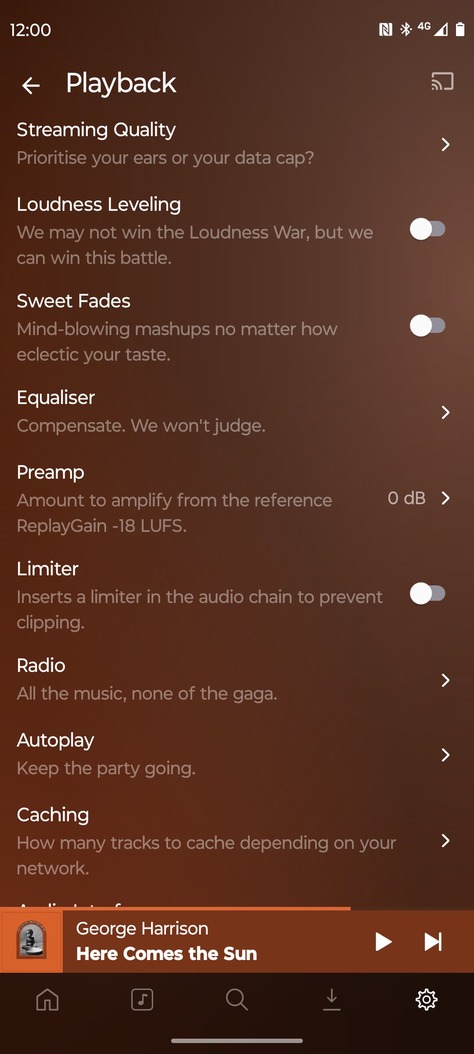
have tried changing various system and Plexamp settings but nothing seems to fix it.
Thanks for the reply both - can confirm all of that is in place and the issue still persists.
Someone on Reddit with the issue has suggested installing RootlessJamesDSP as a workaround - apparently this worked. Does anyone have a view on why this is and whether there is a more elegant solution?
So can confirm the only workaround I’ve been able to find which resolves the bug is installing something called RootlessJamesDSP via play store. Bit of a fiddle but defo works.
Letting people know on here in case this highlights what the problem is or at least provides a fix for anyone else.
the only thing i can think of is that the Android update made the audio stack shittier and less able to handle lower latency configurations, and somehow introducing this element in the middle works around that issue.