can we have a feature to hide unavailable content ?
I have a multi drive and share system and if a system or drive goes offline items show in plex as if they are available.
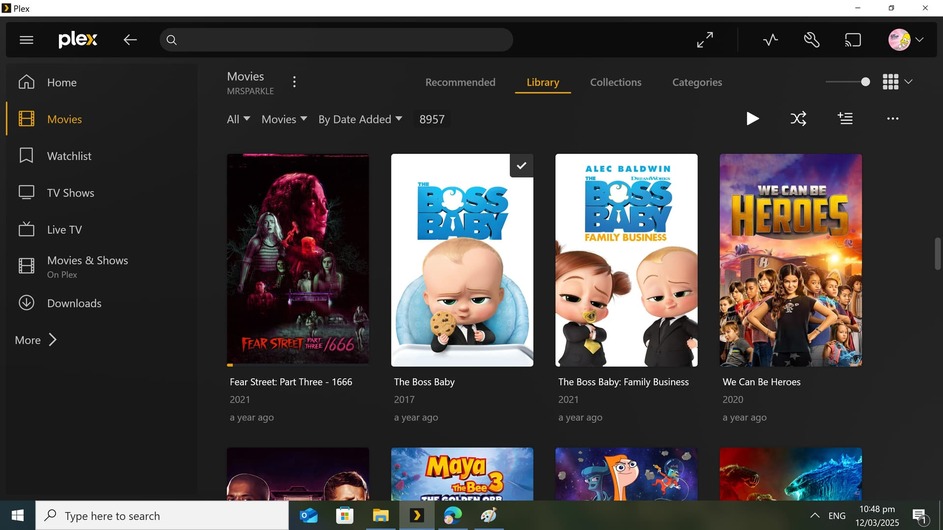
can we make it dull the covers of the media have a filter to hide unavailable content or something?
currently you have no indication if a media file is available from the content view, you must pick and play the media and playback fails then the media shows unavailable afterwards.
This would require Plex server to scan for missing media all the time. Otherwise it couldn’t become aware of missing files.
If you know that one of your drives is offline, you can trigger a library scan manually. This should add the “missing” indicator to the posters.
Once the drive is online again, trigger nother scan to remove the trash bin icons again.
I’m not meaning individual files, I’m meaning I have say a drive or nas offline that is part of a share folder and if that is offline it marks all the media from that folder source as offline on the home layout.
In my media I’m sharing network based content mapped to my plex server as drives, and they are all just as a big share with all the folders listed under movies, tv shows etc from these drives, if one of the network storages is inaccessible id like indicate all movies from that source folder are offline on the home display.
It only needs to check the presence of the root directory/ drive is present and flag all media as offline from that folder share.
There is no indication that a share folder is offline from part of a share until play is attempted.
There is also no way to temporally hiding a share folder with a tick option in case of maintanance in the library editor which I could do manually all you can do is remove the share folder but it then wipes users play statuses for media etc…
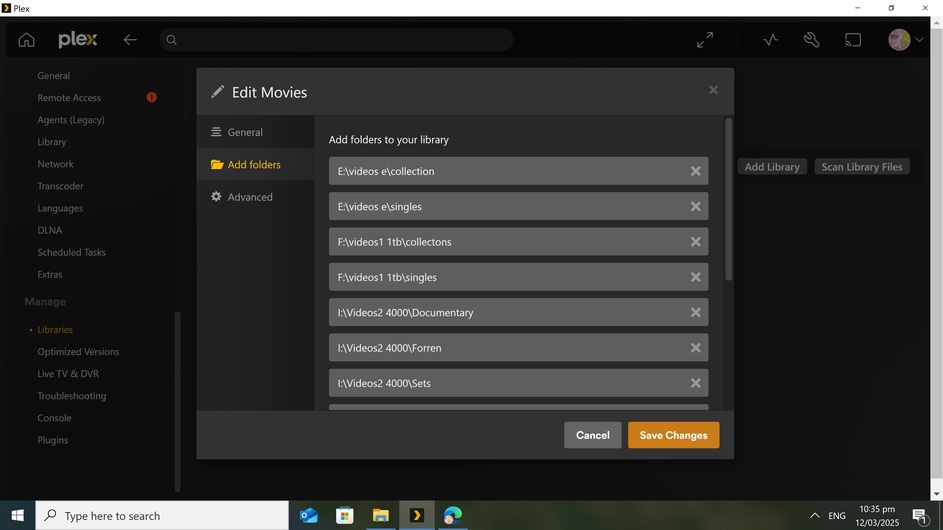
for example here it would be nice to be able to unselect the folders setup here with out removing them.
In my case I F and G drive are mapped ISCSI shares provided by a NAS, if the NAS share goes offline as a minimium it would be nice to unselect shares without removing temporally while the problem is fixed as removing them effects user play count and watch status.
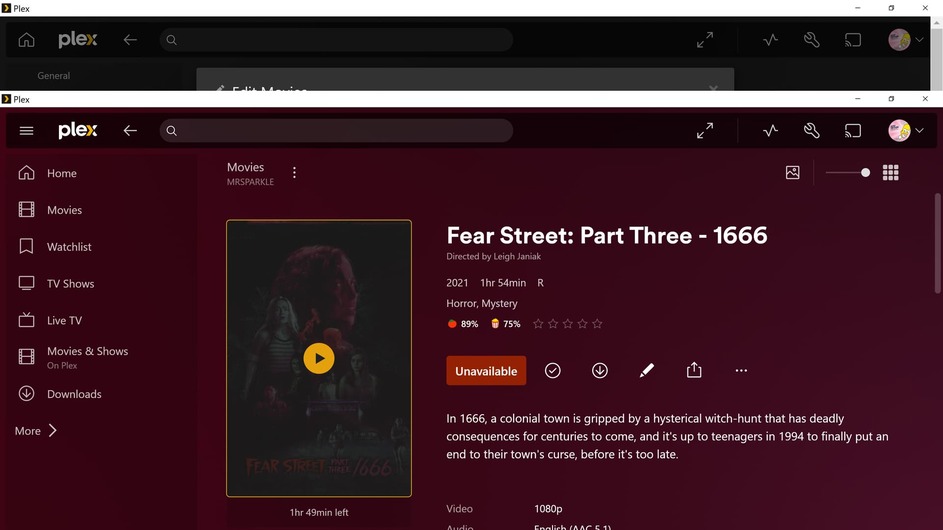
I have to open the folder and click play to see it is offline which makes it real hard to pick media as you will look at the covers, decide I will watch that and click play the circle will spin for several seconds and fail then the banner pops up and the unavailable flag is changed:
You are right, if a real live status is needed.
I’ve seen multiple managed systems of different types where this is done by reports. But since Plex is not organized this way, a filter of “trash bin marked” library items would be useful for some use cases.
On the other hand, a report would be more helpful since I can hardly see how “trash bin marked” media items in a collection or smartlist could be of any help.
On the other hand, I have lots of further wishes for filters to be available, so that I could get all the smart collections and playlists that I really would like to have.
If there’s room for further filter development, please consider this as well. If you are interested, I could point you to posts of mine where I explained what and why - no need to kidnap this thread for this.
This is a great idea. I don’t know how hard is make this automated check, if the path is not available, and hide the film in the library. It sounds sexy