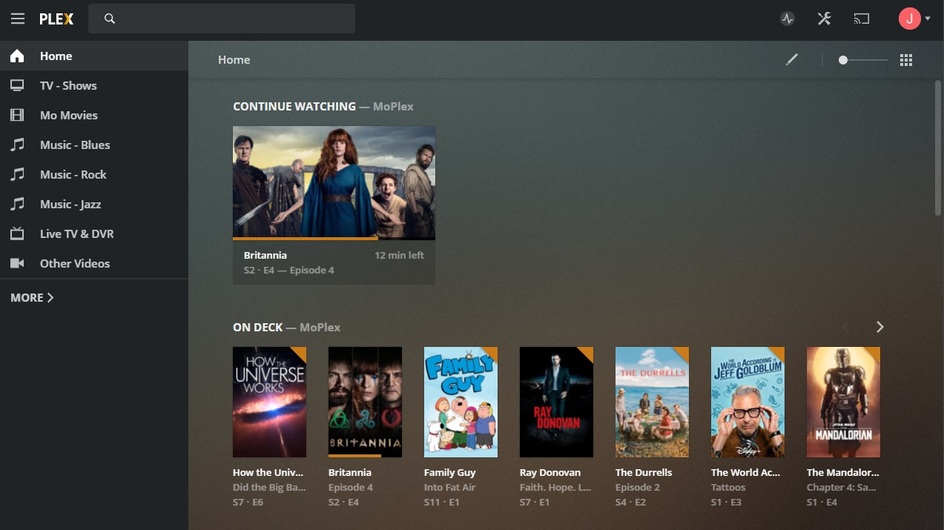
You’re looking at the ‘Pin Screen’ for whatever server you’ve selected. “More” will be at the bottom of the standard sidebar - once you complete ‘The Pinning Process’.
That’s what the second screenshot is. As you can see, nothing there indicating my second server even exists, despite that being the one I’m supposedly connected to.
I expect to see “Home” (That’s the original server, working fine, no problems) and “WaggNAS”, my new server.
I’ll reiterate: There should be Two servers, now that I’ve “signed in”, or at the very least, since I’m connecting to one by IP, I’d expect it to show a single server that’s ready to be set up, or two servers.
It should be working fine. I suspect that the Plex OAuth server is doing something dumb and assuming that since I have a server at my public IP address that I’m just trying to sign in.
I don’t think the Plex devs anticipated someone trying to set up two servers in the same internal network; I bet if I brought it over to a friends it would probably work fine…
Edit: And I’m not exactly a regular user either, I just cosplay as one.
I own my own equipment including the 60 foot tower that the radio link mounts on. This is an ongoing problem for me and the Microsoft fix-all of rebooting does not apply.
For everyone who is fed up with all the proprietary lock-in being pushed pushed by Plex and looking for alternatives, you should check out this new project called Olaris. It is still in early stages but they have an iOS app that will be in testflight shortly and it’s way faster / more efficient than Plex. Written with modern technologies like Go and React and fully open source so none of this BS logging in to your own local server.
Not able to locate a way to access Plex on the iPad w/o signing in.
What am I missing?
Launch Plex on iPad and you are at a sign page. Only options beyond sign in options are a Why Sign In link, Too and Privacy.
Following the Why Sign In link moves you to a screen explaining the benefits of having an account. Only options from here are the back arrow, or the SIGN UP button.
Selecting SIGN UP button brings you to a Create Account w/Email screen. Only options from here are ToS, Privacy, and a Sing In with Email.
Sign In with Email brings you to a sign in page, which the only options of Forgot Password and Sign Up with Email.
Forgot email launches a Plex page to assist w/password.
 My point is, my server is not listed anywhere, and it is impossible to access it, signed in or not.


