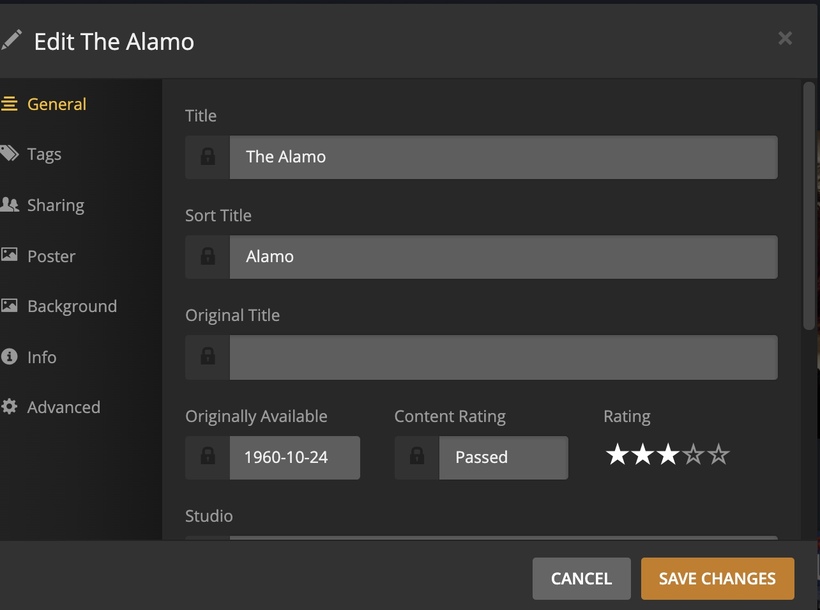
hi i remember in the past… and with this latest plex update it asking to refresh the meta tags to be faster…
i lost the order i had that movies that started “THE” should be in T and “A…” should be in A not G o what not
i tried to google it but i cant find how to fix or my old post… wish there was a feature easy in server settings to organize alphabetical order normally… i remember having to edit some file
Well your “normal” ordering is far from the norm in libraries and almost everywhere else. It is “normal” for articles like “a”, “the”, “das” and many others to be ignored otherwise it gets very hard to find movies or TV Shows or books or just about anything else.
However you are correct that there “should” be choice in sorting that allows articles to be included. I “think” Plex has such but I do not know where. It may be in some config file in one of the Plex directories but I do not know where exactly.
I wish you luck getting sorting like you want (note: you can use the sort field to get any sorting you want but that would require editing each movie one at a time.)
I do not agree with what you want but I do agree it should be possible.
there used to be a file you edited in the Plex directory that caused plex to sort that The would be in the Ts
like movies called " A Christmas Carol" should be that not “Christmas Carol” as people know it as “A Christmas Carol”
or the tv show “The A-Team” its called The A-Team" not “A-Team”
but ya it be nice a easy check box to tell it to sort it
and what i mean normal i mean "The A-Team " T comes before A and should go in the Ts
i figured by now they would have such a sort in Plex to just check box… i just cant remember what file to edit and what to change as i had to do it a couple years ago…
@Volts
it didnt work i edited the preferences.xml
i tried atriclestrings=“the,a,an” and i tried the articlestrings="" but nothing worked i stoped plex server saved the file started up plex… and still wouldnt resort it… what i doing wrong?
and is there no way to have refresh metadata on the Server name … so i have like 20 or so libraries i break down my tv shows and movies and christmas so easier to link
but i have to then do refresh metadata on each one,… i was sure years ago refresh metadata was on server name so it would do all the libraries on its own 1 library at a time
is there a way to do it…
right now i try refreshing them all
Wow, didn’t know that. He could be rather blunt at times but he was/is a great asset. Helped me several times when I started and didn’t quite know my way around Plex.
Your so correct, he was a true asset to Plexers. Yes a great wordsmith with colorful posts, I can honestly say he is a true friend and still share Libraries with him. He was banned to shut him up, now the forums are dead set boring with the sad effect of less help for the newbies. So many comments of no Plex assistance are prevalent.
and all good info for me i wanted all my tv shows and movies sorted like they were labeled…
like the “The Matrix” not “Matrix”
so its still processing… but is there a way as im sure older version of Plext had it Refresh metatag on the Server name… so it would do 1 library then move to the next one… as i have 48 libraries i made… so its a quick scroll i like it that way left column for a action tv show or a drama movie… i didnt care for the steps of trying to sort it in 2 libraries 1 tv shows 1 movies
but is there a hidden command to force refresh of all meta tag librariers instead of me having to manually do this each time? and how often does the prefences.xml change that i loose the articklestrings="" do u loose it everyime u change a setting in the settings page?