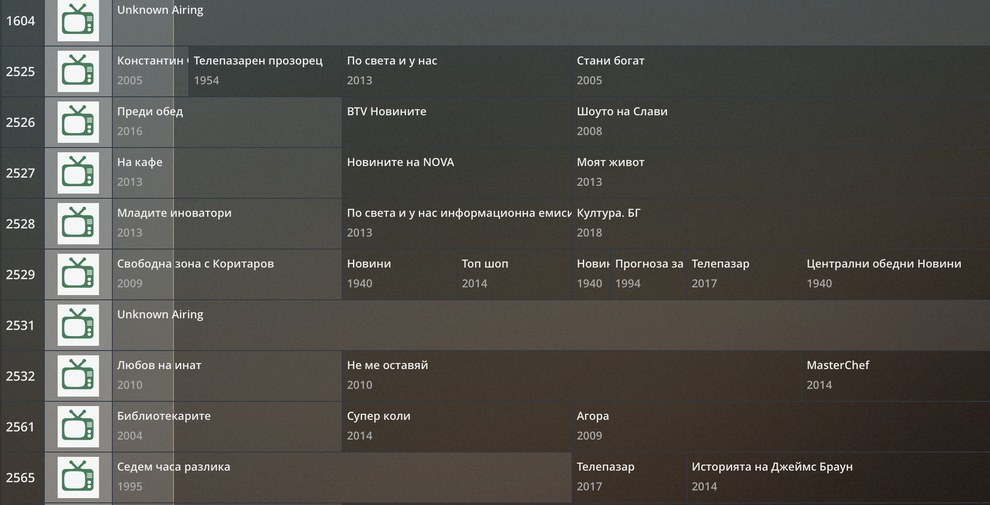
Setup: PMS + Vbox 3452 DVB-C + cable subscription. Region: Bulgaria. In recent update Plex dropped support for EPG in Bulgaria. I managed to use the Vbox EPG data from the live signal instead. There are no channel icons (it is a total PITA to set those manually in Vbox and they get lost after new rescan). So:
- How to enable channel names in the TV guide? I want Plex TV Guide to show the names of the channels. Otherwise, channels are not recognizable (see attached screenshot).
- If EPG data is missing for some channel it does not show in the iOS app. Why is that so and should I change some settings? It does show in the web and desktop (Mac OS) apps without EPG as “unknown airing” - that’s fine at least the channel is there.
At this point of struggling and frustration I would like at least to have the channel names displayed in the Plex TV Guide so that I can at least properly navigate to a channel.