Hi Plex community,
I’m Thomas, CoFounder of Soundiiz.com, a useful online service which help users to transfer playlists and favorites between music services (Spotify, Apple Music, TIDAL, Last.fm, Deezer and many others). Since the integration of TIDAL in Plex, we got more and more Plex customers using our service and think about how we can do a Plex integration.
About Plex in Soundiiz
Once you have connected Plex to Soundiiz (by using Plex.tv credentials), we are able to retrieve some data and do multiple things:
- List item Retrieve your playlists (including Plex playlists with TIDAL tracks)
- List item Creating/Updating/Deleting playlists Plex directly from Soundiiz
- List item Add/Delete playlists tracks
And of course, Soundiiz feature wich can be used for Plex !
- List item Export playlist tracklists as CSV, Txt…
- List item Import playlists from music services to Plex (by doing a matching system with your Plex audio files)
- List item Export Plex playlists to music services (by doing a matching system with metadatas of your audio files)
- List item And many other things !
About devs Plex/Soundiiz
The integration is very new and for sure, lot of bugs could be there. Also, we have created the minimal integration here with this playlist manager/importer/exporter.
All feedback will be very important for us ! And that’s why we made this topic here, we would like to get a maximum of ideas/suggestions to improve Plex integration on Soundiiz !
Thank you for reading me.
Soundiiz is awesome. I was actually the one that emailed them and asked them to add support for Plex. Proof is below in the screen shot. That was only December 5th… and now January 18th, they already completed this? WOW. I’m really impressed that they actually did, and so dang fast! Wow! Good job, Thomas & team! I can’t wait to try this out later.
Thank you ! When a user asking us for an integration we are always trying to found a way to do it.
It’s very important for us, and for Soundiiz, to propose very popular streaming music services but also all kind of platform useful for a music lover.
All feedback will be appreciate here to help us to improve the Plex integration.
@blackarcanis
I realize this is probably not the most appropriate of places to post this, but I tried out your service and could not for the life of me figure out how to do anything.
Some of the tutorials kept referring to the left side bar, but there was no side bar visible on my browser.
It was not until I MAXIMIZED the browser window then the side bar showed up.
Google Chrome is up to date
Version 71.0.3578.98 (Official Build) (64-bit)
see below;
versus
Hi,
Can you write us more details (window sized at the bug moment for example) with our contact form directly on Soundiiz ? Thank you !
This looks frankly awesome and exactly what I have been wishing for for a long long time.
However before I throw money at you for solving one of my core problems with Plex thus far I just can’t quite get it to work.
I have a bunch of old M3U playlists which I had created with mediamonkey before I migrated to storing my music on a server and using plex to run everything. I would dearly like to import these playlists into Plex.
I’ve signed up for your service, and trialled a number of times. And it all seems to work great until I go to the new playlist - which is empty.
Weirdly when I look at tracks in Soundiiz it is also empty - am I correct to guess that this is part of the issue?
Any suggestions?
Hi,
Could be an temporary issue when trying to look at your music library in your Plex server or a metadata naming in your M3U file.
Can you use “Contact” button on Soundiiz to create a ticket and also sending us your file and Soundiiz username ?
Thank you.
Hi,
Some customers having issue to connect Plex to Soundiiz and go “Invalid credentials” message.
Unfortunately it’s due to a Plex.tv security, as we are doing the login process from our server we got sometimes => “Your IP address has been temporarily blocked” …
We are looking for a tech contact at Plex to solve this issue. If anybody have one, please contact me !
Thank you.
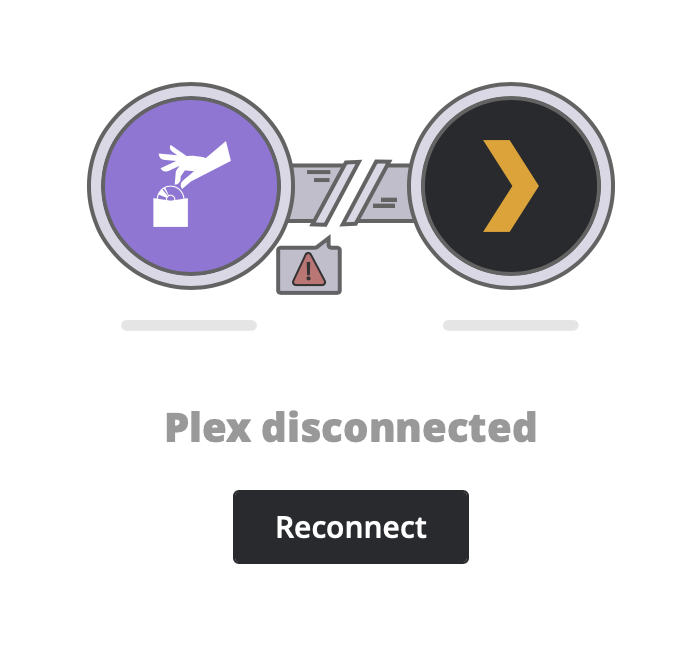
I am having difficulty connecting Plex to Soundizz. It appears to login, then a second after I get a “reconnect” message. I tried on different computers, locations, and browsers, the error is the same on all. It was working great all of last week.
When I try to connect to Soundiiz, the connection will be lost. How can I solve this? I am running Plex on my NAS.
An issue on Plex authentication side. We are limited on the number of user accounts we can connect in 24 hours. We are still trying to reach Plex to unlock this limit.
So please, try again later, that will probably working again 
Any info on “invalid credentials” when trying to connect plex, or workaround?
No workaround, still waiting a response from Plex Team 
Throwing in my voice to say I can’t connect Soundiiz to Plex due to this authentication issue. Come on Plex, whitelist their IP already! It’s not like they’re going to DDoS you.
This would also solve one of my main problems with switching to Plex. I wonder if Plex can provide an official comment?
I need to give my Plex account name and Password to you guys? Seriously? Can I connect without that, Like how you guys connect Spotify and Last.fm?
We need an OAuth interface like Spotify and Last.fm and so many are providing to do this.
Unfortunately, Plex is not providing any API and any OAuth for the authentication so it’s the only workaround we have found.
NEWS: We have added the support of private domain when connecting Plex to Soundiiz to avoid disconnection. That means on Soundiiz login interface, you have to fill your credentials and if you are using a DNS for your NAS for example, enter in the IP field ‘mydomain.com:32400’ for example.
Soundiiz will be able to work with this DNS instead of IP directly, allowing the IP change in background.