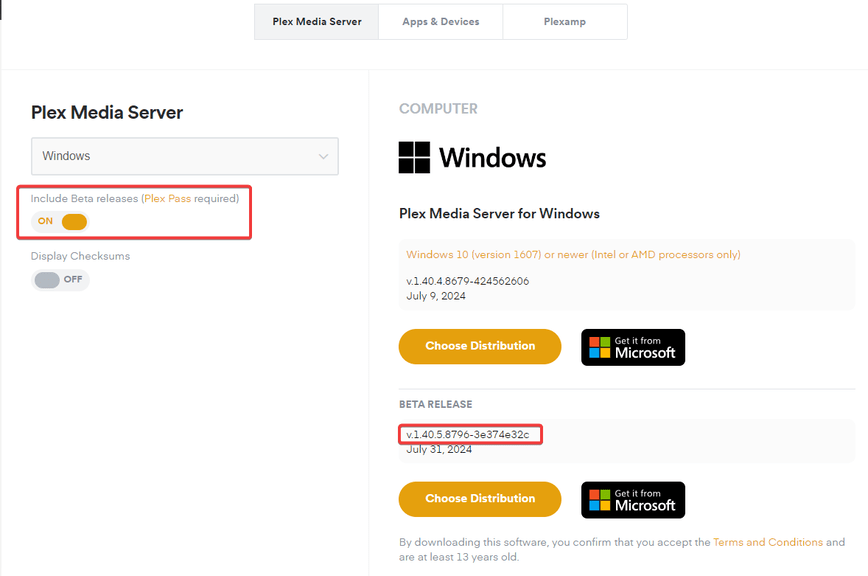
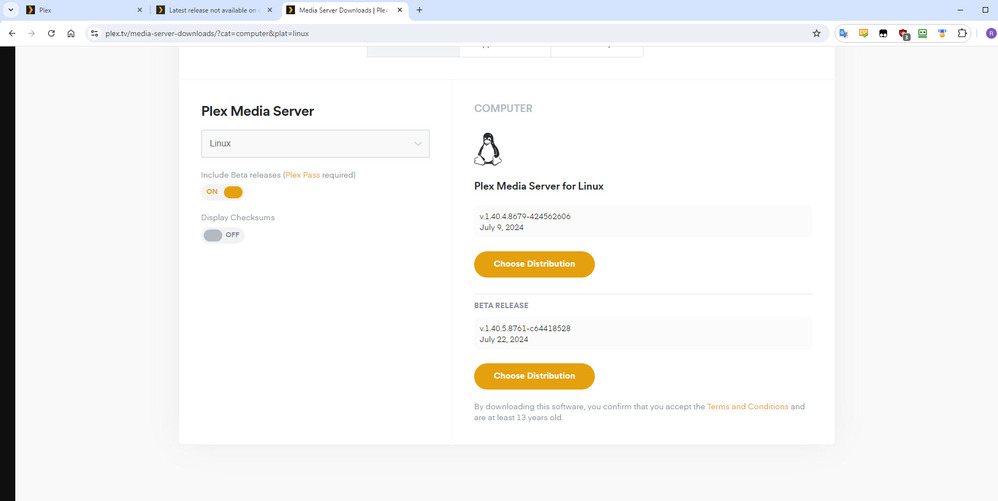
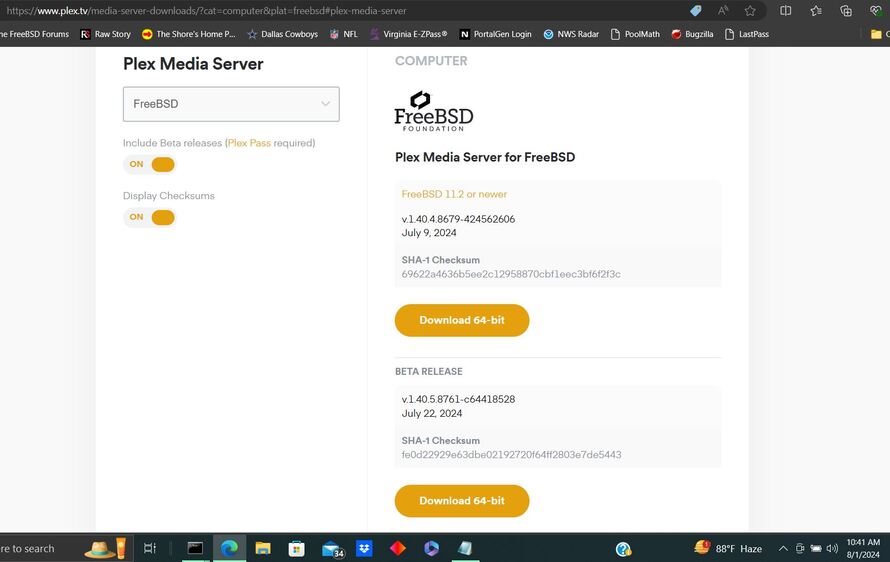
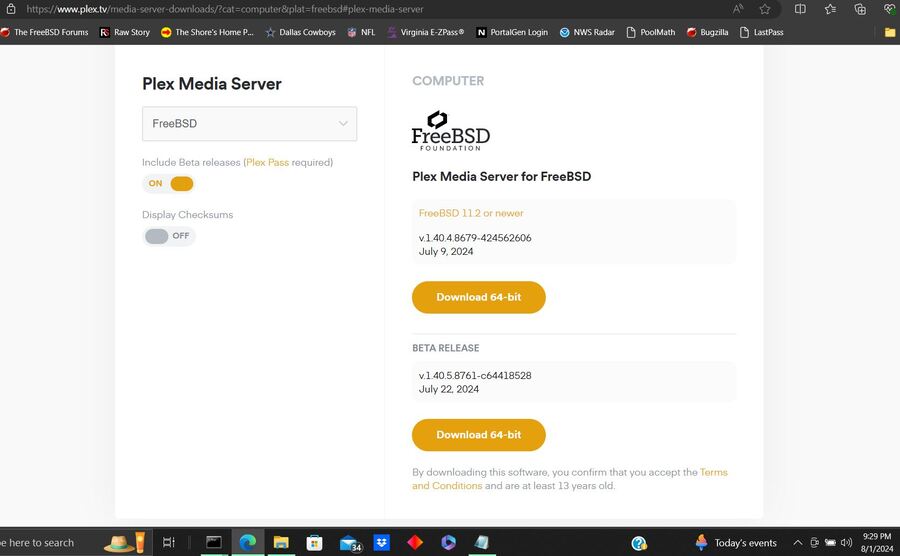
Server Version#: 1.40.5.8796
Currently, 18 hours after the announcement of this release, it is still not available on the download page???
Server Version#: 1.40.5.8796
Currently, 18 hours after the announcement of this release, it is still not available on the download page???
Check… still not visible on plex.tv → Downloads.
Not for Windows, not for QNAP.
Sadly confirmed, and have reported it, so should hopefully be fixed soon
And avail now
Not yet!
I don’t see that… Virginia, USA…
have y’all tried force/hard refreshing browser?
Made no difference…
Clear browser cache did not work:
Tried several different browsers and clearing cache. Also tried from a different computer through VNC and same results.
Sic.
Guys, it’s not on the end user’s end… too many, too many different OS… I even tried from a computer that never visited Plex website before.
We’ve cleared caches multiple times. Can you see if it show up in browser on phone while phone is on cellular, not local wifi. Possibly some ISP cache causing issue.
Nope - makes no difference.
In the meantime, would you please be so nice to post the latest beta direct download links for Windows and QNAP (well, probably for all platforms)?
Windows 64-bit: https://downloads.plex.tv/plex-media-server-new/1.40.5.8796-3e374e32c/windows/PlexMediaServer-1.40.5.8796-3e374e32c-x86_64.exe
QNAP Intel/AMD 64-bit: https://downloads.plex.tv/plex-media-server-new/1.40.5.8796-3e374e32c/qnap/PlexMediaServer-1.40.5.8796-3e374e32c-x86_64.qpkg
More general process:
1.40.5.8796-3e374e32c. E.g. for the 64-bit Intel package for QNAP, “downloads.plex.tv/plex-media-server-new/1.40.5.8761-c64418528/qnap/PlexMediaServer-1.40.5.8761-c64418528-x86_64.qpkg” becomes “downloads.plex.tv/plex-media-server-new/1.40.5.8796-3e374e32c/qnap/PlexMediaServer-1.40.5.8796-3e374e32c-x86_64.qpkg”Thanks! I downloaded 1.40.5.8796-3e374e32c**-x86_64.qpkg. Installation went well!