Server Version#: 1.22.3.4392
Player Version#: Client version 5.13.0, Platform version 5.2.1
Server - Windows 10
Client - LG OLED55CX5LB, 4K HDR TV
Two days ago everything was fine. I was watching a 4K HDR film, got halfway through and turned it off. Yesterday I resumed the same file and was presented with:

When the movie does play, it is in SD:

But normaly it does not play at all, and then I get this screen:
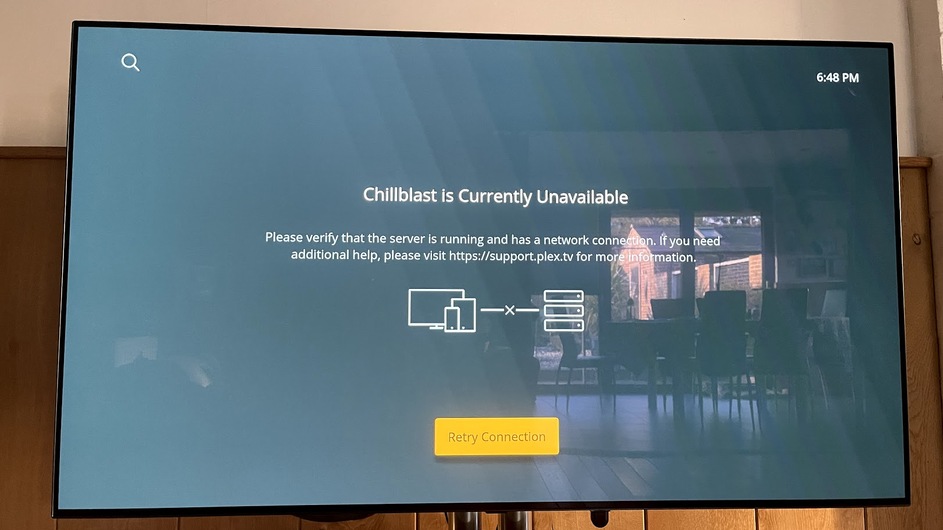
I have 3 other TV’s, all using Fire Sticks that are working fine, only the LG is giving me problems. I can play media using other apps on the LG TV, it’s only PLEX that will not find them. I looks like the server can not see the client on the network in my eyes.
Trouble shooting steps so far:
Server power cycled
Client power cycled
Router power cycled
Network settings on server reset
Server and client both given static IP’s
DNS on client changed to 8.8.8.8
IPv6 turned off on client and server
Relay turned off on server
I appreaciate your time and help.
Thank you
