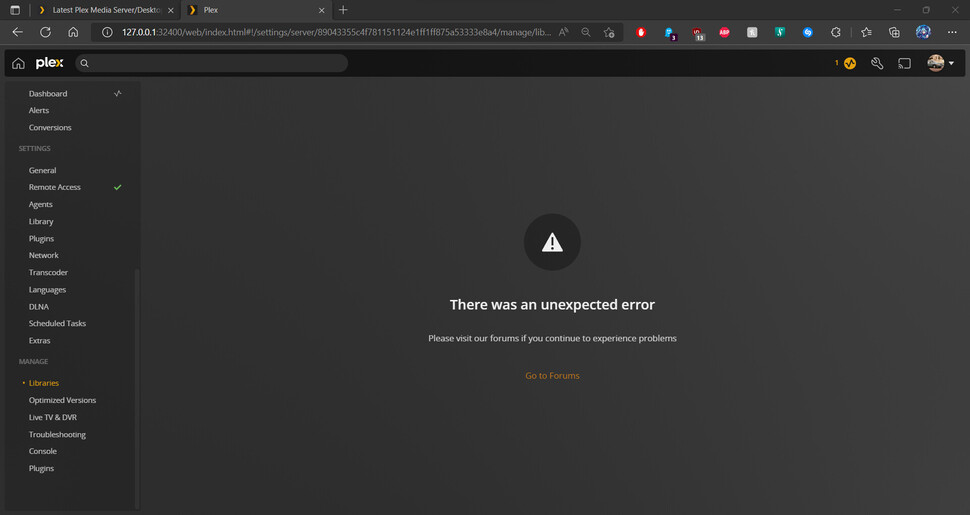
When trying to reach the libraries in the settings, it gives an unexpected error.
i cannot get rid of the games folder because i cannot access this section of the settings.
this is my second post. i need help please. please let me know if there is anything else i can do to try to resolve this.
Thank you in advance.
ok can you get the logs again after turning off verbose logging and reproducing. Verbose logging is mostly useless info for most problems and causes the logs roll over too quickly and makes it harder to find things
Looks like there is a fix in the works to purge any games libraries, but it is a couple server updates away. I’m checking with folks to see if there is another way to manually get rid of the Games library which should solve the access to the library settings.
Would it be worth trying Plex Media Scanner in this situation to delete the library?
I aliased mine to pscan so I can type faster. Below I have a test library called Gamer with one video in it. The first command removes any videos in the library. The second deletes the library itself.
$ pscan -l
  1: Movies
  3: Music
  4: Photos
  2: TV Shows
  6: Gamer
$ pscan -w -c 6
deleting 1 items.
$ pscan -D -c 6
$
this definitanately worked on my end. sorry not the best at powershell so i didn’t know how to use the variables to make pSCAN but i know my commands and your command instructions worked like a charm.