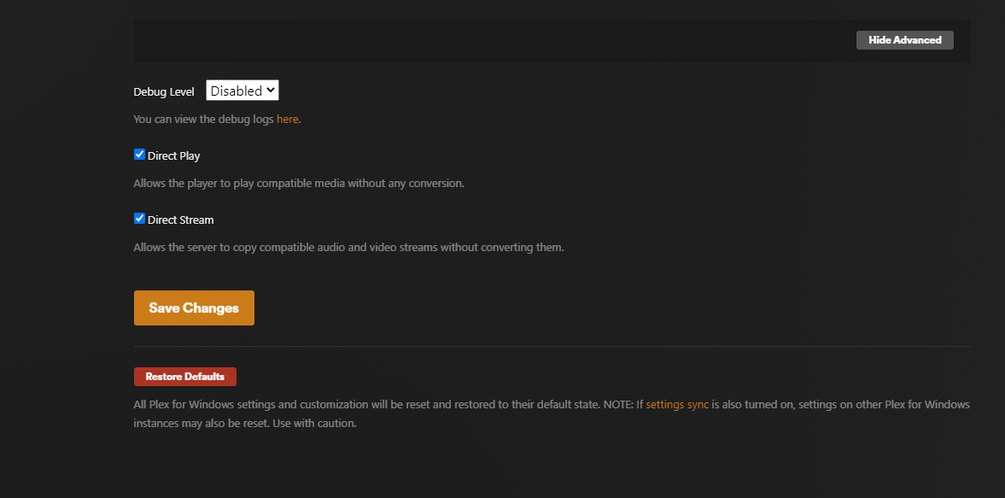
Server Version#: 1.32.5.7349
Player Version#: 1.76.2.3951-15712eae
My friend is having troubles streaming larger files hosted on my Plex, seemingly only on his Desktop (seems to be limited ~20mbps).
We have exhausted a lot of troubleshooting like various Windows settings, disabling his firewall, checking IPv4 settings, ping times <30ms, speedtests are constantly above 300mpbs down. He’s using a 1Gbps network switch with Cat6A cable. We’ve also tried safe mode on his OS running Plex and it still only pulls ~20mbps. I have completely disabled transcoding, and you can only use Direct Play.
I have synchronous 1G fiber, so my upload should not be any issue, I have also tried multiple ports. My upload speed in Plex is set to 1Gbps and has no issue on other devices.
We have discovered that he can stream larger files on his phone (wirelessly connected to his same network) and it pulls >200mbps without issue:

Bandwidth when he is buffering video with the Plex Windows player:

Bandwidth when he is buffering video with the Plex.tv browser player:

Does anyone have any ideas on what this could be?
Thanks in advance!