Server Version#: 1.14.0.5470
Following the instructions set forth in the link below, I moved a PLEX server install from one Windows 10 user account to another (on the same computer).
https://support.plex.tv/articles/201370363-move-an-install-to-another-system/
I also did some house keeping and deleted the old (i.e. Source) user account from Windows 10. Interestingly enough, PLEX kept recreating the root folder for the Source account (i.e. C:\Users\Source) every time the server was started.
Upon closer inspection, I found that PLEX was still saving certain information to the following folder:
C:\Users\Source\AppData\Local
After doing some more digging, I determined that two (2) registry keys (“LocalAppDataPath” and “ButlerDatabaseBackupPath”) had survived the uninstall/reinstall of the PLEX server software on the computer. I successfully edited those Registry entries and pointed them to the correct path (i.e. C:\Users\New...).
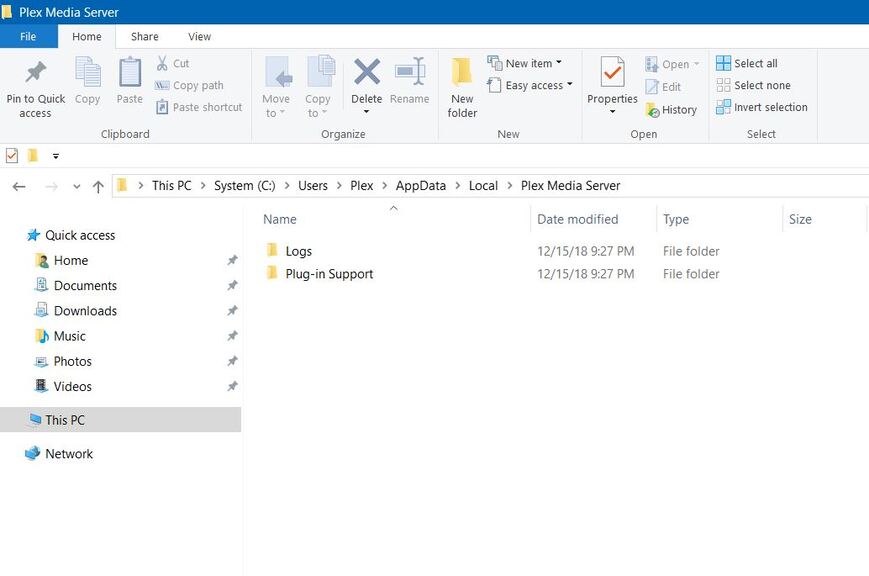
Much to my surprise, PLEX continues to recreate the old Source path. More specifically, PLEX recreates and is utilizing the following paths/folders:
C:\Users\Source\AppData\Local\Plex Media Server\Logs
C:\Users\Source\AppData\Local\Plex Media Server\Plug-in Support
I can find no Registry entry or setting in the UI that would allow me to alter (correct) this behavior. Any insight would be sincerely appreciated.

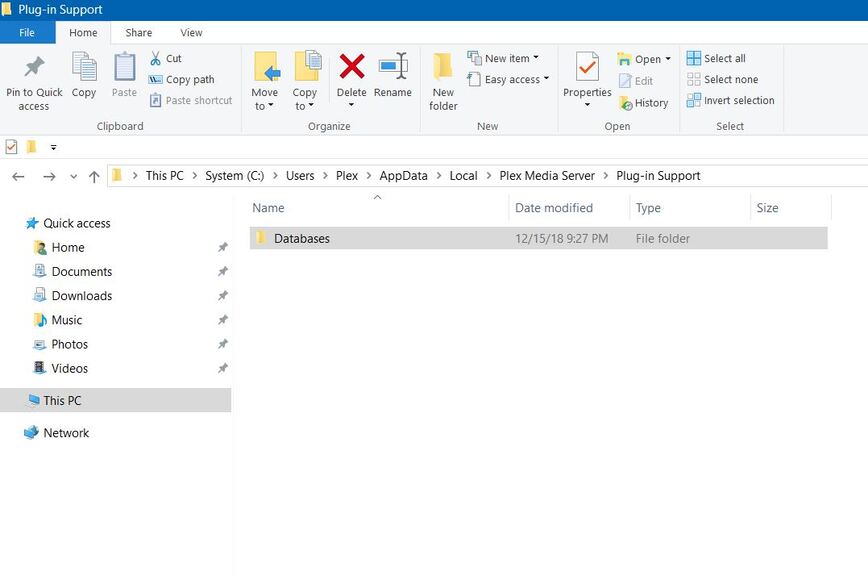
It should be noted that the “Databases” folder pictured above is empty.
