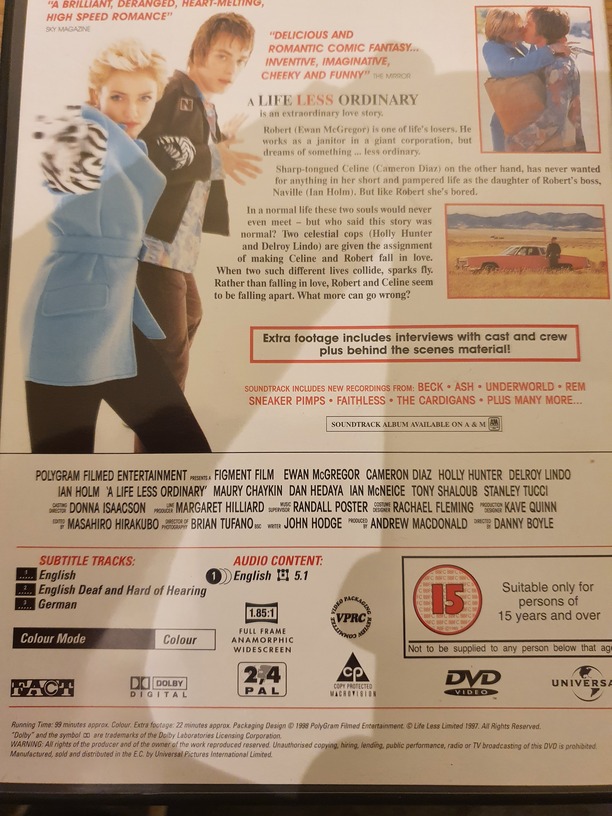
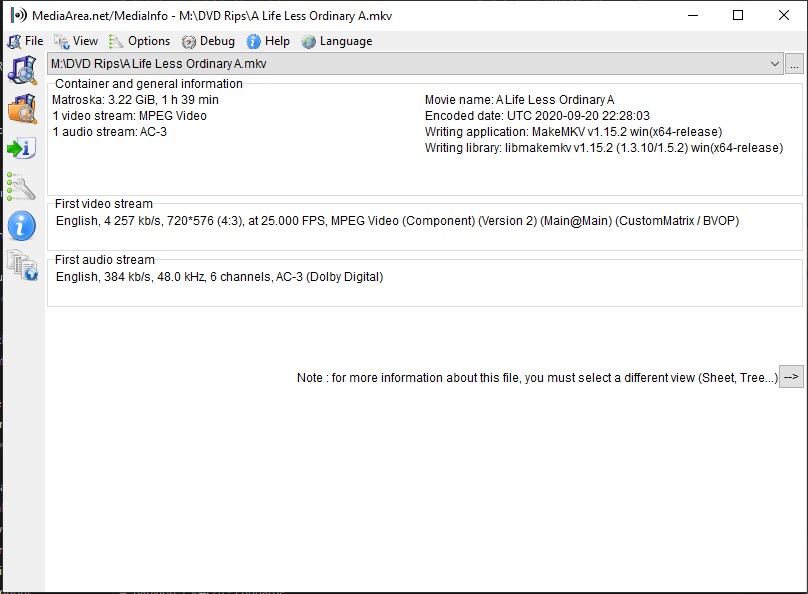
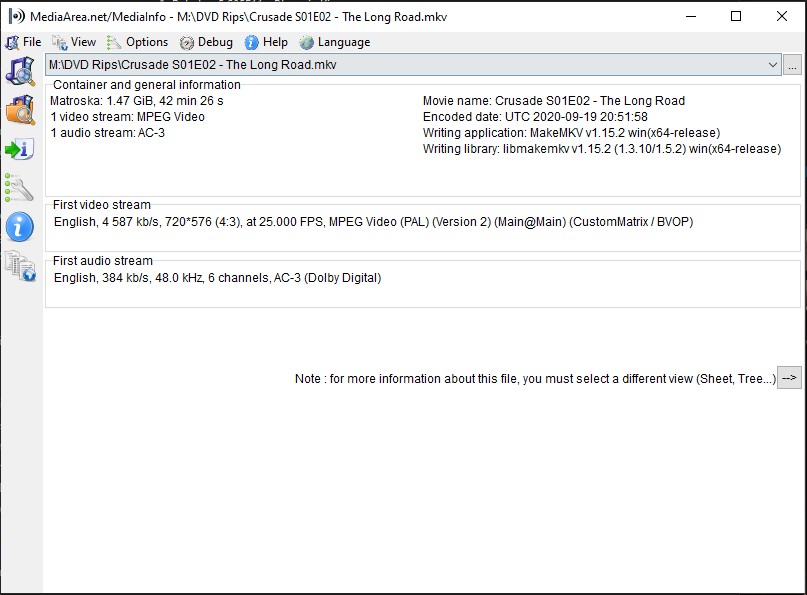
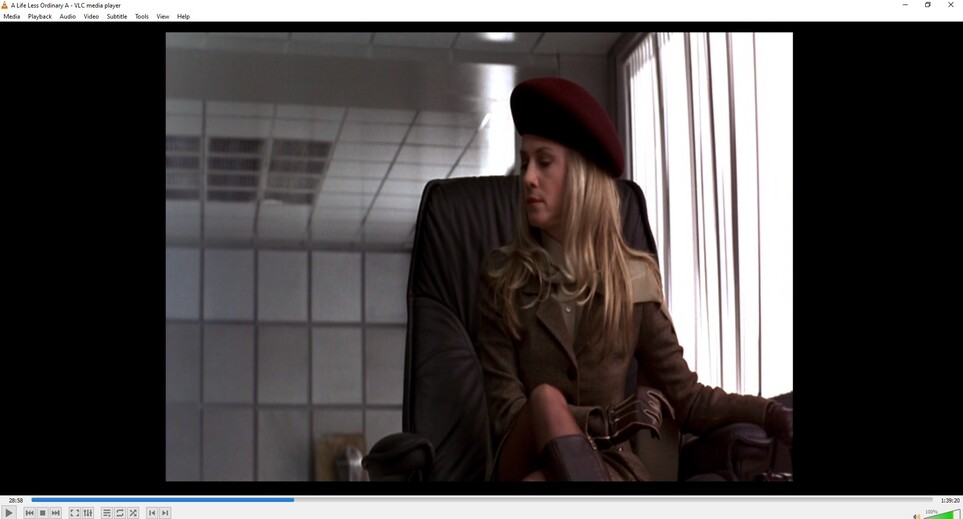
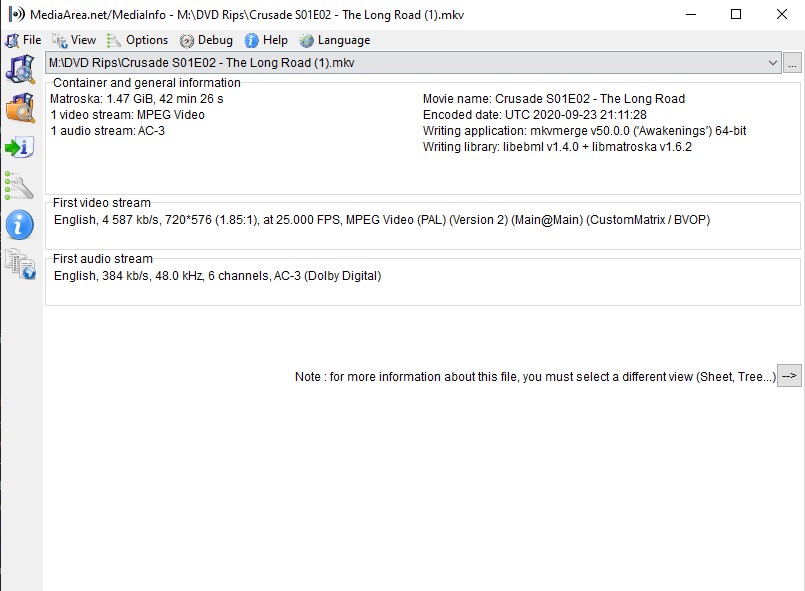
Can you share some examples, screenshots, mediainfo?
I’m a little bit worried you’re talking about changing width. MakeMKV and Handbrake usually get this correct, unless you monkey with it. 
MakeMKV rips the video directly from disk. MakeMKV is aware if a DVD was 4:3 or 16:9, but not the content of the video itself, or any letterboxing to get to the final presentation aspect ratio.
If you are looking at the raw MakeMKV rip you may see a different aspect ratio.
EVERY DVD, regardless of aspect ratio, is stored as 720x480 (or PAL is 720x576). And every DVD is either 4:3 or 16:9. It takes a bunch of funny business to get a movie formatted onto a DVD. There’s always stretching or squishing and often matting.
Early DVDs were all 4:3 - TVs were 4:3, after all. But DVDs are stored as 720x480, which isn’t 4:3. They aren’t square pixels. So at playback, they’re squished horizontally to appear as 4:3. It’s nuts. 
When a “widescreen” movie was distributed on a 4:3 DVD, it was letterboxed into that 4:3 frame for your 4:3 TV. If it was a 16:9 movie (taking the 4:3 DVD “squish” into account) there were about 56 black pixels on the top and bottom, and only about 720x368 pixels of video data. Movies with shorter (wider) ratios had even fewer real pixels, and even more wasted black pixels.
Later, 16:9 TVs and 16:9 DVDs became available. These were still stored as 720x480, but now they were wider pixels - at playback they were stretched out to 16:9 instead of squished to 4:3. 
Those 16:9 DVDs were sometimes marketed as “anamorphic widescreen”. Technically EVERY DVD is anamorphic, because they’re all stored and displayed at different ratios. When you see “anamorphic” on a case it’s almost certainly a 16:9 DVD, but not every 16:9 DVD is labeled “anamorphic”. 
DVD only supports 4:3 and 16:9. Movies shorter (wider) than 16:9 are always encoded on the disk with black letterboxing bars.
SO, back to MakeMKV and Handbrake.
-
MakeMKV should rip 720x480 (or 720x576) and preserve the embedded 4:3 or 16:9 info. You shouldn’t ordinarily change dimensions in MakeMKV. MakeMKV knows if it’s a 4:3 or 16:9 DVD, including pixel ratios, but isn’t aware of the contents of the video or if there is letterboxing or not.
-
Handbrake should recognize the storage and display dimensions, and preserve the “anamorphic” nature of the DVD. Leave Anamorphic on Auto unless you understand why you’re changing it.
-
If you have a 4:3 video on a 4:3 DVD, or a 16:9 video on a 16:9 DVD, you don’t need to do any cropping in Handbrake. TV episodes often don’t need cropping. Many movies do.
-
Let Handbrake make a cropping guess. Hit “Preview” and verify. It’s almost always OK.
-
The “Storage Size” dimensions will be reduced because black pixels have been cropped off. Good!
-
The “Display Size” dimensions should now be about the ratio you expect the movie to be. Width / Height.
Is that helpful, or more confusing?
Share screenshots.