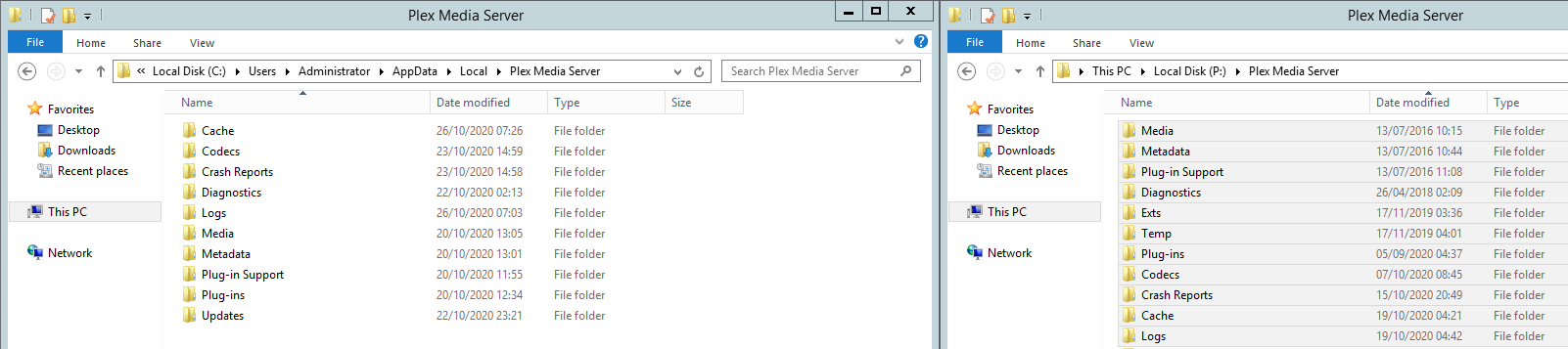
In the past year I have ended up having to re-install OS three times with PMS installed on a second drive. As per the screenshot, with the exception of the temp folder all directories also exist within app data and have not been modified since last system crash (October 19th around 5am).
My question is to ask if it is safe to delete what I think are zombied directories?
For anyone reading in future, please note that the 7-zip method is not entirely foolproof!
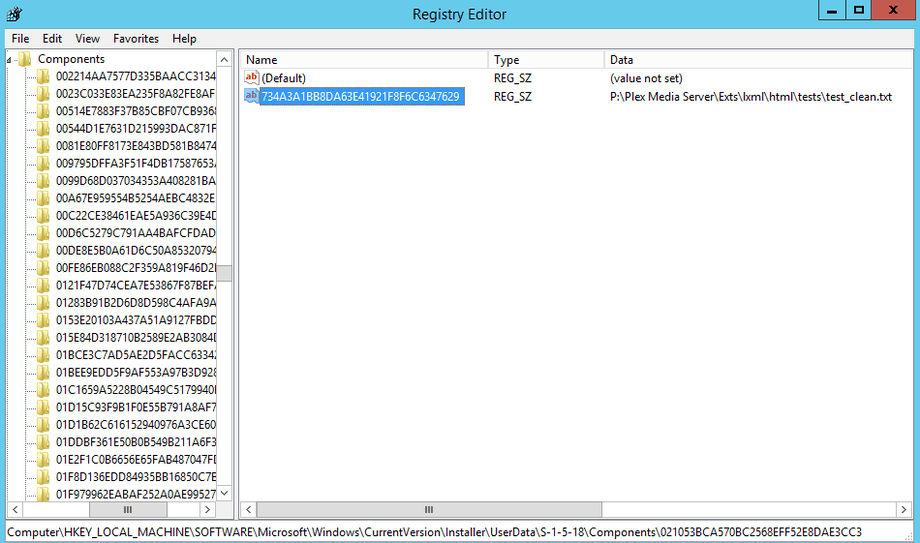
Turns out Exts is rather important. I found this out upon deletion when it told me that a python file was in use (!). There are a lot of registry entries pointing to that location also.
This did cause operational problems with PMS however after copying the directory out of the zipped backup that I had created, all was well again after replacing.
This sounds like you did it not according to the guide.
Rule #1: before doing any manipulations on the Plex data folder, stop the plex server from running. This applies to both saving a backup copy and restoring a backup.
On top of that, Plex uses Symbolic Links (a feature of NTFS and Linux file systems). Zipping up the data folder will probably destroy these.
Then I assume that the references in the registry were simply “history” of the Windows file explorer and 7zip itself.
Because there are actually no other Plex-related locations in the registry than the two mentioned in the guide.
Fwiw I only used 7zip for store backup as a precaution. As I posted in the migration article, I used RoboCopy for the live appdata migration. Thanks Otto.