Server Version#: Version 1.43.3.10896
Player Version#: using website
Windows 11 25H2 - 26200.9168

<If providing server logs please do NOT turn on verbose logging, only debug logging should be enabled>
Screen Shot of relevant logs:


So I had to reduce my Server Drive size as it was a 20TB DataStore that needed to be reduce to 5TB. It was where I placed my backups and later, Plex Media. Just before the DataCenter crunch I was fortunate enough to have purchased some new drives for my plex server. I moved all my Movies and TV to the new drives, but left my Music on this DataStore.
My home server (host to all my family’s stuff and more) was getting low on space, So I copied all of my music to Wasabi Cloud Storage, deleted the drive, created a new one, and downloaded all the data again.
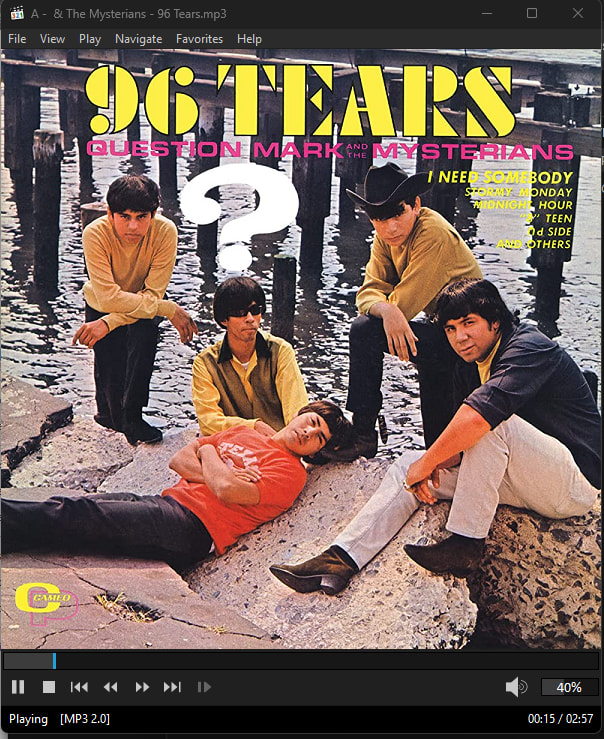
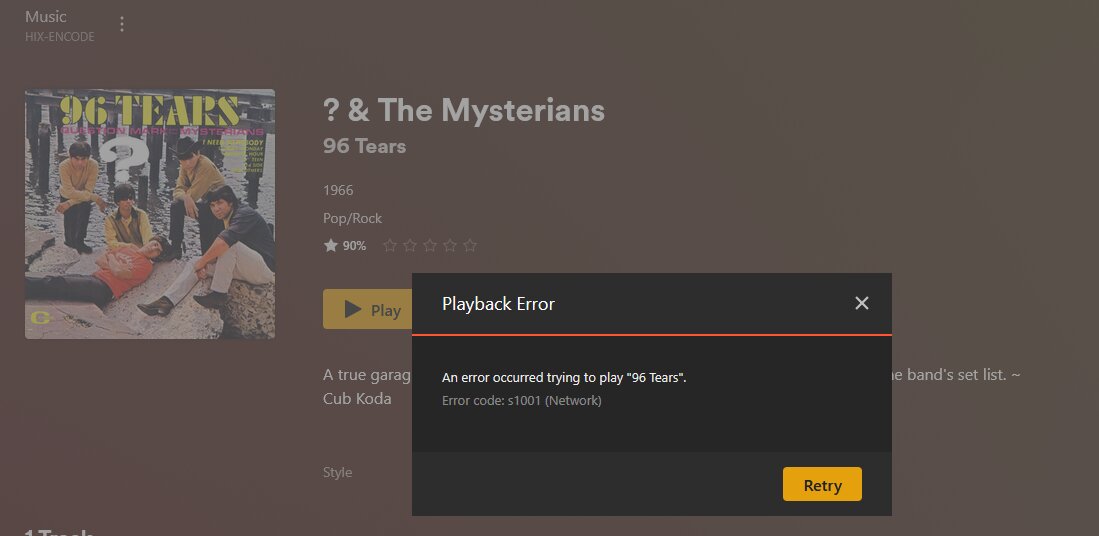
Music plays just fine from the plex server, my home workstation and other places, but when I attempt to play it ‘in’ Plex, (screen shot of error) or (shown in error logs) Plex Amp it does not.
The share is hosted by a Windows Server 2016, the share has ‘Everyone’ with full control and the folder has the account that Plex is logged into with with Full Control. other have read only.
I don’t see what the issue is here. I have removed and re-added it several times, I have purged and allowed it time to perform Sonic Analysis, but no change. The " S1001 network " error is very hard to trouble shoot and/or google.
The logs say that it has corrupt data and no compatible media… not sure there either. Did I just lose 1.2TB of music?
Thanks for any help provided in advance. And please let me know if there is more I can provide to assist