Device: iPhone 8
iOS v: 14.4
Plex v: 7.14
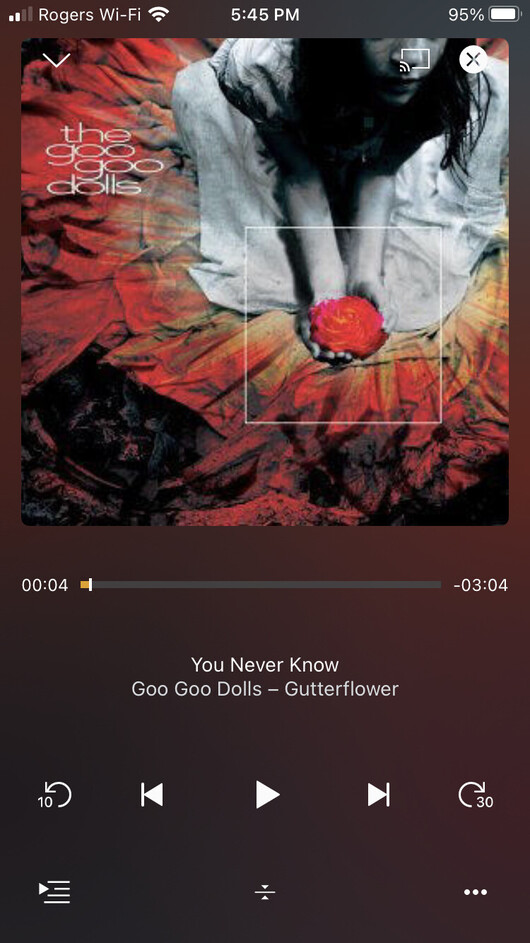
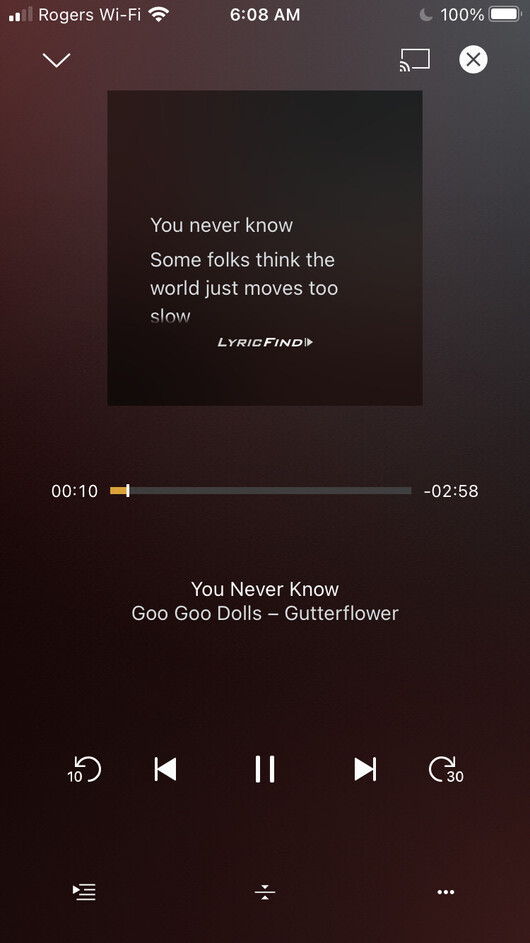
With the most recent Plex iOS update (v 7.14) that happened today, the components in the music player have become smaller with a lot of empty real-estate.
This makes things like navigation a bit trickier with bigger fingers…
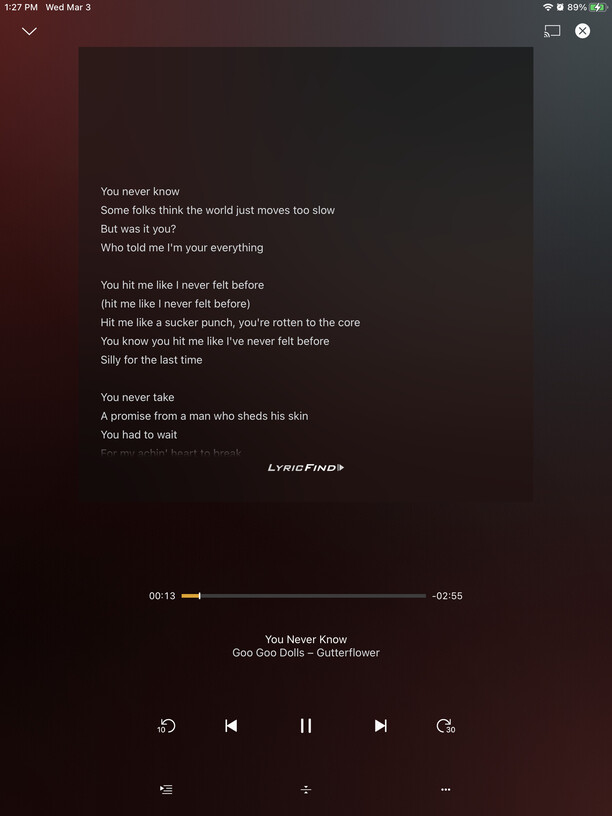
And showing lyrics a bit stacked…
On the iPad it looks pretty good but that is probably due to the larger screen where everything is spaced appropriately.
I wonder if this change was not screen specific and not tested with smaller screens (there seems to a lot of wasted space on the iPhone). Or is this perhaps just a scaling bug with the iPhone?
Just came here to post the same issue/bug.
Additionally the Home Screen keeps the background color palette from the last navigated item, which is kinda odd.
Plex 7.14
iOS 14.4
iPhone SE 2020
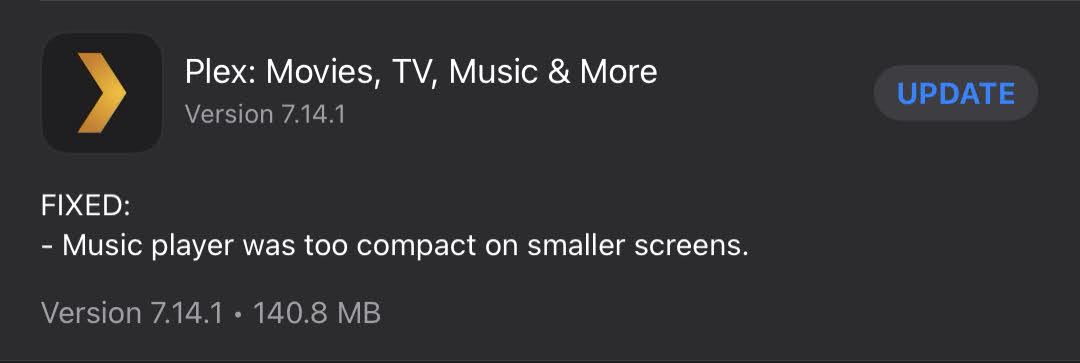
That was actually in the release notes of the update in the App Store
Though there are no release notes in the forum announcement section (but that sometimes can be delayed)
Thanks for report. looking into it.
(and forum release notes will be added soon)
Not talking about the addition of the those colors, but that the homescreen retains the colors of the last viewed item, so it constantly changes if you navigate and NOT based on visible content.
Ah yes…just tried it and I see what you mean. That’s a bit distracting 
Thanks for your quick response @BigWheel
Unrelated to this, I had to restore my iPhone from a backup which had the older version so I decided to get the screenshots.
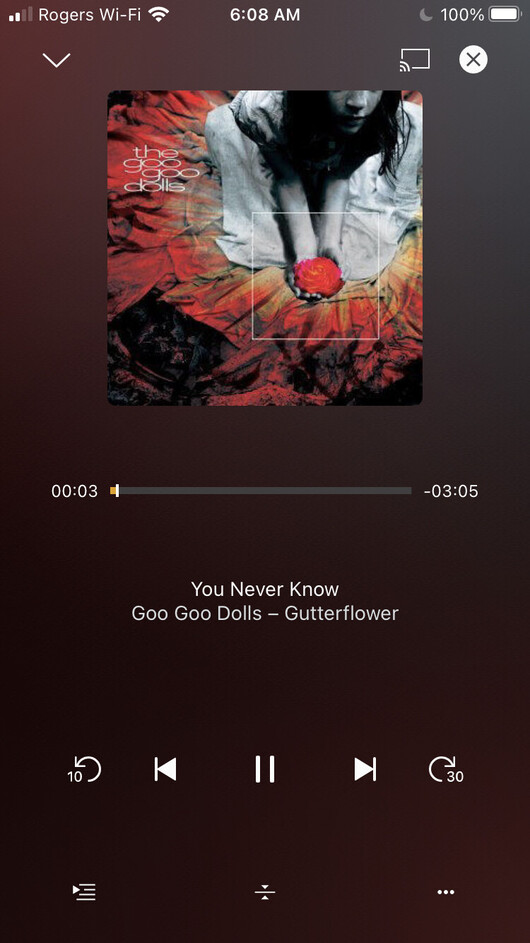
Here is a comparison with Plex v 7.13
This to me is what it should be as it uses the screen space in a tidy/uniform way.
cc: @BigWheel
I know one of the devs said he could reproduce in his phone simulator and think they know what caused the regression. I don’t have an eta on a fix but I suspect it will probably be in 7.15
Awesome news @BigWheel ! Thanks again for letting us know so quickly…always appreciated! 
There was an update today on this issue
It does fix the controls
But the cover art / lyric box area is still smaller than before (see the old screenshot above).
@BigWheel ,
Do you happen to know if the devs are still working on this and the fix is coming out in stages (i.e. first the controls then the cover art area)?
Note: not sure if this is contributing to it (though it would be surprising if it did) but between the time I reported this and until now I did move to the iOS 14.5 beta 2. Perhaps others that are on a non-beta might be able to comment?
Yeah as far as I know the controls were bit easier to fix so did those first.
Hi @BigWheel ,
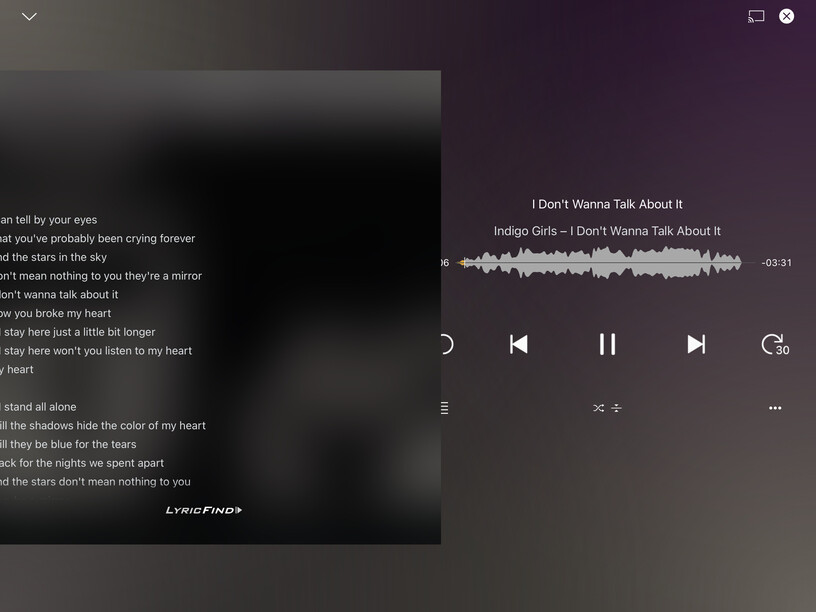
Just an FYI that I have now noticed an overflow on the UI (both on the left and right) when the lyrics are used in the iPad which might be related (as I did not notice this prior to the initial fix).
Something to let the devs know who are working on this when you get the chance.
Note: this doesn’t happen on all songs. I tried to see if there was anything different (i.e. timed, text lengths, etc) but nothing jumped out. Perhaps it is the format of the lyrics (i.e. line/carriage return types embedded in the LyricFind formats, etc)?
For reference, I am seeing this in the following:
Plex app: v7.14.1
iOS: 14.5 beta 4
iPad: Pro 10.5"
ok thanks. i will add it to bug report
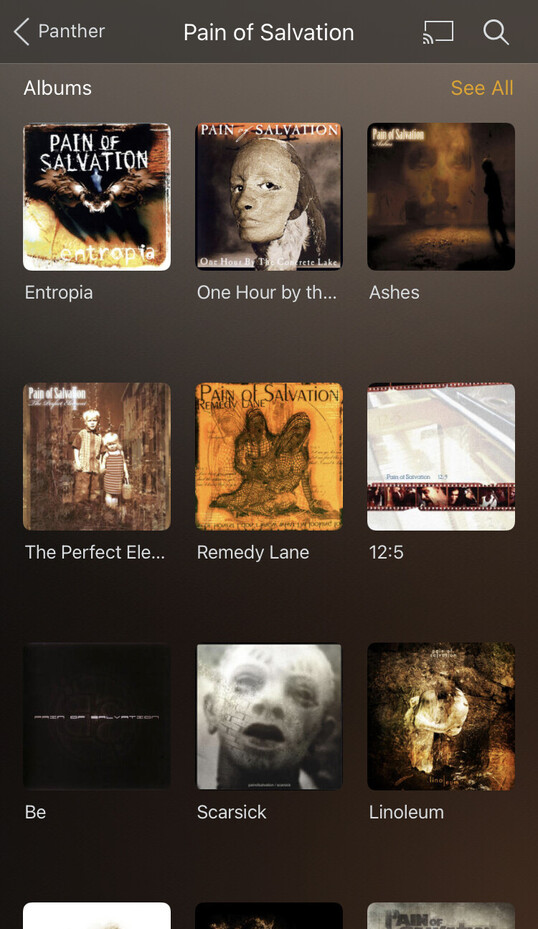
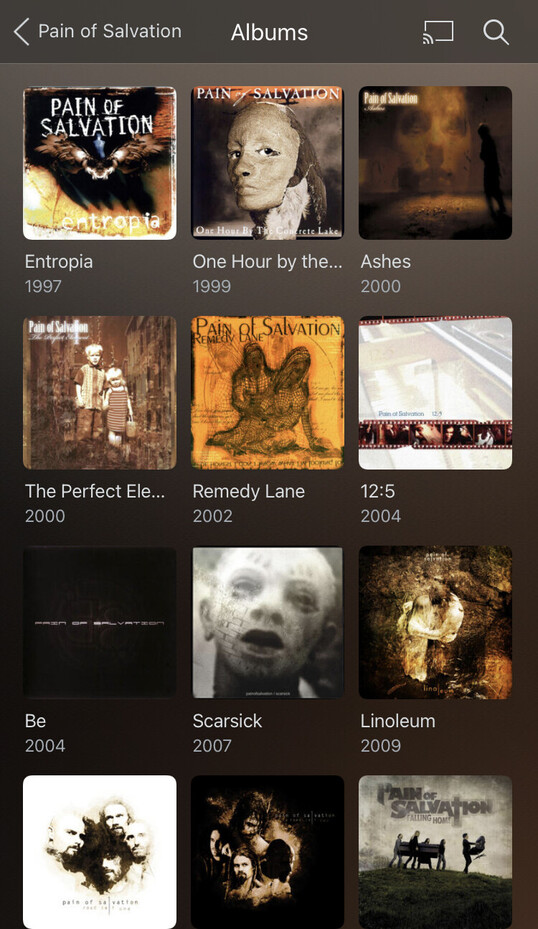
I have the feeling there are generally more issues here. For example the album list on the artist page has a LOT of whitespace and doesn’t show any year. If you hit ‘show all’ it looks right again, with correct spacing and year.
The change I like though for the moment because of the issues of the OP to not have superimposed icons over my artwork on top of the now playing screen. This always bothered me 
Hi @BigWheel ,
Has there been any updates on this issue?
Like @Stormdragon, I’m seeing lyrics overflow in iPad landscape. It doesn’t happen on all songs. I’ve tried using TextSoap on the Mac to clean the lyrics text of any extraneous line/carriage return characters to no effect.
Is there any update on this bug fix?
I’m using
Plex app: v7.18
iOS: 14.6
iPad Air 2019