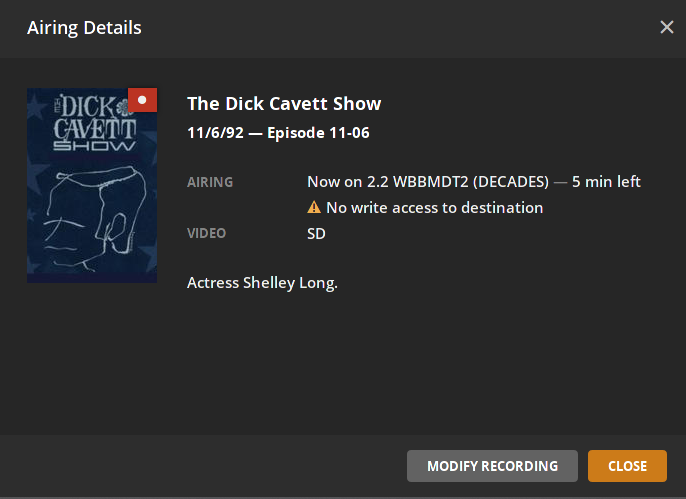
I’ve been trying to setup DVR for around 6 hours now, and I keep hitting the same roadblock. Whenever I set something to record I get the message No write access to destination and a little amber caution symbol over the show.
My setup is a ESXI VM running Plex with a mounted CIFS share from a different ESXI VM. I have tried all sorts of different permissions up to and including 777 on both the Plex VM and the Samba Host.
\UbuntuFile\Media /mnt/Media cifs user=username,defaults 0 0
I can write to the mount as myself. Do you mean switching to the account that PMS creates, plex?
I can write to the mount as myself. Do you mean switching to the account that PMS creates, plex?
Yes. I would expect it to have the same issue (not writeable) as PMS is reporting in the GUI. Just looking to confirm. Knowing that your normal user account is able to write to the mount is a good data point.
What if you specify your plex account UID and GID in your mount statement? On my system, UID 111 is the plex user and 118 is the plex group so I added “uid=111,gid=118”.
Yes. I would expect it to have the same issue (not writeable) as PMS is reporting in the GUI. Just looking to confirm. Knowing that your normal user account is able to write to the mount is a good data point.
What if you specify your plex account UID and GID in your mount statement? On my system, UID 111 is the plex user and 118 is the plex group so I added “uid=111,gid=118”.
Oh my god, that was exactly what I was missing! I just ran two successful test records. Thank you so much!