Feel like I am missing something basic here but not finding after digging…
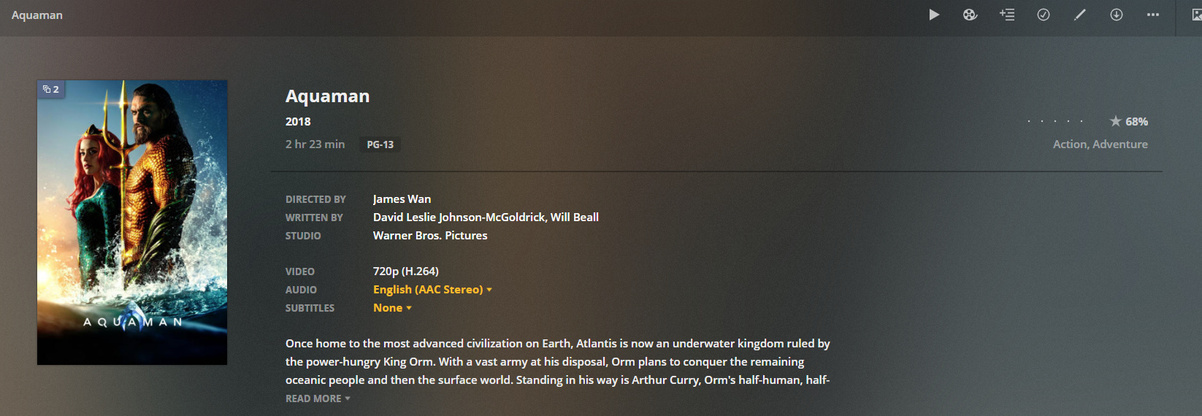
I’ve got a 1080p video with about 5 audio tracks that I’ve done optimize for mobile on. Problem is, now every time I browse to the movie on any player it shows the 720p version with the greatly reduced audio tracks. I can switch versions for playback using the picker, but how do I get it to default to my original file for the browser?
Can you provide the xml for that movie?
For kicks I tried deleting the optimized version and rebuilding it. Same issue. I also did another video and it behaves the same. So whatever foolish thing I’m missing, it’s system wide apparently.
EDIT Added some screen grabs to help visualize what I’m talking about.
8430.zip (7.2 KB)
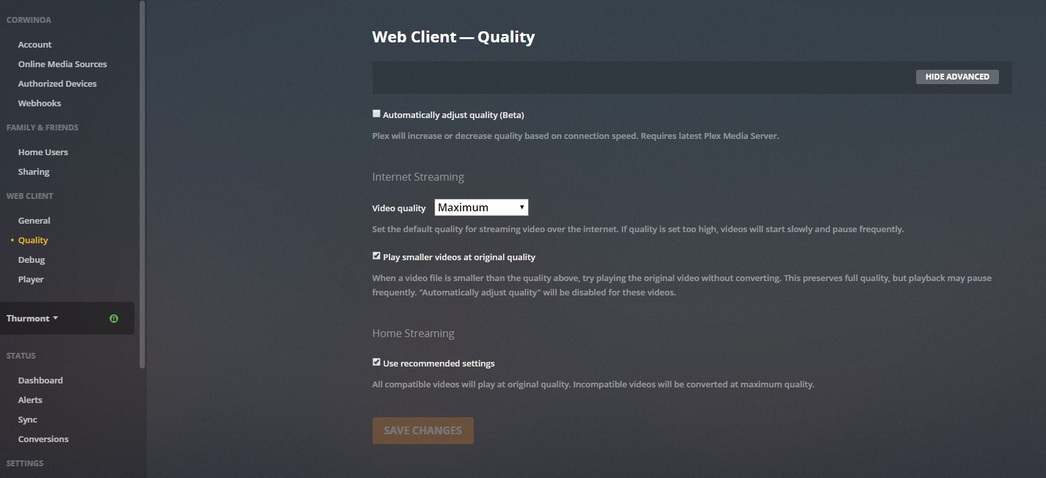
What are your quality settings? It should pick the version that best matches your quality settings.
Far as I can tell i’m set to original quality and maxed out everything just to be sure for now. That’s what has me confused, it SHOULD be selecting the 1080p copy but on every player I have (windows, roku, ios, web) it shows the 720p copy until I delete it, then the 1080p will appear everywhere.