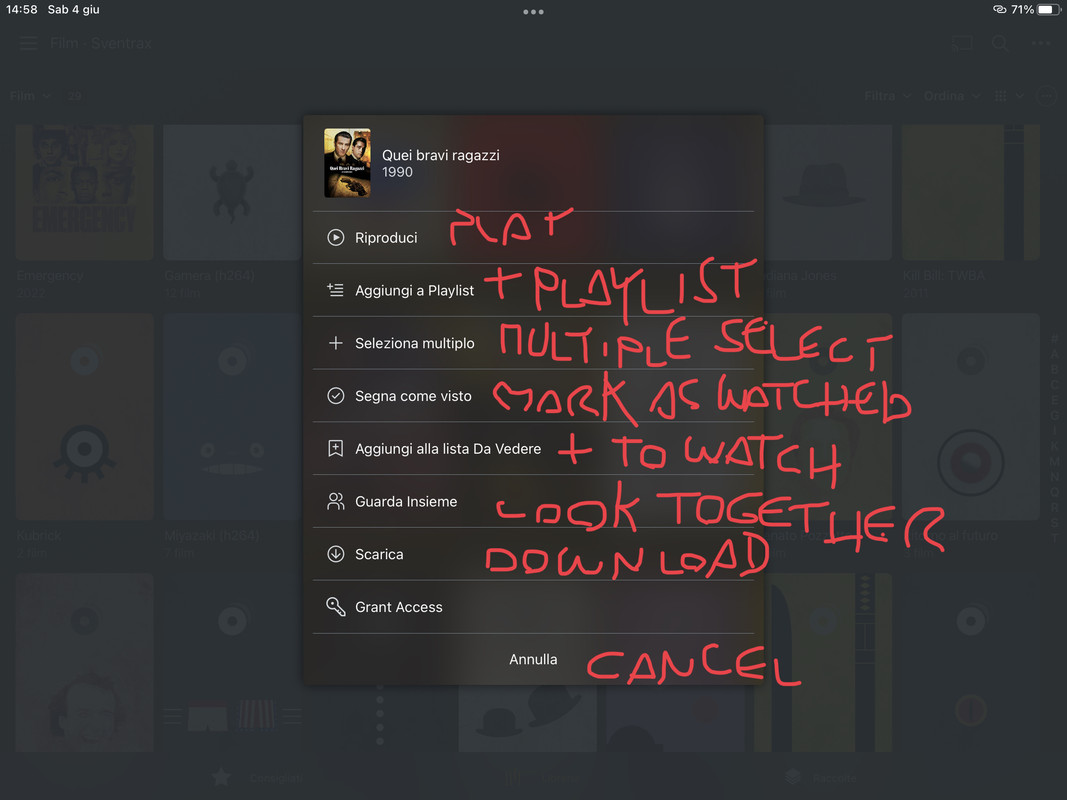
I’m on holiday on the other side of the world. I can access my movies library for view with the iOS app. But I need to organize them (i.e. change tags, rename, etc.). Is there a way, or another app, to do that? Unfortunately I cannot access the server via web.
Are you referring to just the synced files on your phone? You can’t change those. If you mean that your phone is accessing the server, there’s no reason why PlexWeb won’t work, and you can edit the names and such through that.
Protip: The app.plex.tv one is updated more often than the embedded one in the server that you get to by going to the IP address. You’re better off just using the plex.tv one all the time (it connects directly to your server when inside the home network).